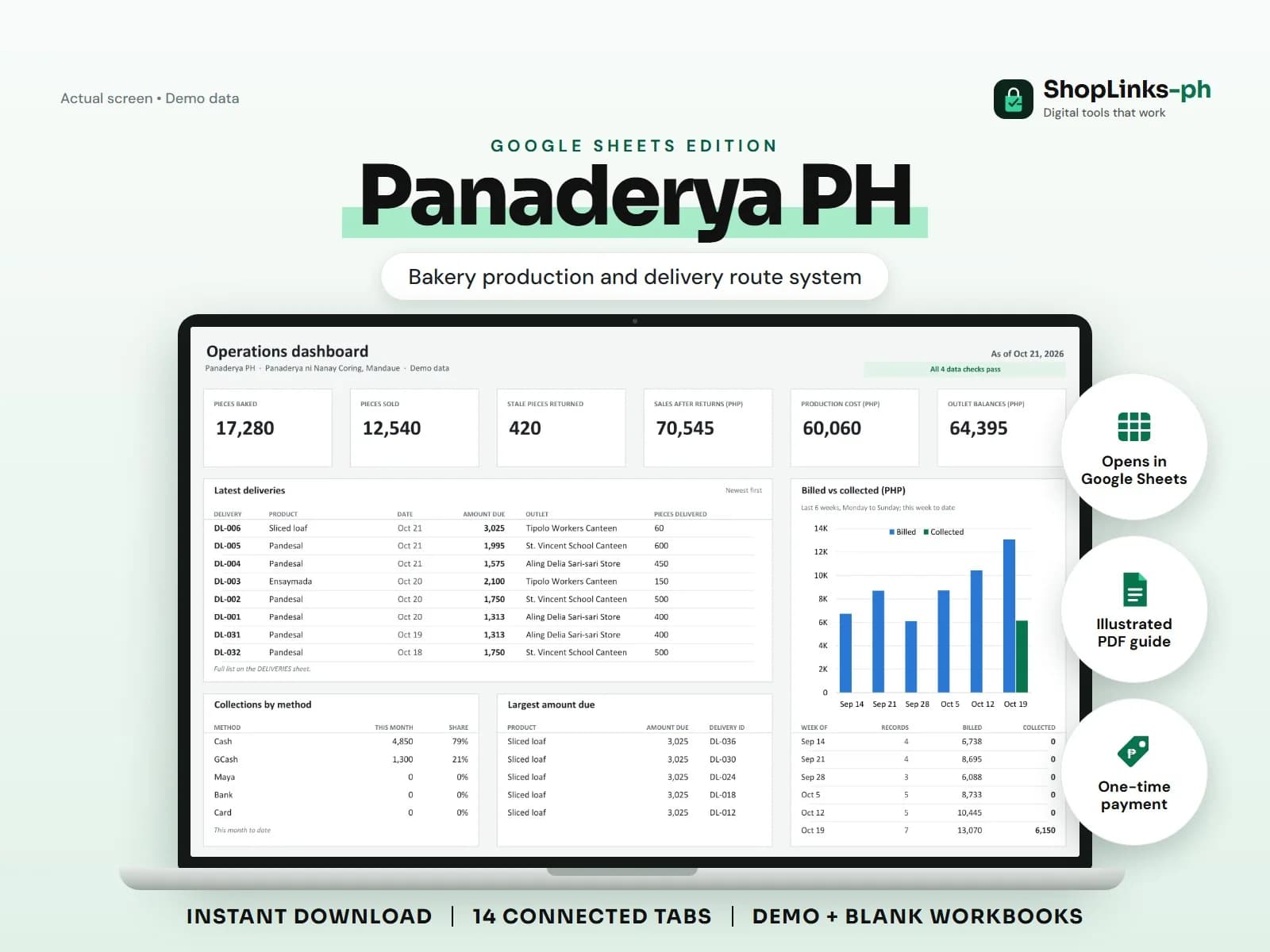
KitaKitchen PH - Private Google Sheets Web App
Private dashboard and entry forms powered by your own Google Sheet.
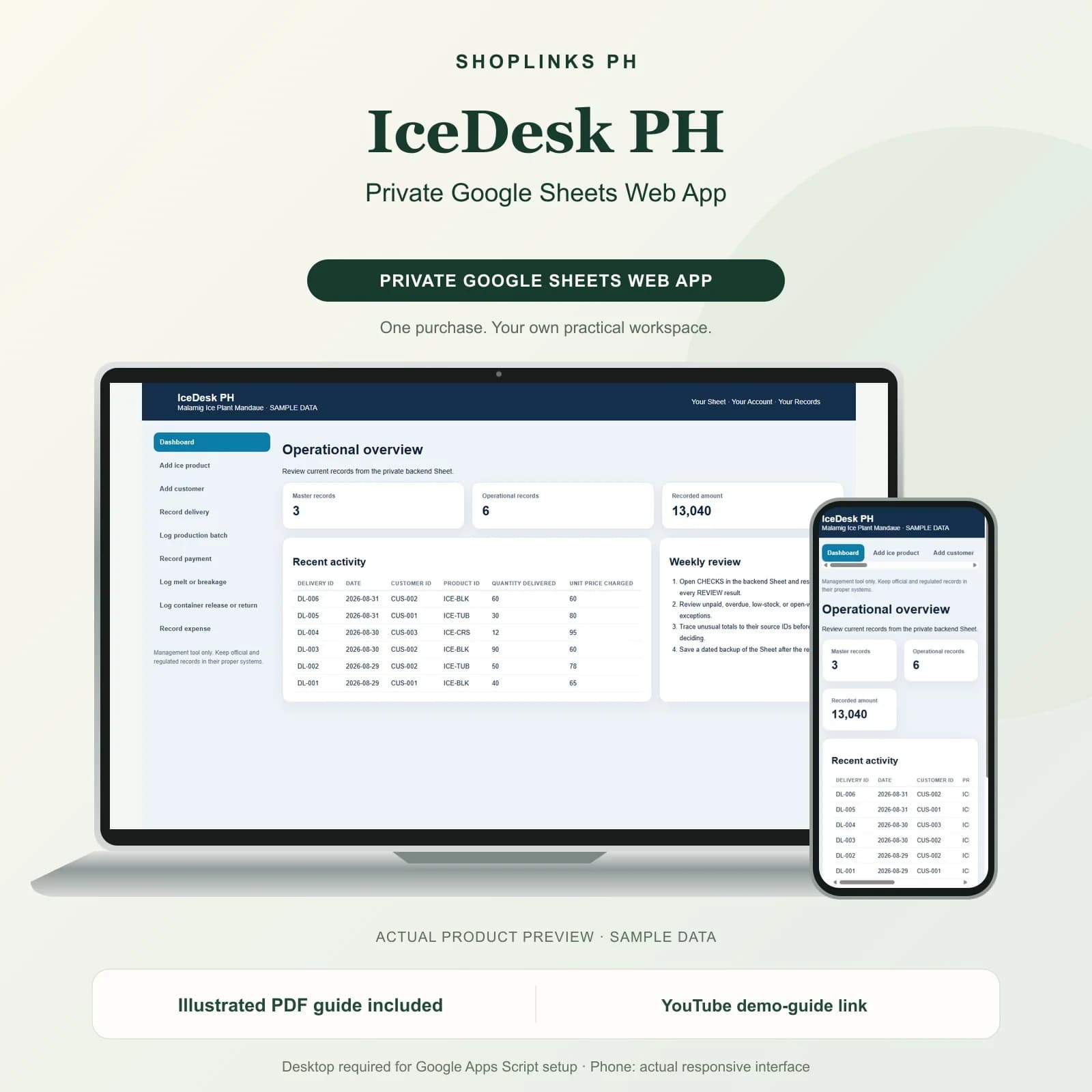
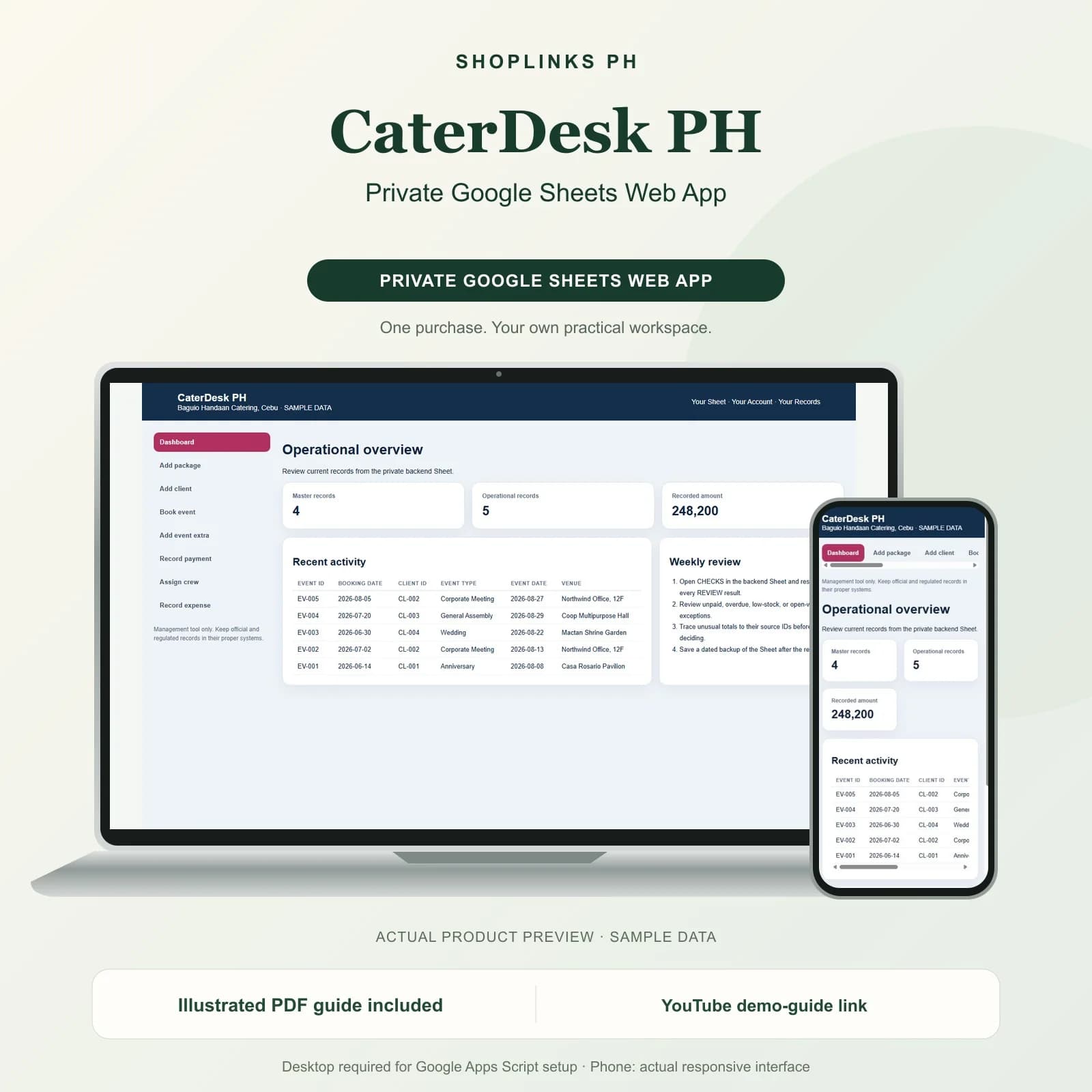
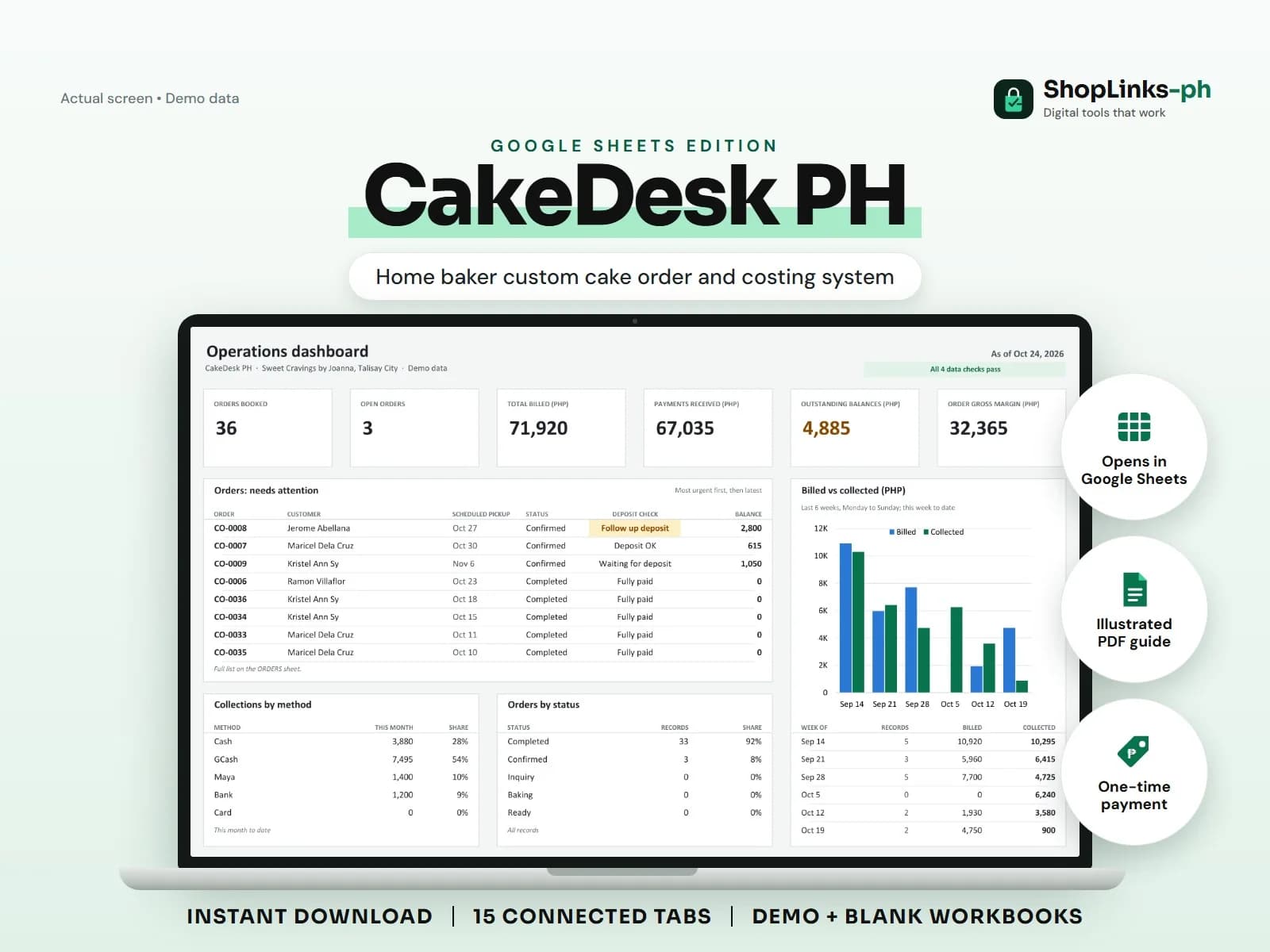
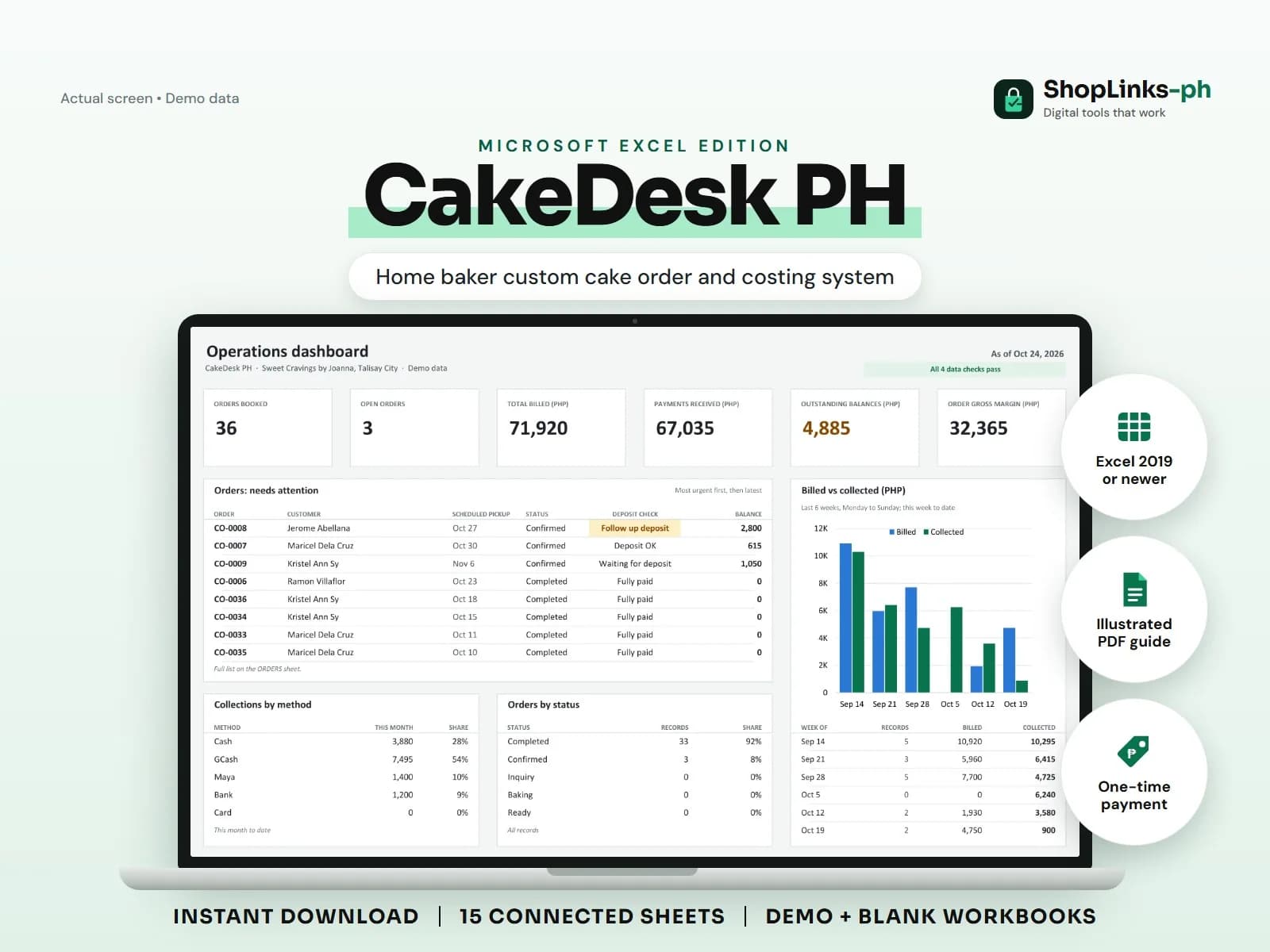
Run food-costing estimates, view business KPIs, and add sales, expenses, or ingredients through a private Google Apps Script web app.
Prices are in Philippine pesos (PHP). RDahunan I.T. Services is a NON-VAT registered taxpayer, so no VAT is added. The amount shown is the final amount you pay.
Buy now- Purchase without creating an account
- Access sent to your checkout email, usually within 10 minutes after confirmed payment
- Support for missing or broken delivery links
By buying, you agree to the digital product terms.
See it in action.
Play this YouTube preview without leaving ShopLinks. The video remains hosted by YouTube.
Open on YouTubeKnow what happens next.
Run food-costing estimates, view business KPIs, and add sales, expenses, or ingredients through a private Google Apps Script web app.
What to know before you use it.
Run food-costing estimates, view business KPIs, and add sales, expenses, or ingredients through a private Google Apps Script web app.
Works with
- Google Sheets and Google Apps Script
- Modern desktop and mobile browsers
- Private deployment in the buyer's own Google account
Requirements
- A free Google account
- Desktop access for initial Apps Script setup
- Ability to copy source files and authorize a private Web App deployment
Before you buy
Is the Web App already hosted?
No. Source code and deployment instructions are included so you deploy it privately in your own Google account.
Why is a backend workbook included?
The app reads dashboard data and writes entries to an exact Sheet structure. The renamed backend workbook is required for the app to work.
Does this include the separate Excel product?
No. It includes only the Web App source, its required Google Sheet backend, and the Web App guide.
Does it connect to Shopee, TikTok Shop, Grab, or Foodpanda?
No. It does not request marketplace credentials or claim live synchronization.
Learn more before you continue.
Read the linked article for additional context, instructions, or an editorial review of this product.
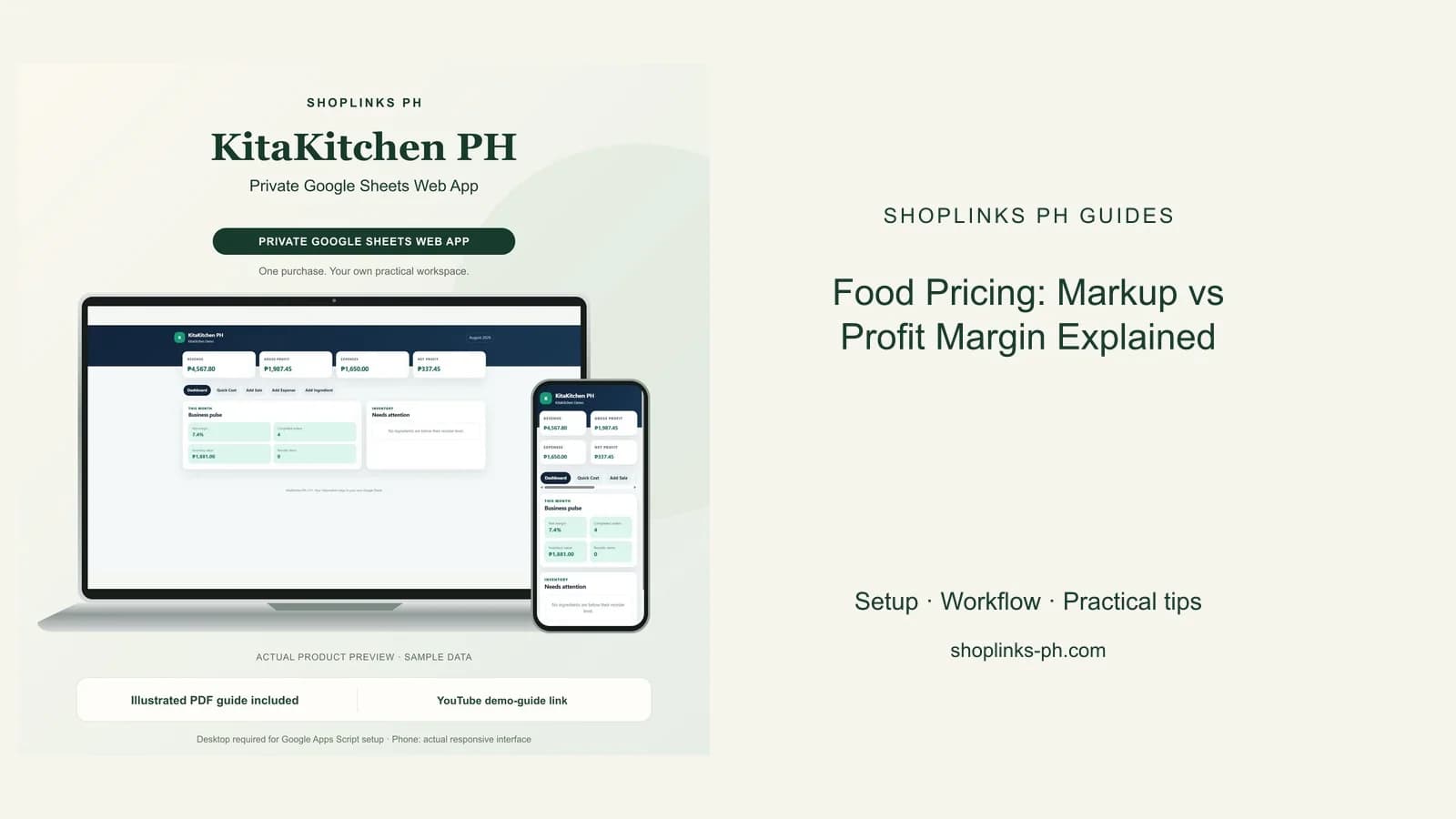
Food Pricing: Markup vs Profit Margin Explained
Markup and margin are not the same. See the formulas, examples, and fee-aware pricing method every small food business should know.
Read the guide