Key takeaways
- The course package sets the sessions included.
- Only completed sessions reduce sessions remaining.
- Instalments are tracked against the enrolment.
- Instructor pay comes from the session log, not memory.
Watch the supporting video
Watch the YouTube guide here while following this article.
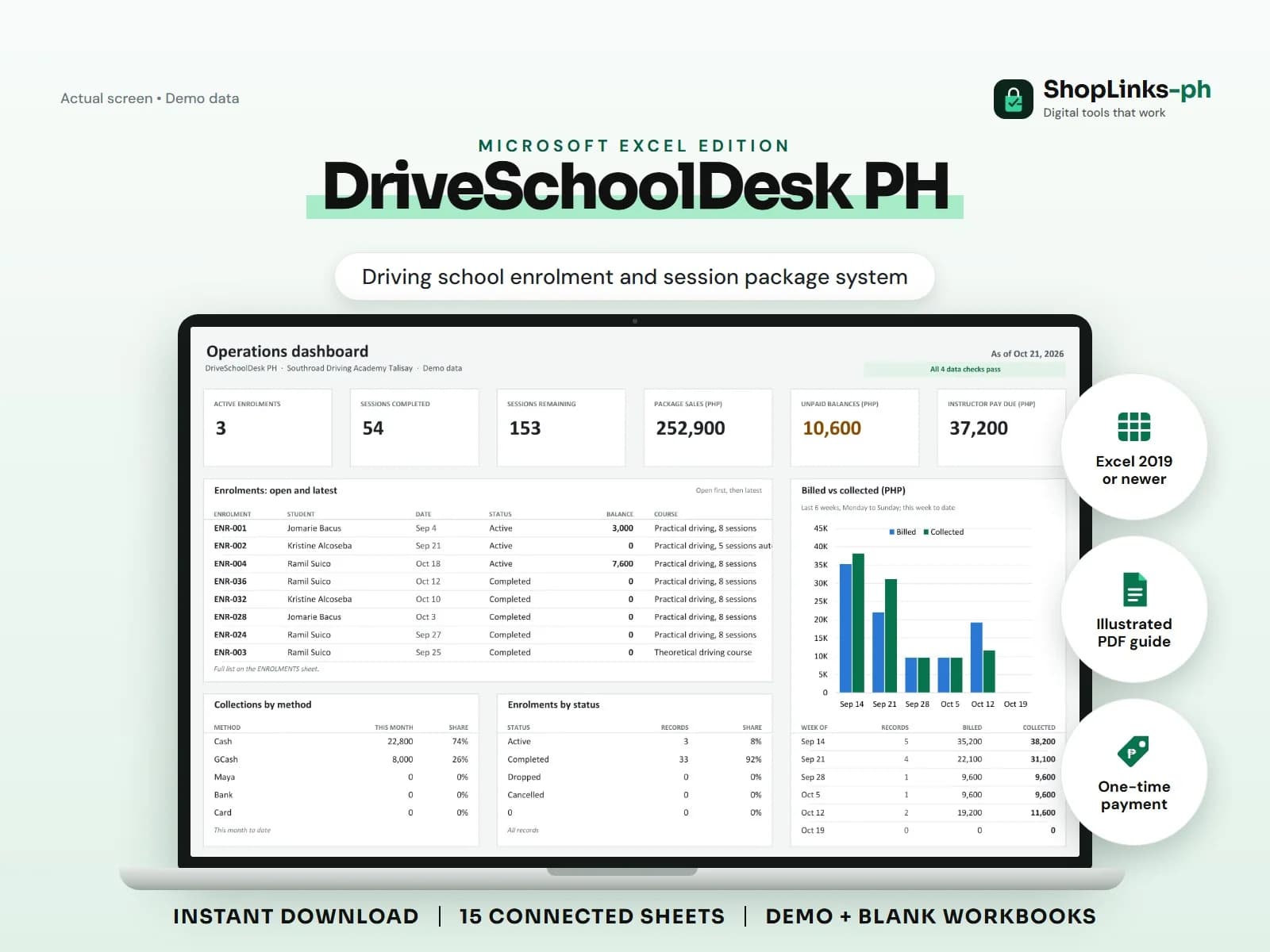
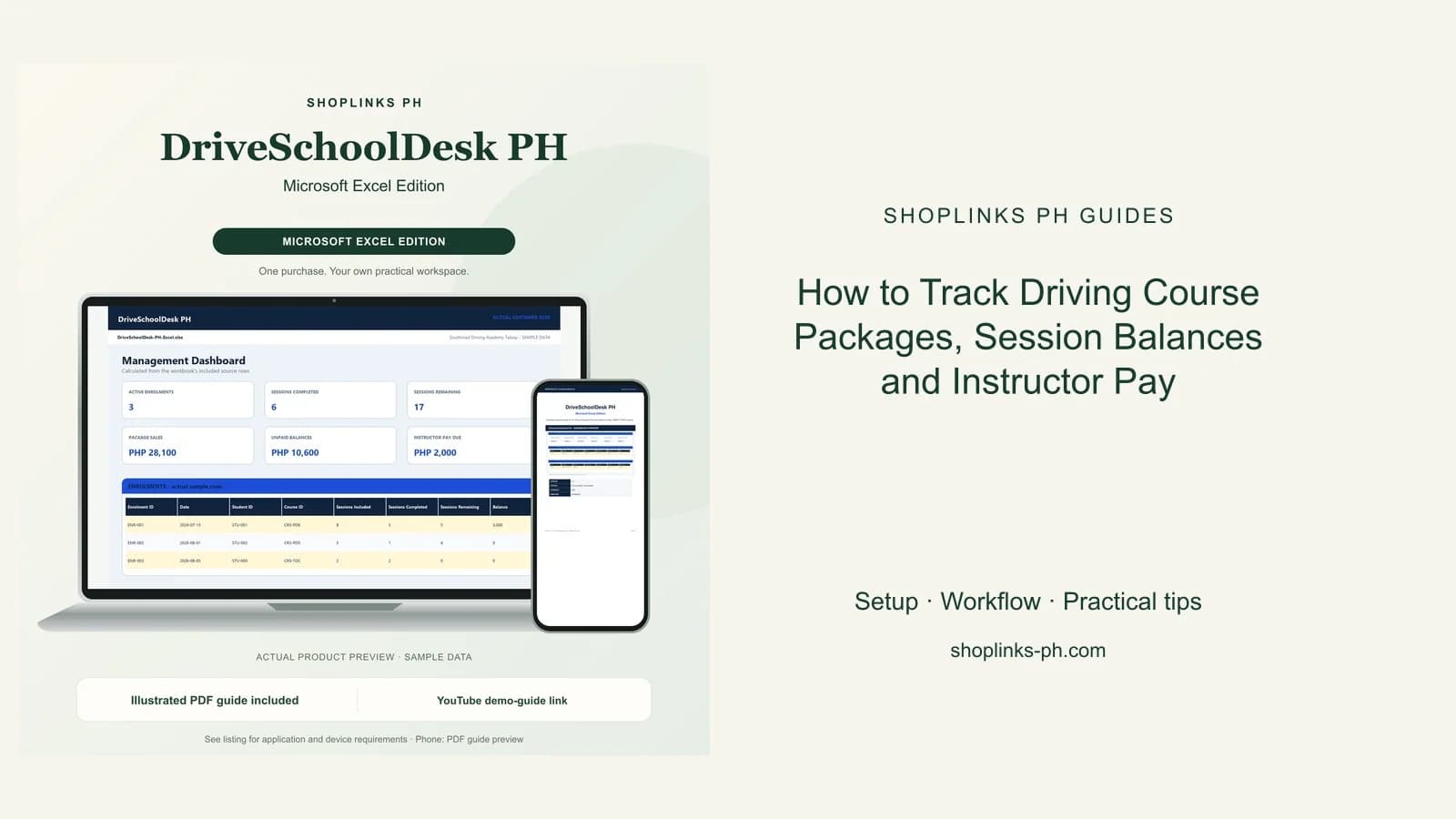
A driving school sells time in advance. A student pays for eight practical sessions in three instalments, drives whenever the schedule allows, and then argues weeks later about how many sessions are left. Instructors are paid per session, the vehicles burn fuel between them, and none of it is visible until the money runs short. DriveSchoolDesk PH puts the package balance at the centre of the record, so sessions included, sessions completed, and sessions remaining are always on the same row.
Sell the package once, count the sessions after
A course package is set up once with its type, the number of sessions it includes, the hours per session, and the price. Price per session is computed so a pro-rated question has an answer.
An enrolment points at a student and a course, and the sheet pulls the sessions included and the package price into the enrolment row. Only the discount is typed.
Draw down only on completed sessions
Each session is logged with its date, instructor, vehicle, start time, hours, and status. A session marked Completed counts against the package; Scheduled, No Show, and Cancelled do not.
Sessions remaining is sessions included less sessions completed, so a package that is exhausted reads zero before anyone books another drive on it.
Pay instructors from the sessions they taught
Instructor pay on a session is the hours times that instructor's rate per hour, counted only when the session was completed. Nothing is estimated at the end of the cutoff.
INSTRUCTOR REPORT totals completed sessions, hours, pay earned, payouts released, and the pay balance still owed, which is the figure to release against.
Keep the vehicles in the same book
Fuel, maintenance, and repair costs are logged per vehicle with an odometer reading, and the vehicle row shows sessions used, hours used, and running cost.
Set that running cost beside the package sales for the same weeks and the true cost of a practical session stops being a guess.
Review exceptions every week
Resolve duplicate IDs, missing links, overdue balances, negative amounts, and open operational items in CHECKS before using the dashboard for decisions.
DriveSchoolDesk PH Microsoft Excel Edition is designed for Microsoft Excel 2019 or newer on Windows or macOS.
No LTO or TESDA accreditation reporting, student licence processing, online booking, SMS reminders, GPS tracking of training vehicles, payroll or tax computation, or official receipts.