Key takeaways
- Set each court's hourly rate and surcharge rate once.
- One booking row gives charge, surcharge, total, and balance.
- Season fees live on the team, not on a booking.
- Utilisation shows which court is really earning.
Watch the supporting video
Watch the YouTube guide here while following this article.
A covered court earns by the hour, but the hours are counted on a whiteboard that gets wiped every night. A regular blocker pays a different rate than the walk-in beside him, the lights ran for six hours and nobody charged for them, and the league team owes a season fee that only one person remembers. CourtDesk PH puts the hours, the rate, and the surcharge in one booking row, then totals what each court actually earned against the hours it had available.
Set the rate once per court
Each court is listed with its hourly rate, its lighting or aircon rate per hour, and the bookable hours you actually offer per day. Every booking then prices itself from those numbers instead of from memory.
When the evening rate changes, it is edited in one cell and applies to bookings recorded after that.
Book by the hour, charge for the lights
A booking records the court, the customer, the hours, and the hours the lights or aircon were running. Court charge is hours times the hourly rate, surcharge is surcharge hours times the surcharge rate, and the total is the two added with any discount taken off.
A daytime practice with no lights simply has zero surcharge hours, so the same row shape works for a walk-in badminton pair and a six-hour weekend block.
Keep league fees separate from hourly play
League teams carry a season fee, and payments can be recorded against a team instead of against a booking. The team balance is the season fee less what has been paid, which is the figure to chase before the finals.
The same team can still make ordinary bookings for practice, and those hours are billed normally without touching the season fee.
Read utilisation before you change the schedule
COURT REPORT totals bookings, hours booked, hours available, utilisation, revenue, collections, and unpaid balance for each court. A court at fifteen percent utilisation is not a pricing problem, it is an empty-slot problem.
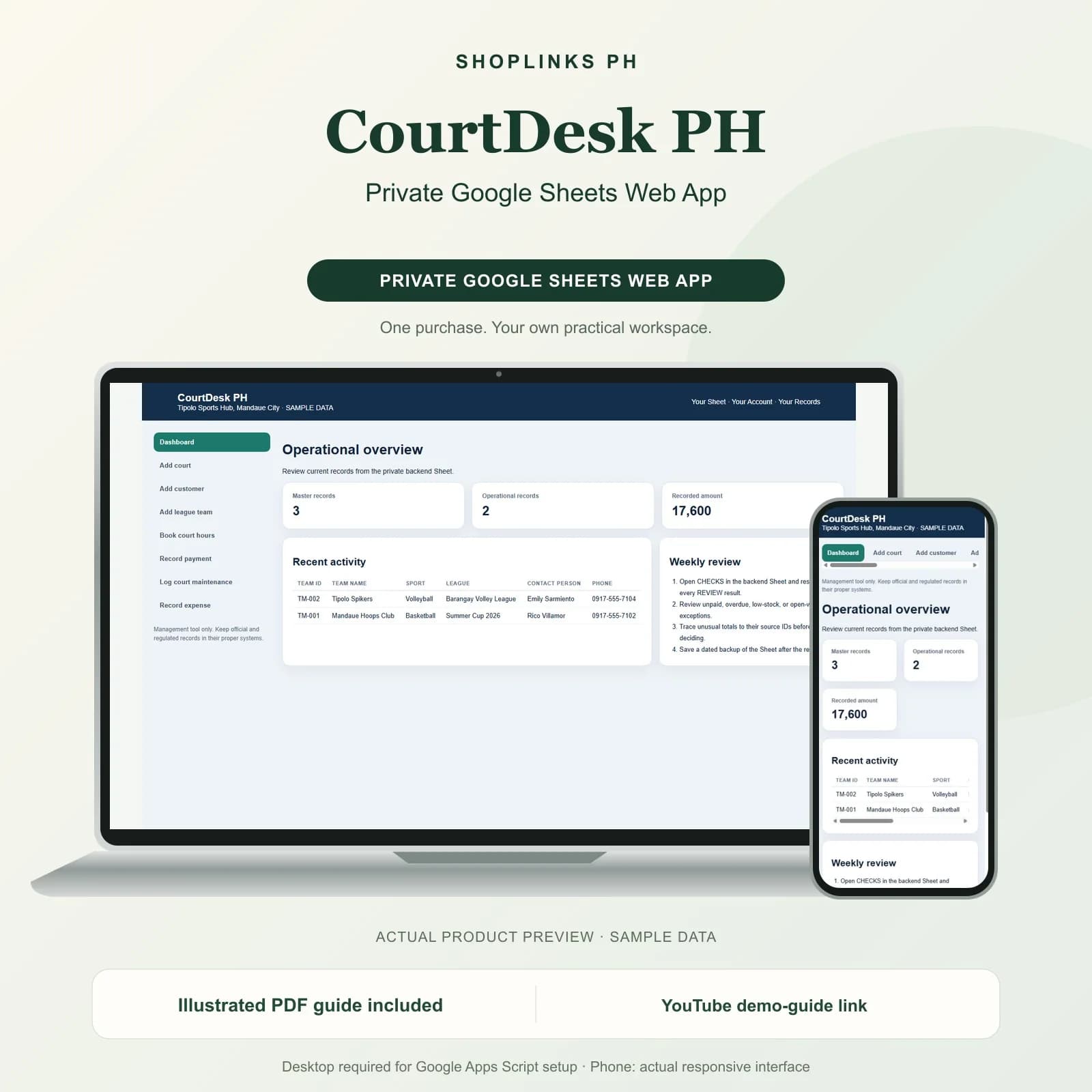
The dashboard shows hours booked, revenue, collections, unpaid balances, and season fees due, so a weekly review takes a minute rather than an evening.
Review exceptions every week
Resolve duplicate IDs, missing links, overdue balances, negative amounts, and open operational items in CHECKS before using the dashboard for decisions.
CourtDesk PH Private Google Sheets Web App is designed for use with a Google account, Google Sheets, and Apps Script, using owner-only deployment by default.
No online booking page, calendar or payment app sync, automatic slot blocking, SMS or app reminders, membership card scanning, payroll, tax filing, or official receipts.