BuildKita PH - Excel Contractor Job Costing & Billing System
See project cost, billing, and collection in one offline Excel system.
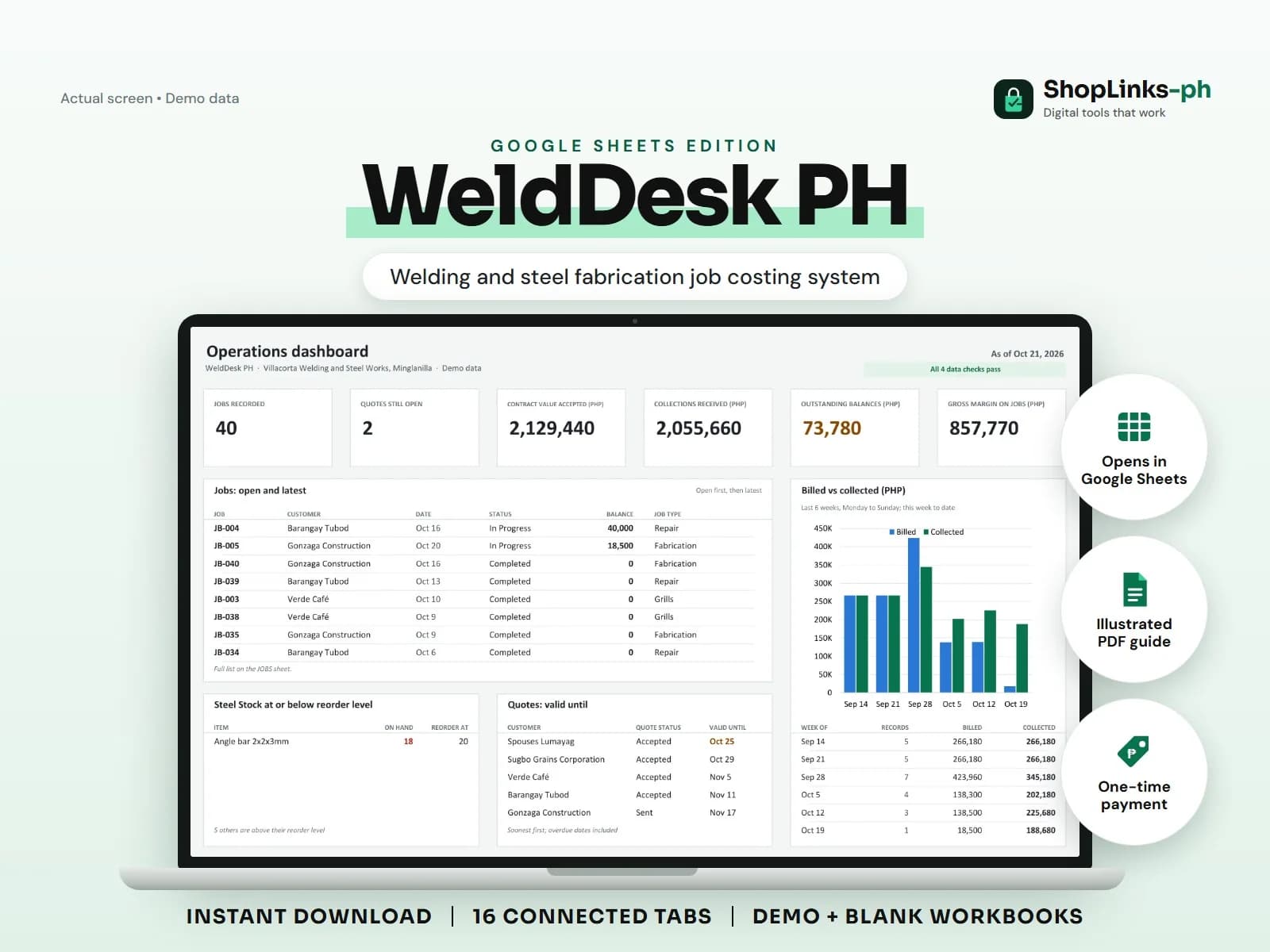
Track project budgets, actual costs, approved change orders, progress billings, retention, collections, forecast cost, and projected gross profit in Microsoft Excel.
Prices are in Philippine pesos (PHP). RDahunan I.T. Services is a NON-VAT registered taxpayer, so no VAT is added. The amount shown is the final amount you pay.
Buy now- Purchase without creating an account
- Access sent to your checkout email, usually within 10 minutes after confirmed payment
- Support for missing or broken delivery links
By buying, you agree to the digital product terms.
Know what happens next.
Track project budgets, actual costs, approved change orders, progress billings, retention, collections, forecast cost, and projected gross profit in Microsoft Excel.
What to know before you use it.
Track project budgets, actual costs, approved change orders, progress billings, retention, collections, forecast cost, and projected gross profit in Microsoft Excel.
Works with
- Microsoft Excel 2019 or newer
- Windows or macOS
- Philippine peso reporting
Requirements
- Microsoft Excel 2019 or newer
- Basic project, cost, billing, and collection records
Before you buy
Does this include Google Sheets or the Web App?
No. This delivery contains only the separately sold Microsoft Excel Edition.
Does it prepare official invoices or certify project progress?
No. It is a management tracker and does not replace official billing, engineering, accounting, tax, legal, or compliance processes.
Can it track several projects?
Yes. Version 1.0 provides prepared rows for up to 300 projects, subject to the stated workbook limits and your device.
Can I share or resell it?
No. One purchase covers internal use and customization for one business; redistribution and resale are prohibited.
Learn more before you continue.
Read the linked article for additional context, instructions, or an editorial review of this product.

A Practical Excel Job-Costing and Progress-Billing Workflow for Philippine Contractors
A practical way for small Philippine contractors to connect project budgets, actual costs, approved changes, progress billings, retention, and collections in Excel.
Read the guide