Key takeaways
- Bills follow the subscriber's plan rate.
- Overdue accounts reach a notice stage by a fixed rule.
- Installs, tickets and equipment are recorded per subscriber.
- Each area shows its billing against its own costs.
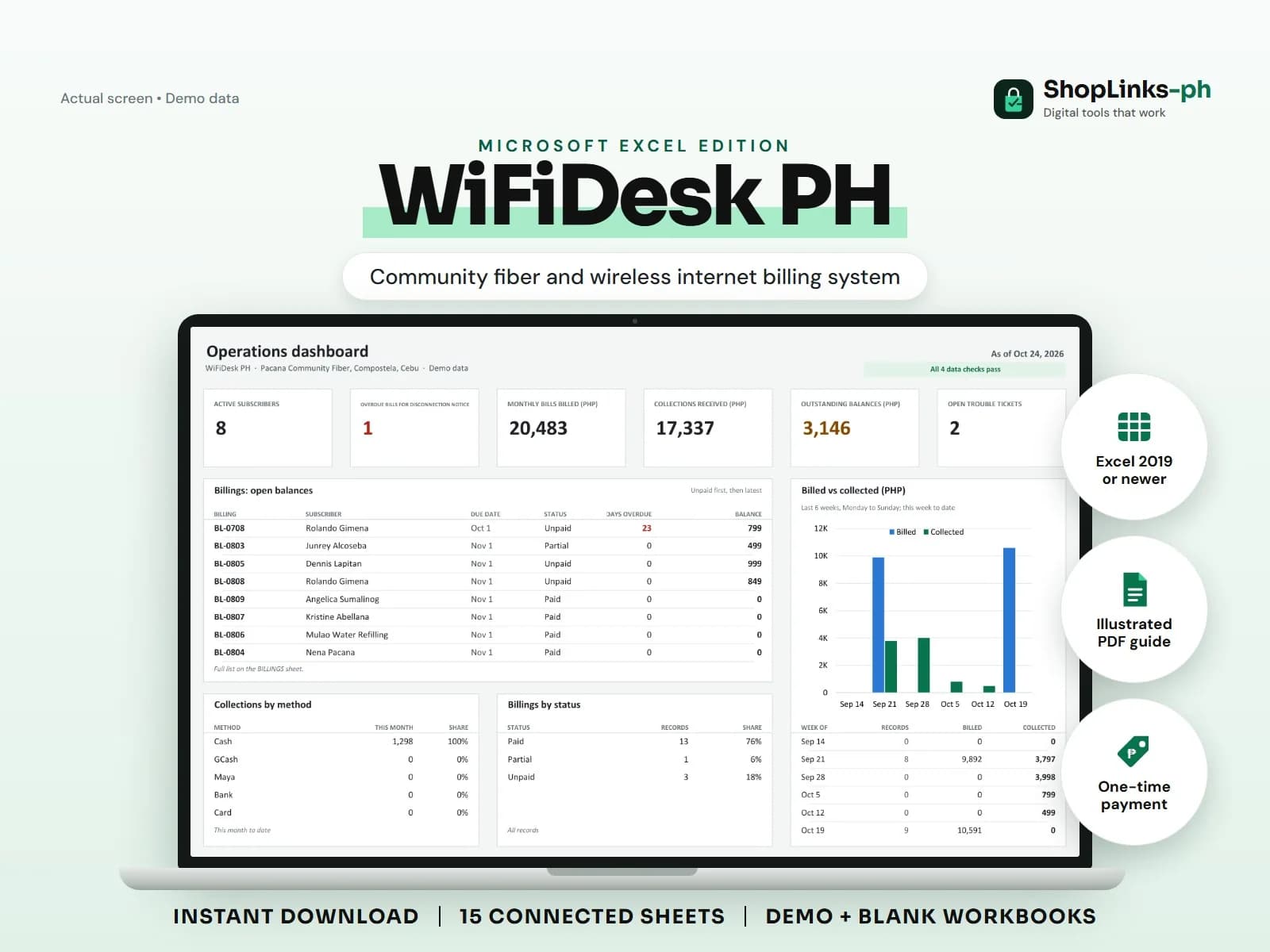
A community internet provider lives on monthly bills of a few hundred pesos each, collected from dozens or hundreds of households. The network is the visible part of the business. The quieter part is knowing who has paid, who is late, which area is full, and whether the upstream line and pole fees are actually covered. WiFiDesk PH keeps that side of the business in one workbook.
Bills from the plan, not from memory
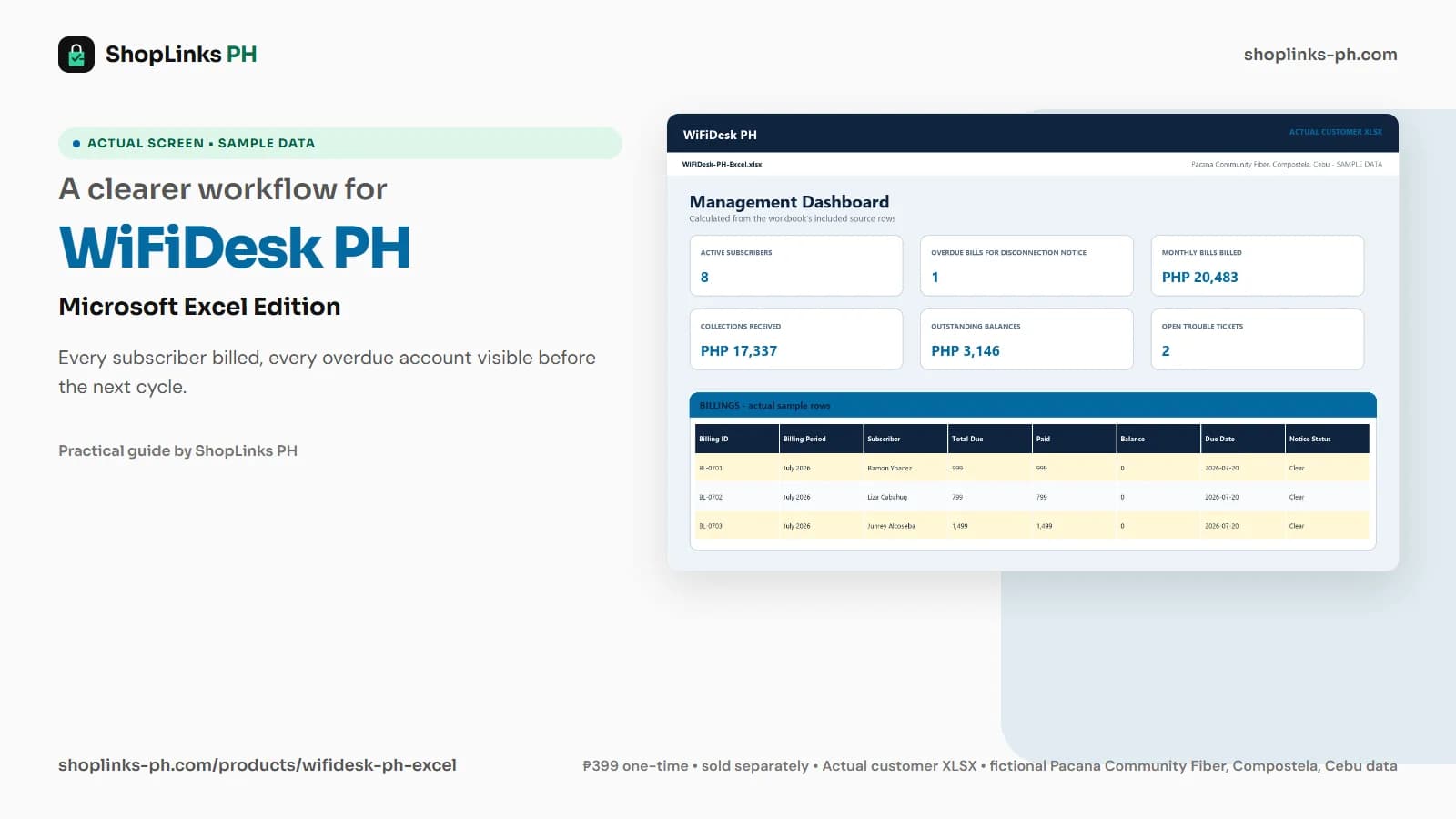
Each subscriber is on a plan, and each month's bill takes the plan rate automatically. Penalties and other charges are added, and a bill credit covers downtime or a prorated first month, so the total due is explainable line by line.
Payments are recorded against the specific bill with their reference, so a subscriber who pays in two parts still ends the month with a correct balance.
Overdue before disconnected
Days overdue counts from the due date only while money is owed. The notice status reads Overdue first and For disconnection notice after 15 days, which gives the operator a fair, consistent rule instead of a judgment made at the end of the month.
The workbook never disconnects anyone. It produces the list, and the decision stays with the operator.
Installs, tickets and equipment
Installations record the fee, what was paid, materials and labor, so the real cost of a free-install promo is visible. Trouble tickets record when an outage was opened and resolved and how many hours the subscriber was down.
Issued equipment carries the subscriber, deposit and returned date, so an ONU taken back from a disconnected account is not forgotten in a drawer.
Margin by area
Each area lists its NAP boxes and ports. The area summary compares active subscribers with that capacity, sets the area's billing against the costs tagged to it, and counts open tickets.
Shared costs such as the upstream line stay untagged, so the area margin shows what each area contributes before the shared bill is paid.
Review exceptions every week
Resolve duplicate IDs, missing links, overdue balances, negative amounts, and open operational items in CHECKS before using the dashboard for decisions.
WiFiDesk PH Microsoft Excel Edition is designed for Microsoft Excel 2019 or newer on Windows or macOS.
No router, OLT, RADIUS or hotspot integration, no automatic disconnection or speed control, no online payment collection, and no regulatory filing; permits, licensing and compliance stay with the operator.