Key takeaways
- Assign every customer to a route and type.
- Order lines drive totals; payments drive balances.
- Log containers out, returned, lost, and replaced per customer.
- Use the ledger for collections and the maintenance sheet for filters.
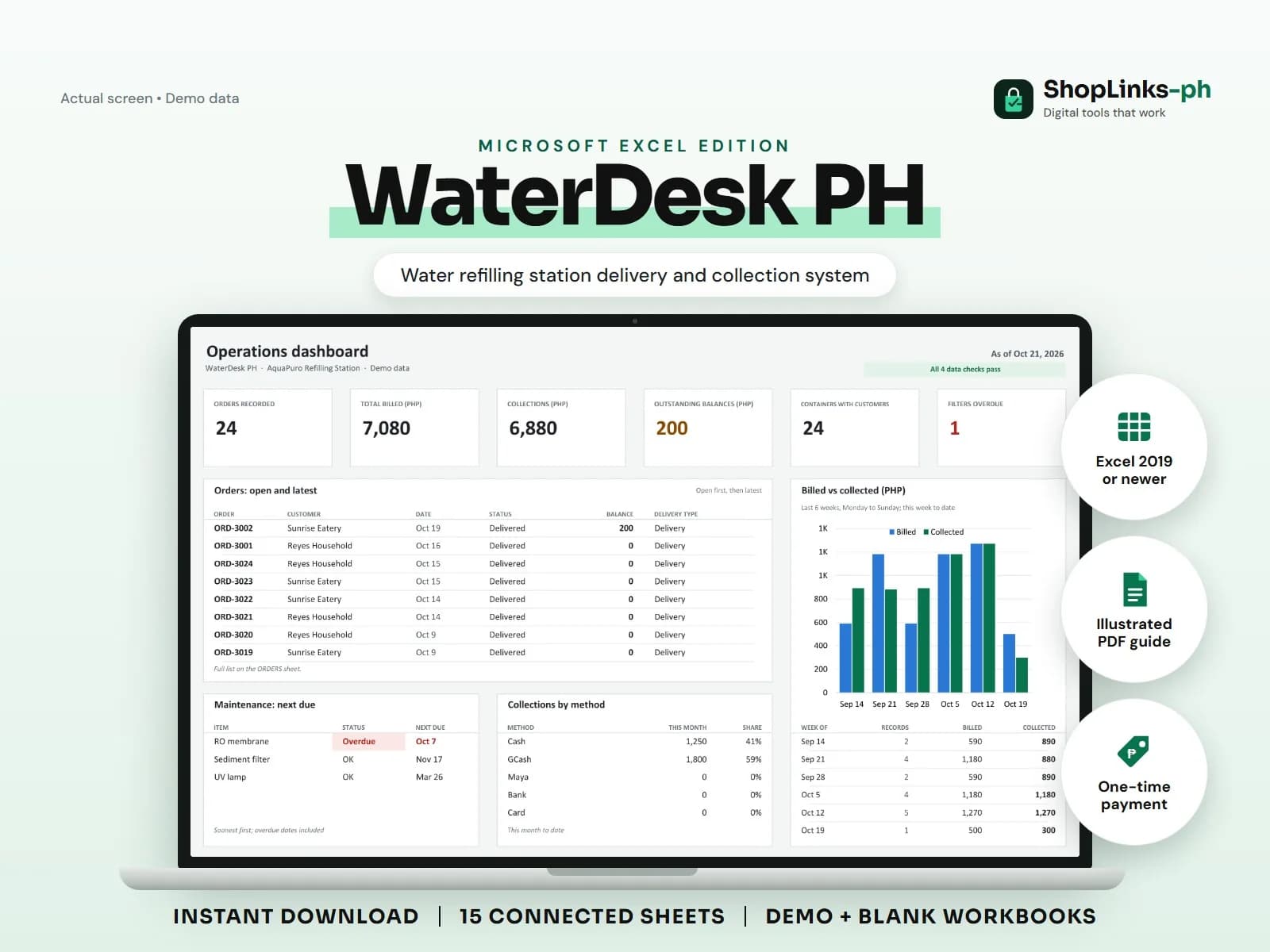
A water refilling station moves hundreds of small transactions a week, and the money is not the only thing that goes out the door. Containers do too. Most stations lose track of who holds how many gallons and which delivery customers still owe for last week. WaterDesk PH connects orders, containers, and payments to one customer ID so both questions have an answer.
Set up routes and customers first
Create each route with its area, delivery days, and rider, then assign every customer to a route and a type: household, business, or reseller. The rider's list for Monday is then just the customers on that route.
Products are simple: refills by container type, new containers, and accessories, each with a selling price and unit cost.
Record the order and its lines
Each order carries the customer, route, delivery type, and rider. Order lines hold the refills and containers with quantity and unit price. The subtotal, delivery fee, discount, total, payments, and balance are calculated, not typed.
Cash-on-delivery customers are paid the same day; business customers are often billed weekly, and the balance column keeps that honest.
Log container movement
Every delivery that leaves containers behind and every pickup that brings them back is logged as Out, Returned, Lost, or Replaced against the customer and order. The customer's container balance is the difference.
Over a month this shows which customers quietly accumulate gallons and when a container deposit or replacement charge is fair.
Collect by route and maintain on schedule
The CUSTOMER LEDGER lists orders, billed amounts, payments, balance, and containers out per customer, grouped by route, so a rider knows whom to collect from before leaving.
The MAINTENANCE sheet turns last-replaced dates and intervals into a status of OK, Due Soon, or Overdue for sediment filters, carbon blocks, membranes, and UV lamps.
Review exceptions every week
Resolve duplicate IDs, missing links, overdue balances, negative amounts, and open operational items in CHECKS before using the dashboard for decisions.
WaterDesk PH Microsoft Excel Edition is designed for Microsoft Excel 2019 or newer on Windows or macOS.
No water-quality testing, DOH or LGU permit compliance, sanitation certification, official receipts, tax filing, GPS tracking, route optimization, or automatic SMS notifications.