Key takeaways
- Service and parts are billed as separate lines.
- Stock moves with the job that used it.
- Retread casings have a count and a clock.
- Warranties expire on a computed date.
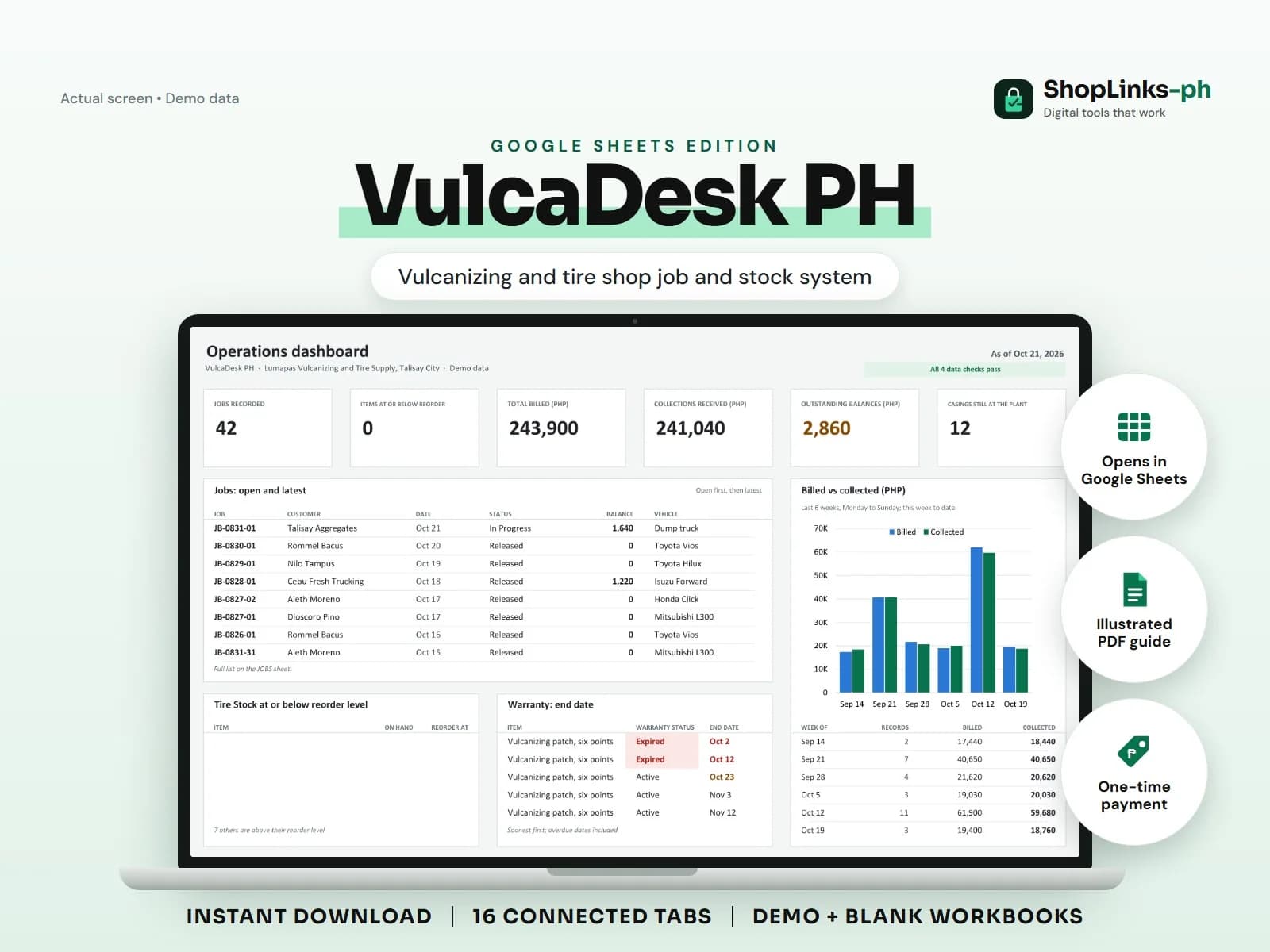
A vulcanizing shop takes cash all day for small amounts and occasionally sells a set of tires worth a month of patches. The two are usually recorded the same way, which is to say hardly at all. VulcaDesk PH separates the labour from the parts, ties stock movements to the job that consumed them, and keeps the retread casings and warranties on record where the shop can read them.
Labour and parts are different things
Each job carries service lines for patches, mounting and balancing, and part lines for tires, tubes and supplies. The total is services plus parts less any discount.
Keeping them apart is what lets a shop see whether it is a service business that sells tires or a tire retailer that patches, which are different businesses with different margins.
Stock that matches the work
Every part used is a stock movement of type Job Use against the item. On hand is the opening stock plus receipts less everything used, sold or adjusted out.
Items at or below their reorder level are counted on the dashboard, which is the list to take to the supplier.
Casings are somebody else's inventory
Truck casings sent for retreading are recorded with the count, the plant, the cost per casing and the charge to the customer. Days out runs from the day they left.
After three weeks the row reads Overdue at plant. Casings are valuable and easy to lose track of, especially when a fleet customer sends eight at a time.
Warranties and technicians
A warranty records the item, the days covered and the start date. The end date follows, and the status reads Active, Expired or Claimed.
Technicians carry a commission percentage against the service revenue of the jobs in their name, so the shop pays on what was actually recorded.
Review exceptions every week
Resolve duplicate IDs, missing links, overdue balances, negative amounts, and open operational items in CHECKS before using the dashboard for decisions.
VulcaDesk PH Google Sheets Edition is designed for use with a Google account and current desktop Google Sheets.
No point-of-sale hardware or receipt printer, no tire tread depth or DOT code inspection records, no supplier ordering or purchase order approval, no vehicle service history beyond the jobs recorded, and no BIR sales reporting.