Key takeaways
- Record roof area and monthly bill before quoting.
- Price the quote in kilowatts times a price per kilowatt.
- Convert accepted quotes so contract value is never retyped.
- Bill by milestone and issue stock to the project.
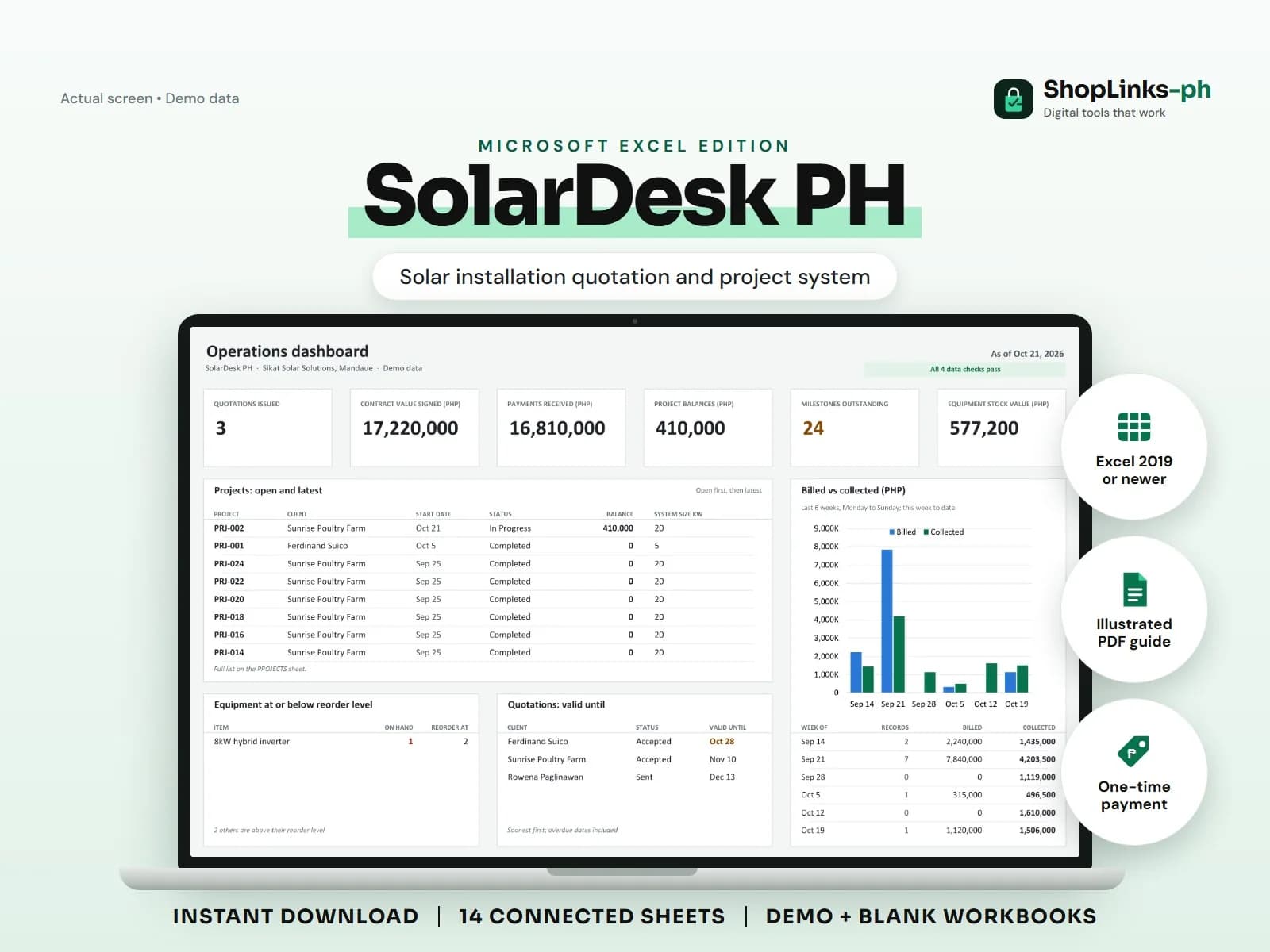
A solar contractor loses money in the gap between the quotation and the project. The quote says five kilowatts at a price per kilowatt, the crew installs what fits the roof, and the collection is chased from a chat thread. SolarDesk PH keeps the quote as the source of the contract value, so a project cannot drift from what the client actually signed. Milestones then turn that contract value into amounts you can collect.
Survey before you price
A lead records the roof area in square metres and the monthly bill, which are the two numbers that size a residential system. The survey date and surveyor stay on the same row.
Stages run from New through Survey Done and Quoted to Won or Lost, so the pipeline count stays honest instead of being guessed from memory.
Price per kilowatt, not per guess
A quotation carries the system size in kilowatts and your price per kilowatt. System price is computed, then extras such as longer cable runs are added and any discount is subtracted.
Because the price basis is explicit, two quotes issued three months apart can be compared and a rate change is a single edit rather than a rebuild.
Convert the quote into a project
A project points at the quote ID it came from and inherits the system size and contract value. There is no second place to mistype the amount.
Milestones split the contract by rate: half on down payment, most of the rest on installation, and the remainder on commissioning. Each milestone amount is the rate times the contract value.
Issue stock and date the warranties
Panels, inverters, and mounting kits are issued to a project as stock movements, so the warehouse count drops when the crew loads the truck and not when someone remembers.
Warranties record the start date and the number of years per component, and the sheet computes the end date, days left, and a status of Active, Expiring, or Expired.
Review exceptions every week
Resolve duplicate IDs, missing links, overdue balances, negative amounts, and open operational items in CHECKS before using the dashboard for decisions.
SolarDesk PH Microsoft Excel Edition is designed for Microsoft Excel 2019 or newer on Windows or macOS.
No net-metering applications, electrical permits, utility approval, engineering sign-off, energy-yield guarantees, equipment certification, official receipts, or tax filing.