Key takeaways
- Every lead gets a stage and a next follow-up date.
- Viewings reference lead, listing, and agent.
- Deals compute the commission split.
- Pay agents from closed deals only.
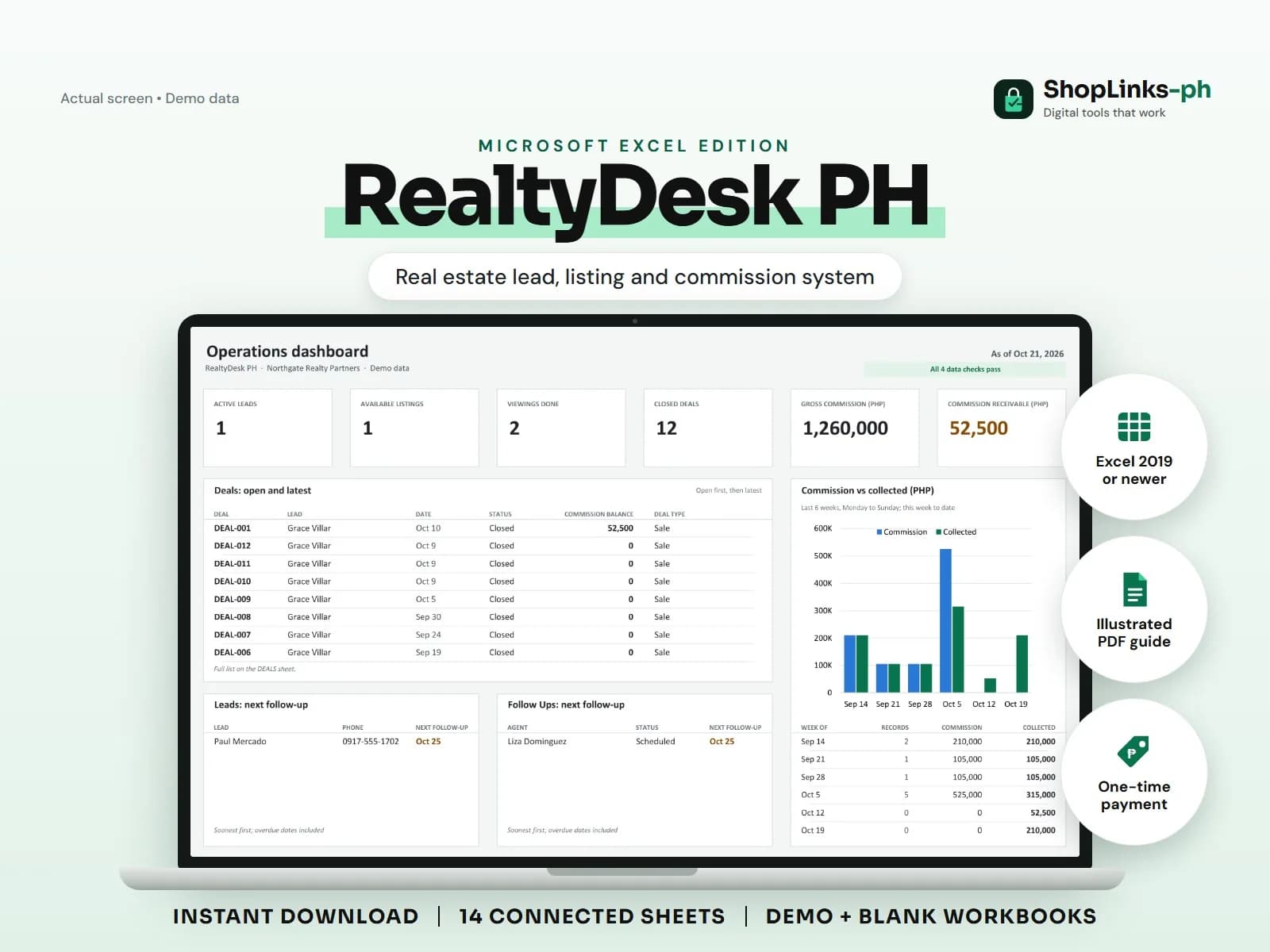
A brokerage runs on follow-ups and commissions, and both are easy to lose: a warm lead forgotten after a viewing, a commission split argued from memory, a developer payment that never arrives in full. RealtyDesk PH keeps leads, listings, viewings, deals, and commission collections connected by IDs so nothing depends on recall.
Log leads with a next step
Every lead has a source, interest, budget, preferred area, assigned agent, stage, and a next follow-up date. FOLLOW UPS turns that date into Overdue, Due Soon, or Scheduled.
Stages move from New to Contacted, Viewing, Reserved, Closed, or Lost, which keeps the active-lead count honest.
Tie viewings to listings
Listings carry the type, location, areas, list price, owner or developer, and commission rate. Viewings reference the lead, listing, and agent with an outcome.
The dashboard counts available listings and viewings done.
Record the deal once and let it split
A deal records the contract price, commission rate, and agent split rate. Gross commission, agent share, and office share are calculated, so the split is a formula, not a negotiation.
Commission received is recorded per deal and the commission balance shows what the developer or owner still owes.
Pay agents from closed deals
AGENT PAYOUTS totals agent share on closed deals per period, plus adjustments, and tracks what was paid. Expenses are logged per agent for marketing and transport.
A weekly review of CHECKS catches viewings on unknown listings and deals without agents.
Review exceptions every week
Resolve duplicate IDs, missing links, overdue balances, negative amounts, and open operational items in CHECKS before using the dashboard for decisions.
RealtyDesk PH Microsoft Excel Edition is designed for Microsoft Excel 2019 or newer on Windows or macOS.
No PRC or DHSUD compliance, contract or deed drafting, title verification, legal advice, bank loan processing, official receipts, tax filing, or automatic listing syndication.