Freelance work becomes harder to control when client notes, deadlines, time entries, billing references, payment confirmations, provider fees, and tax documents live in separate chats and files. A better system follows the life of the work from the client record to the final collection follow-up.
This guide outlines a weekly operating routine for Filipino freelancers, virtual assistants, designers, developers, consultants, and other one-person service businesses. It is an operational method, not accounting, tax, legal, or financial advice.
1. Start with stable IDs and parent records
Create the client before creating a project, and create the project before tasks, time entries, or billing references. Use stable identifiers such as CL-001, PR-001, TK-001, INV-2026-001, and PAY-001. Stable IDs reduce confusion when clients have similar names or a project title changes.
2. Turn each project into visible deliverables
Give every project an owner, start date, deadline, status, budget, and rate. Then create concrete tasks that can actually be marked done. Record billable time against the correct project so the weekly review can compare work completed, hours used, budget, and any amount that has not yet been billed.
3. Separate billing from payment
A billing reference records what was issued through your normal invoicing process. A payment record documents cash received. Keeping them separate makes partial payments, late balances, and multiple payment events visible. It also prevents a sent invoice from being mistaken for money already collected.
4. Keep gross receipts and provider fees separate
When a remittance provider, marketplace, gateway, or bank deducts a fee, record the gross amount and fee separately. For foreign currency, store the source amount and the exchange rate used for the record. This preserves the path from what the client paid to the net PHP cash received.
5. Use Form 2307 as a follow-up register
If a client is expected to provide a certificate, record the covered period, billing reference, expected withholding, amount shown on the certificate, and received date. A difference or missing date becomes a follow-up item. The tracker does not decide whether withholding applies; confirm the transaction and applicable treatment with the payor or a qualified professional.
6. Run the same weekly review
- Review active clients and open projects.
- Check overdue and due-soon tasks and deadlines.
- Review billable hours and unbilled project value.
- Confirm billing references issued during the week.
- Reconcile payments, provider fees, and open balances.
- Follow up overdue balances and missing certificates.
- Save a dated backup before structural changes.
What the private Web App adds
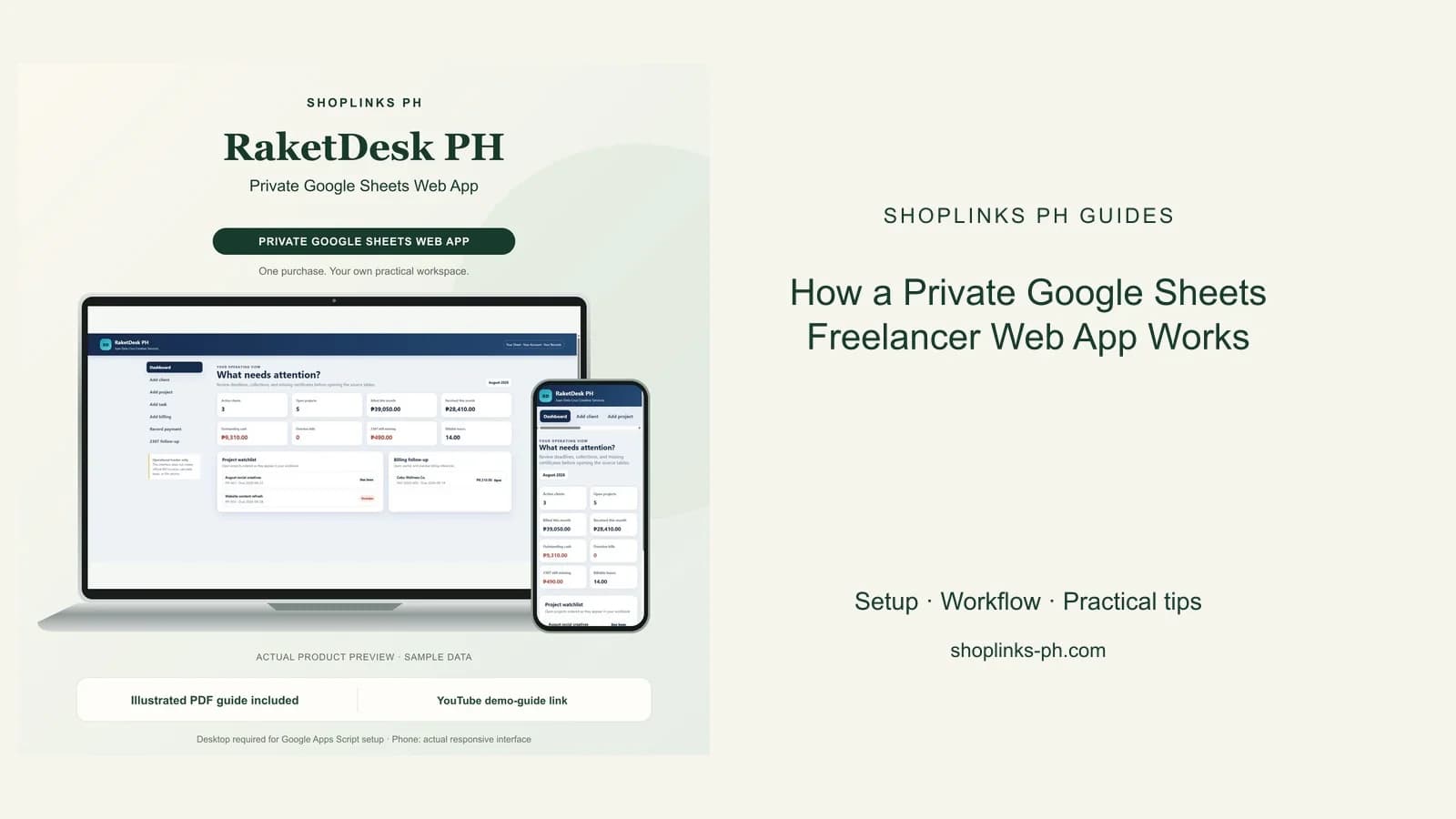
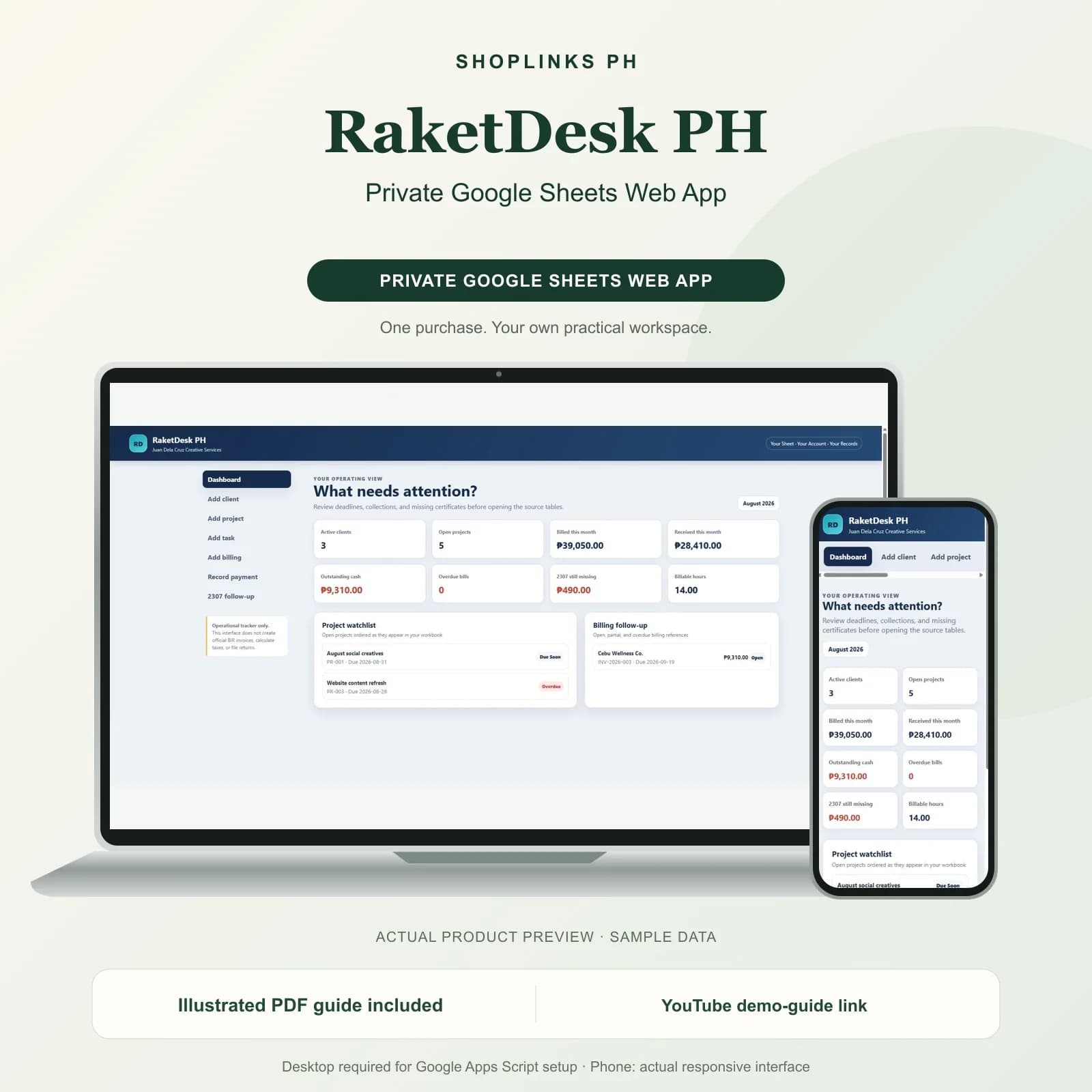
The browser interface reads the supplied Google Sheet and offers a dashboard plus guided forms for clients, projects, tasks, billing references, payments, and 2307 follow-up. Google documents that Apps Script web apps are deployed from a script project and that their behavior depends on the chosen execution identity and access setting. The supplied manifest is configured for the deploying user with owner-only access, and buyers should choose Only myself or Google's closest private option during deployment.
The source uses google.script.run to call server functions from the HTML interface. Writes are validated on the server, protected with a document lock, and limited to prepared input columns so formula columns remain intact. It contains no analytics service, API key, or external data server.
Apps Script services have quotas and limitations that can change, so this lightweight personal workflow should not be presented as guaranteed infrastructure or a multi-user SaaS platform.
What this system intentionally does not do
An operational tracker should not be confused with compliant invoicing, bookkeeping, tax filing, banking, payment processing, client notifications, contracts, or guaranteed collections. Keep the source documents and professional processes required for your business.
RaketDesk PH - Private Google Sheets Web App packages this workflow into a separate Private Google Sheets Web App Edition with realistic sample records, an illustrated 12-page guide, checksums, and a one-business license.
Template results depend on accurate and complete inputs. Review your own business, privacy, invoicing, bookkeeping, and tax requirements.