Key takeaways
- One SERVICES list keeps quotes consistent.
- Job lines compute sqft and amounts.
- JOB TRACKER flags late and rush work.
- Match payments and material use to the job ID.
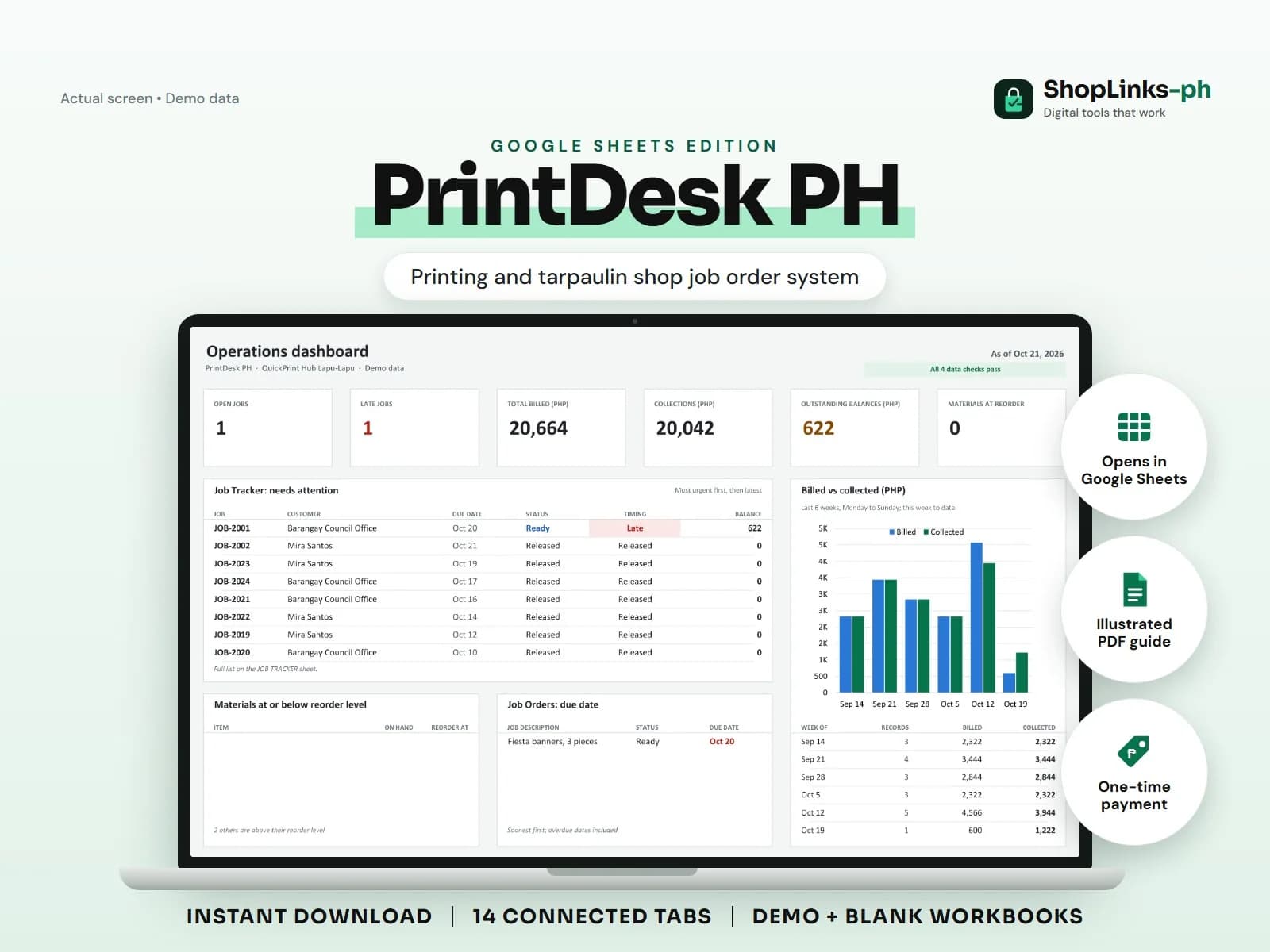
A print shop runs on small jobs with tight deadlines, and the counter is where the confusion starts: a tarp quoted from memory, a rush job buried under the day's copies, and a customer insisting the deposit covered everything. PrintDesk PH keeps the pricing rules, job lines, stock, and payments connected by the job ID.
Keep pricing rules in one list
Each service has a pricing basis, a rate, and a minimum charge: tarpaulin per square foot, color prints per page, layout as a flat fee. Staff quote from the list, not from memory.
Rush jobs are flagged on the job order so they are visible in the tracker.
Measure and price on the job line
A job line records width and height for tarpaulins; the sheet computes the area and multiplies by quantity and unit price. Pages and pieces skip the area and use quantity times price.
Subtotal, layout fee, discount, and total roll up on the job order automatically.
Track due dates and materials
JOB TRACKER shows days left and a timing label: Late, Due today, On track, or Released. That is the list to check every morning.
Tarpaulin rolls, paper, and ink are tracked with reorder levels, and job use is logged against the job that consumed it.
Collect at release
Deposits at intake and balances at release are recorded against the job ID with the reference. The balance column is always current.
A weekly review of CHECKS catches job lines without jobs and negative balances before they become disputes.
Review exceptions every week
Resolve duplicate IDs, missing links, overdue balances, negative amounts, and open operational items in CHECKS before using the dashboard for decisions.
PrintDesk PH Google Sheets Edition is designed for use with a Google account and current desktop Google Sheets.
No design software, print-file preflight, color management, RIP or printer integration, official receipts, tax filing, or automatic customer notifications.