Key takeaways
- Start with one complete user workflow
- Customize source and test across screen sizes
- Connect and verify live services separately
Decide what the operator needs to do
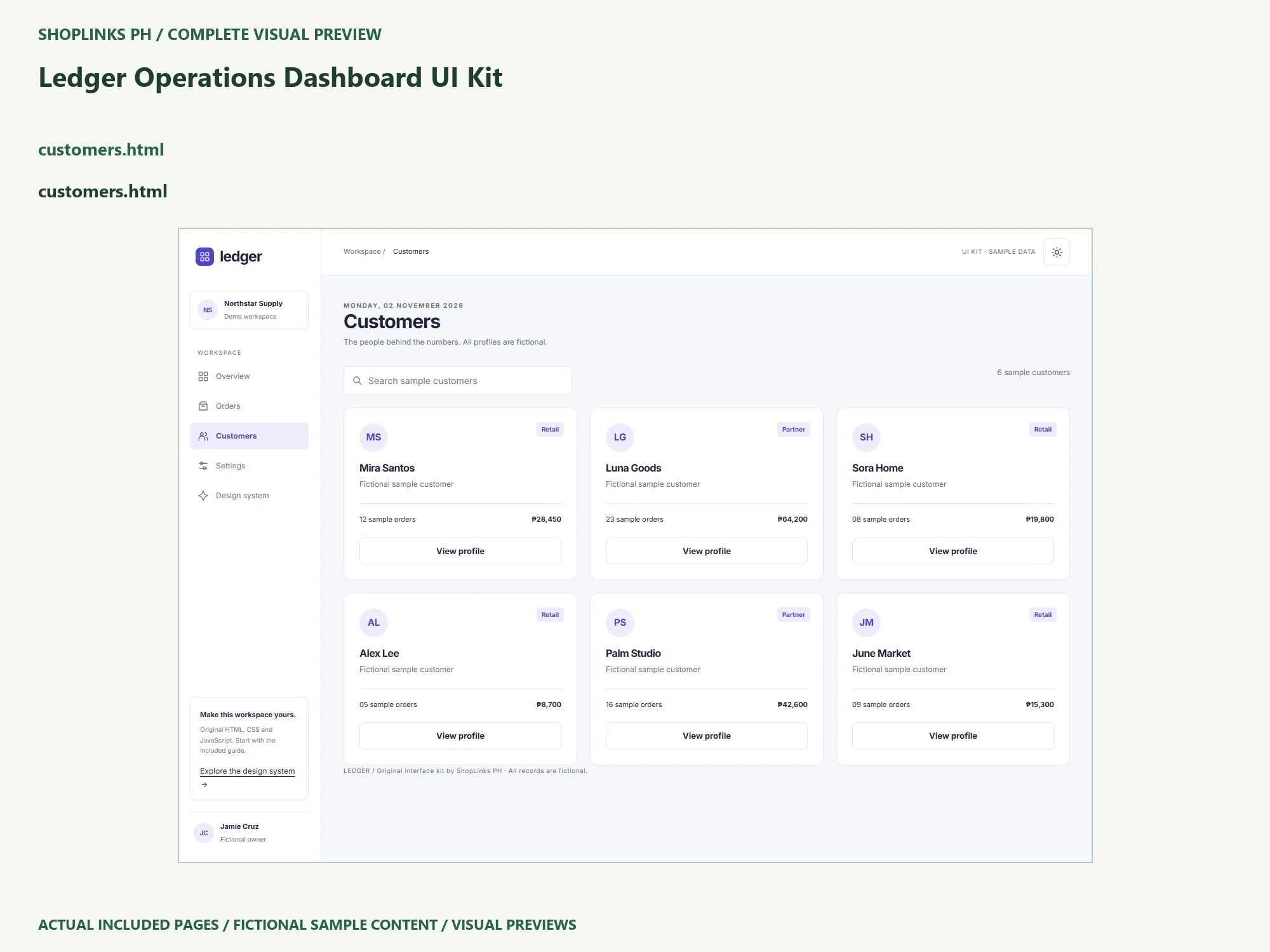
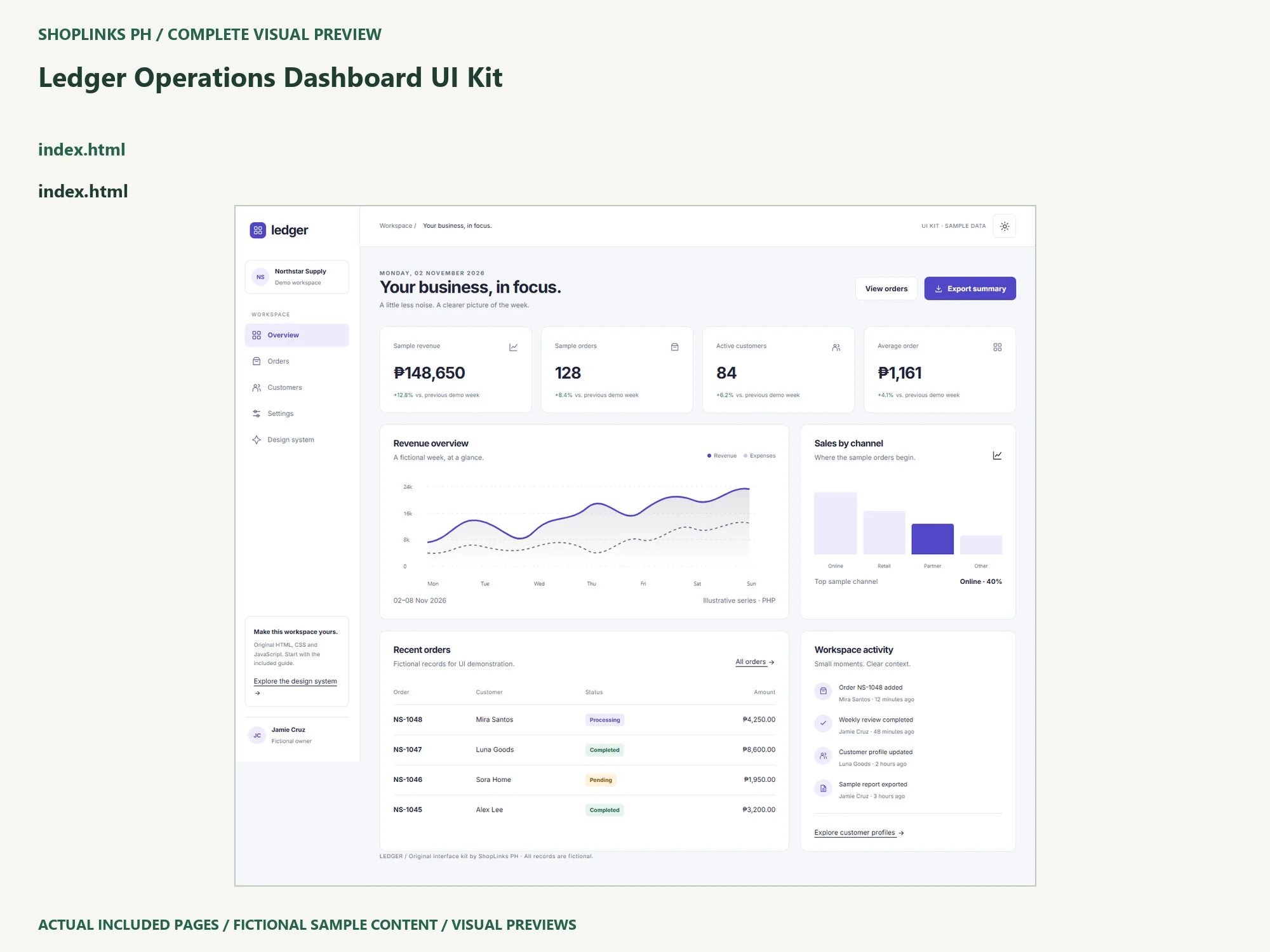
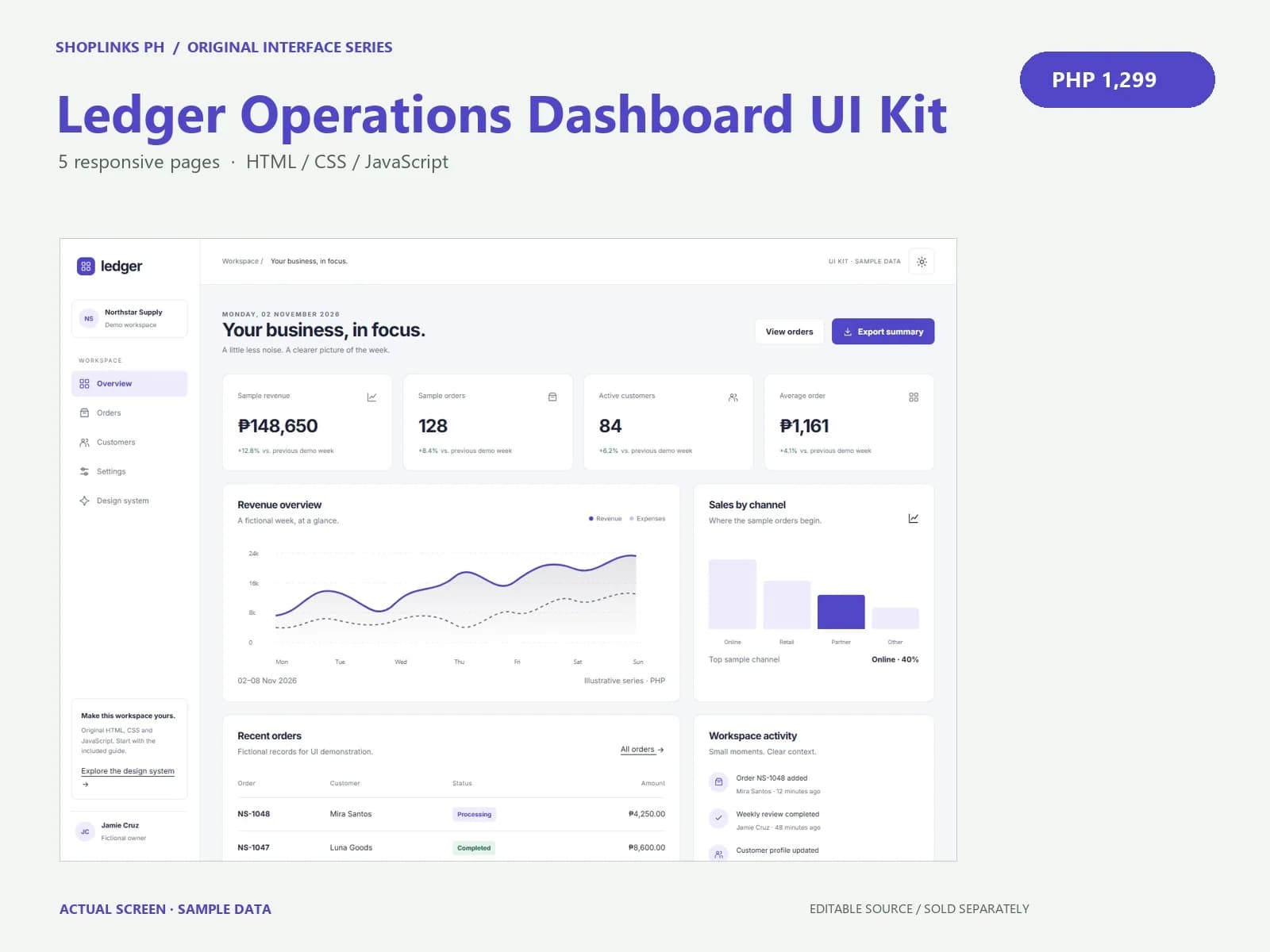
An operations interface starts with a repeated job: finding a record, understanding its state and taking the next step. List the fields your operator needs before adding more cards or charts. In Ledger, orders and customers are fictional, while the overview chart is an illustrative series. Treat that separation as an integration task. Decide which real dataset should supply each metric before using the interface for a business decision.
Make one controlled customization
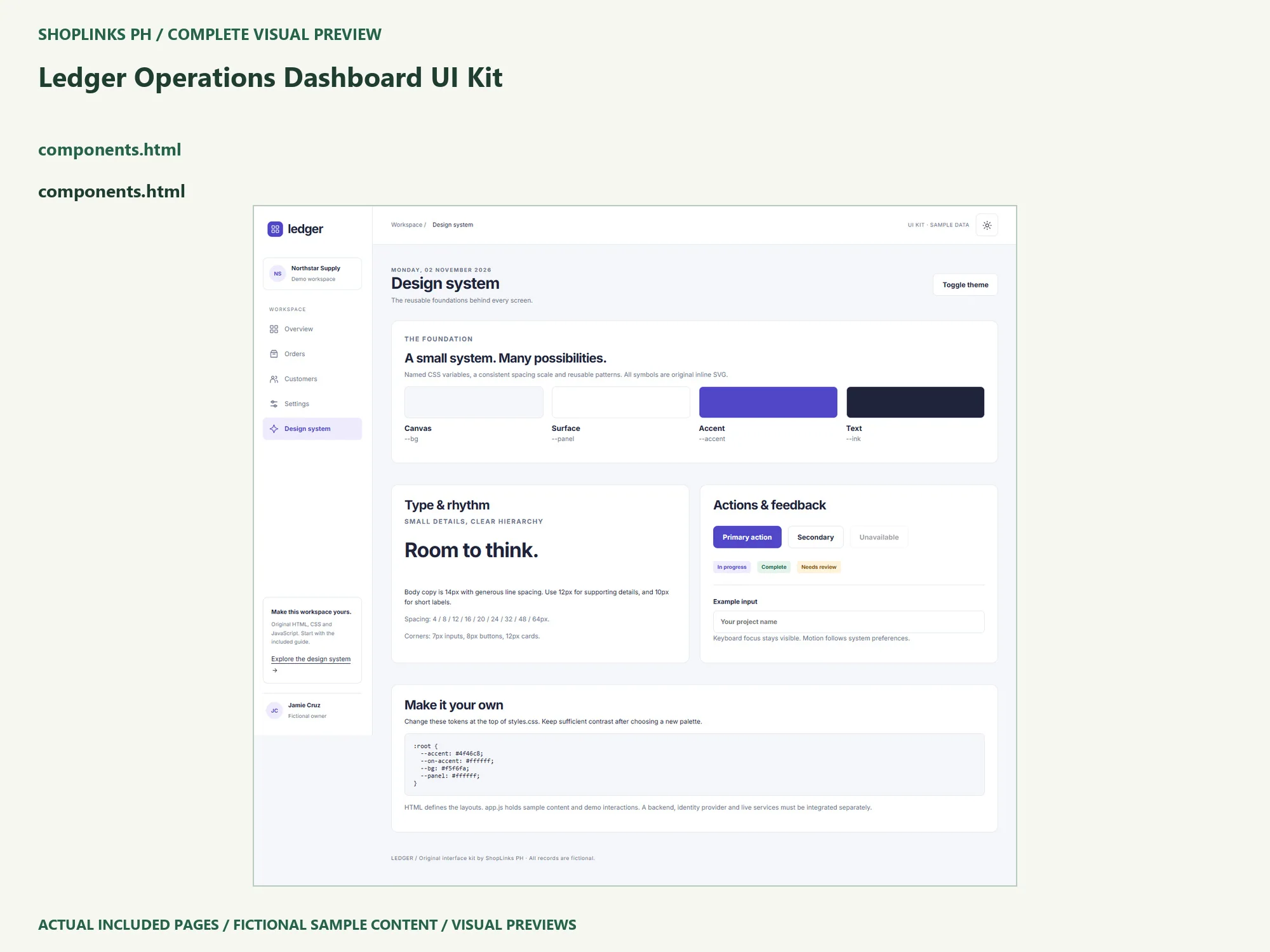
Extract the package into a new folder and keep an untouched copy. Open site/index.html, visit every screen, and read the illustrated guide before editing. Use a text editor to change one heading and one accent color. The shared styles.css file contains named variables for the canvas, surface, text and accent. Keep the original spacing and type hierarchy during the first pass so you can judge the effect of the content change without several moving parts.
Follow one sample record from search to export
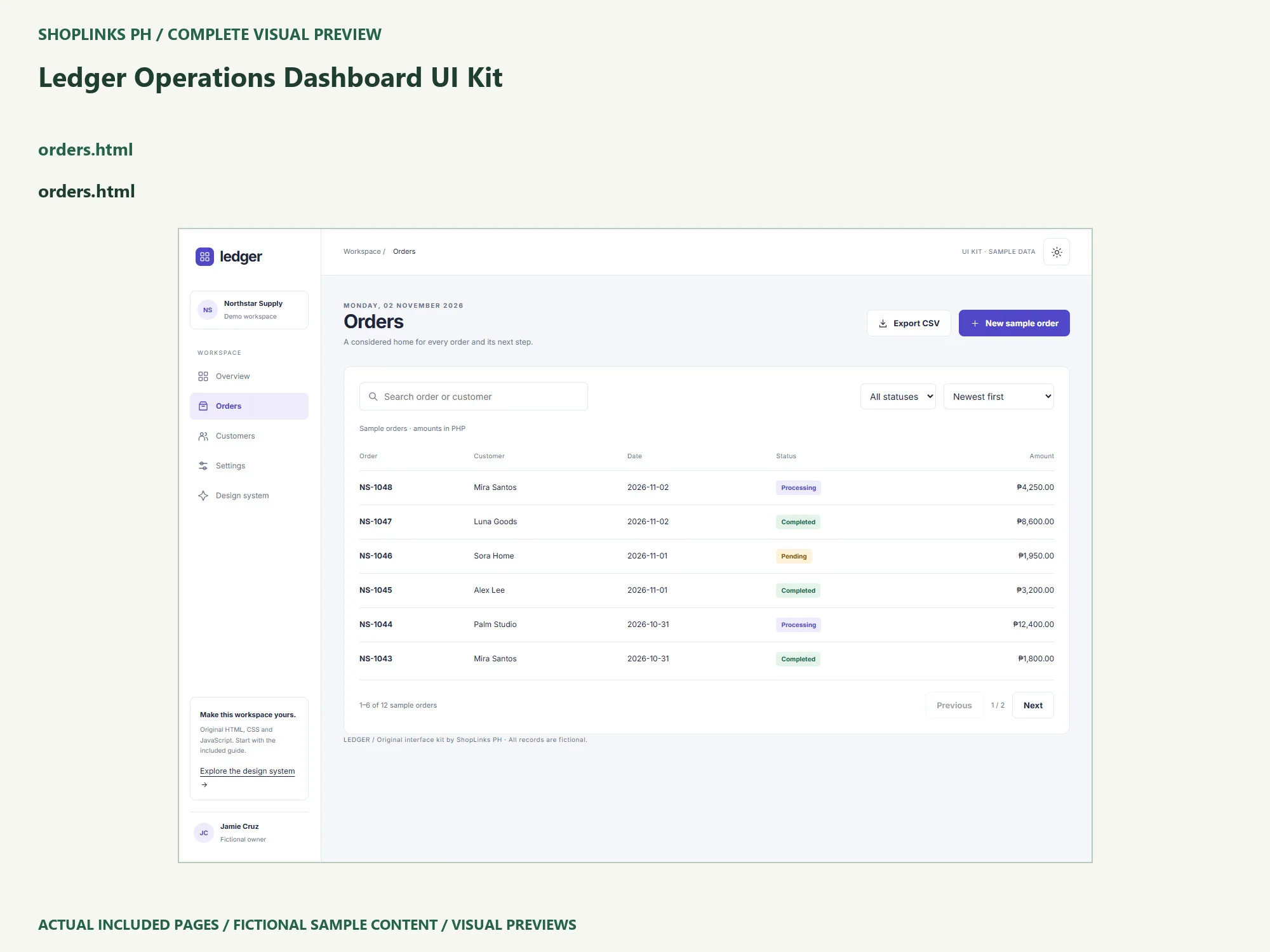
Open Orders, search Luna and filter to Pending. Export the filtered results and confirm that the CSV contains the matching sample. Clear the filters, sort by amount and move through the pages. Then add a small sample order and check the resulting row. Refreshing returns to the supplied dataset. This makes a useful interface exercise, while also showing exactly where durable backend storage would need to replace the in-memory demonstration.
Check more than the attractive screen
After customization, inspect the actual phone, tablet and desktop layouts you intend to support. Try a long customer name, an empty search and keyboard navigation. Check visible focus, readable labels and the way tables scroll inside their own container. Inspect downloads independently. The local QA uses Chromium with emulated viewport sizes; that evidence does not replace testing other browser engines, physical devices or assistive technology for a particular launch.
Know which parts are still yours to build
Frontend UI kit with fictional data. Overview metrics and charts are illustrative and are not calculated from the sample order table. New orders last for the current tab until refresh. No database, real customer management, accounting, authentication or backend is included. Before showing private information, plan identity, authorization, server-side validation and data ownership. Before collecting inquiries or money, test the full external delivery or payment flow in an isolated environment. Do not assume a visual form, a paid-looking badge or an invoice preview supplies a working backend. State these boundaries in the client handoff as well as in your implementation notes.
Keep a useful release copy
Give the edited version a date, keep the source beside its screenshots and record the checks you actually ran. Share a short setup note explaining the starting file, supported environment and remaining integration work. One license covers one end website for your business or one client, including a source handoff for maintaining that site. Editable template resale is prohibited. Explore the kit, its included files and its requirements on the ShopLinks product page: View Ledger Operations Dashboard UI Kit
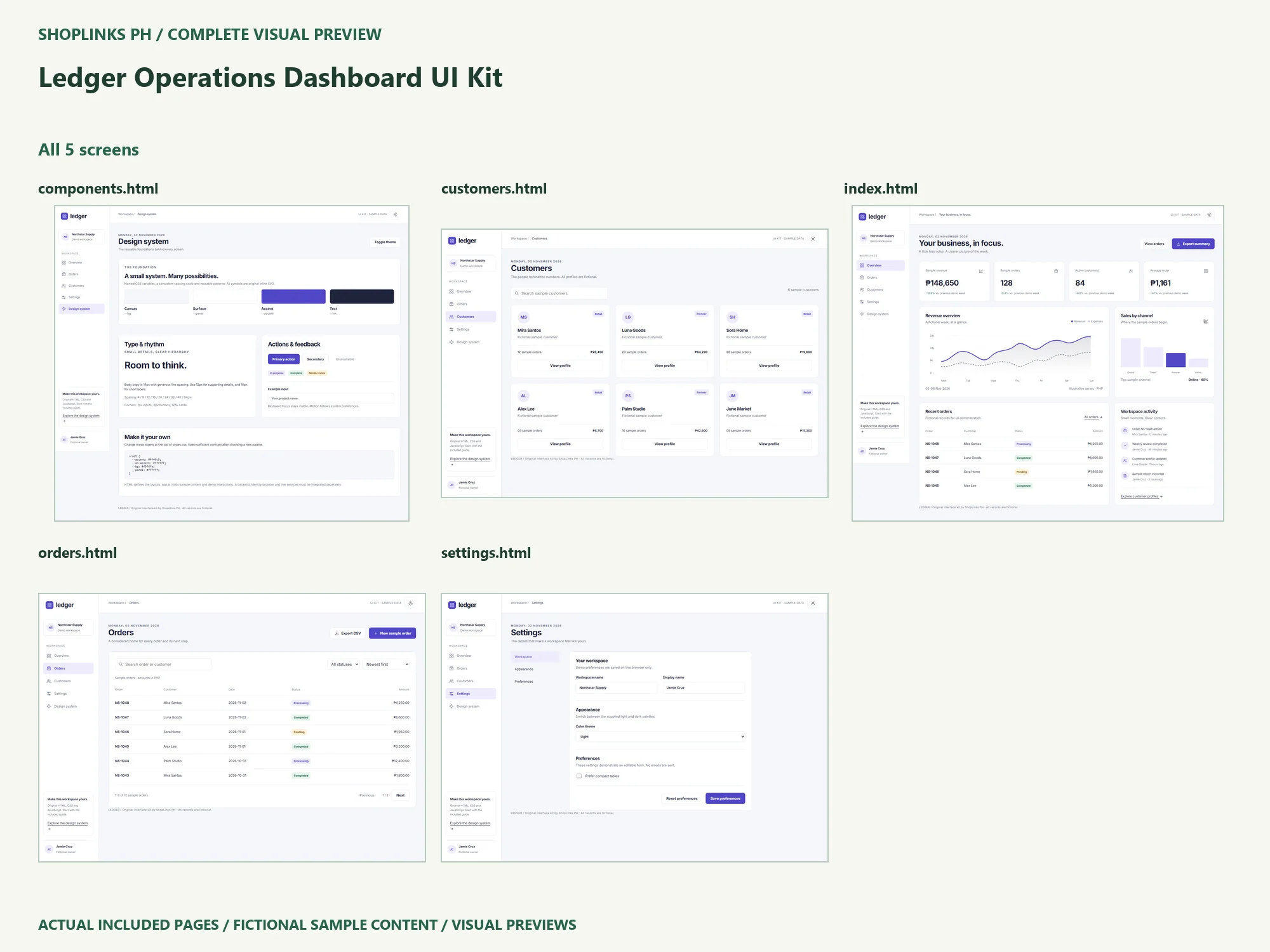
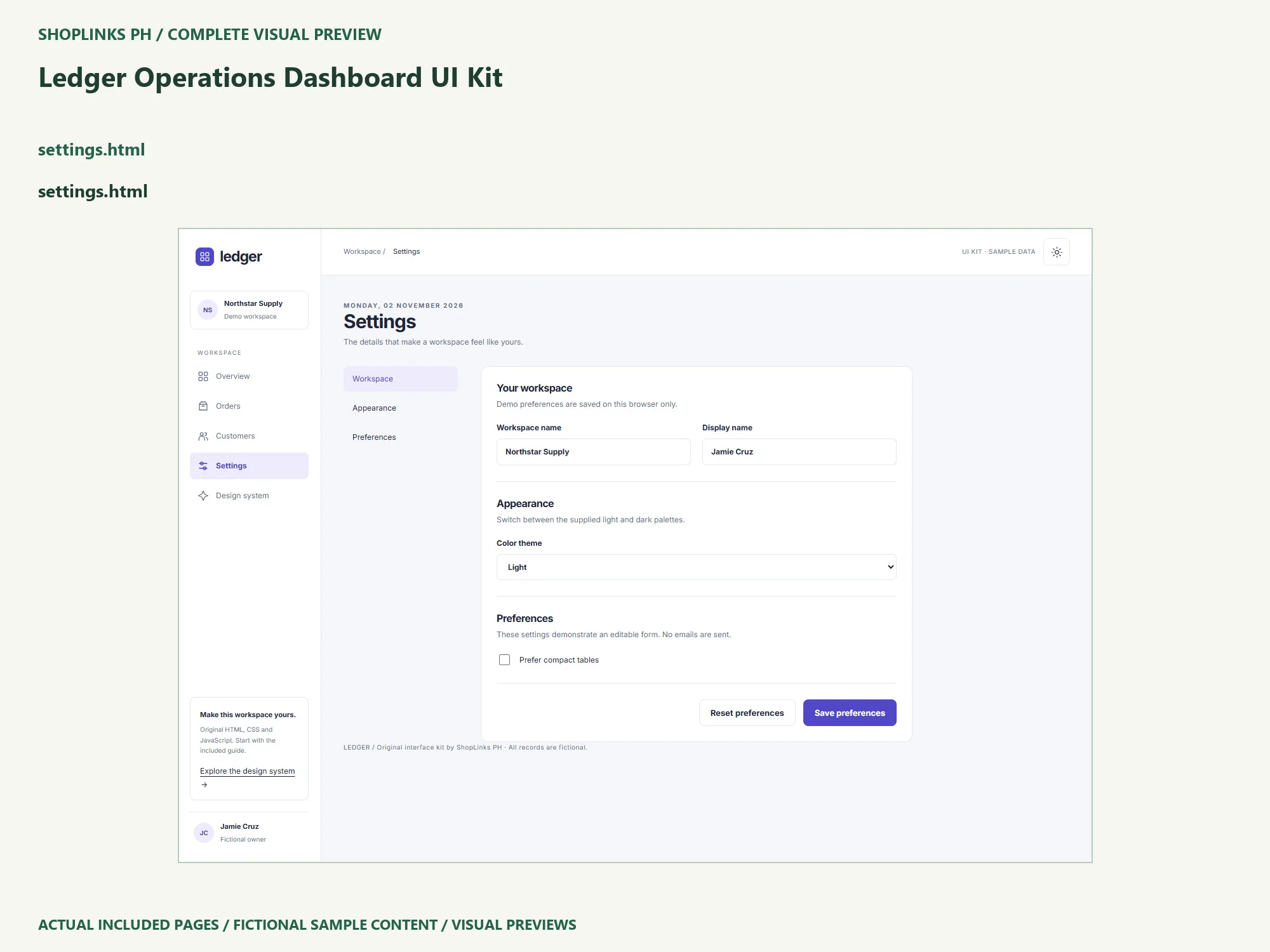
Complete page preview
See all 5 included UI screens below. These are static visual previews of the included source, with fictional sample content. Select an image to open it at full size and use browser zoom.