Key takeaways
- Start with one defined situation
- Replace the fictional examples
- Review the final native file
Start with one complete route
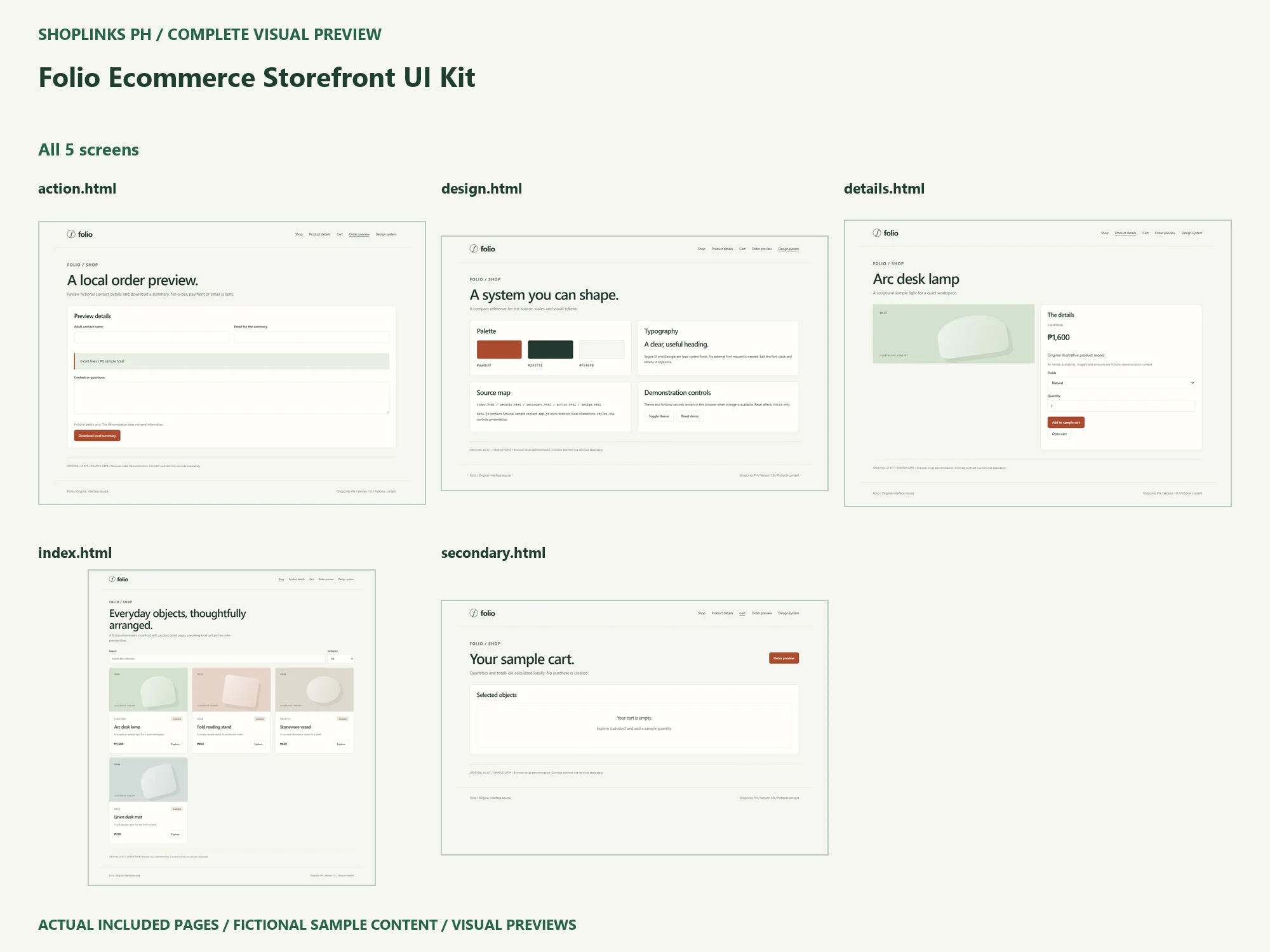
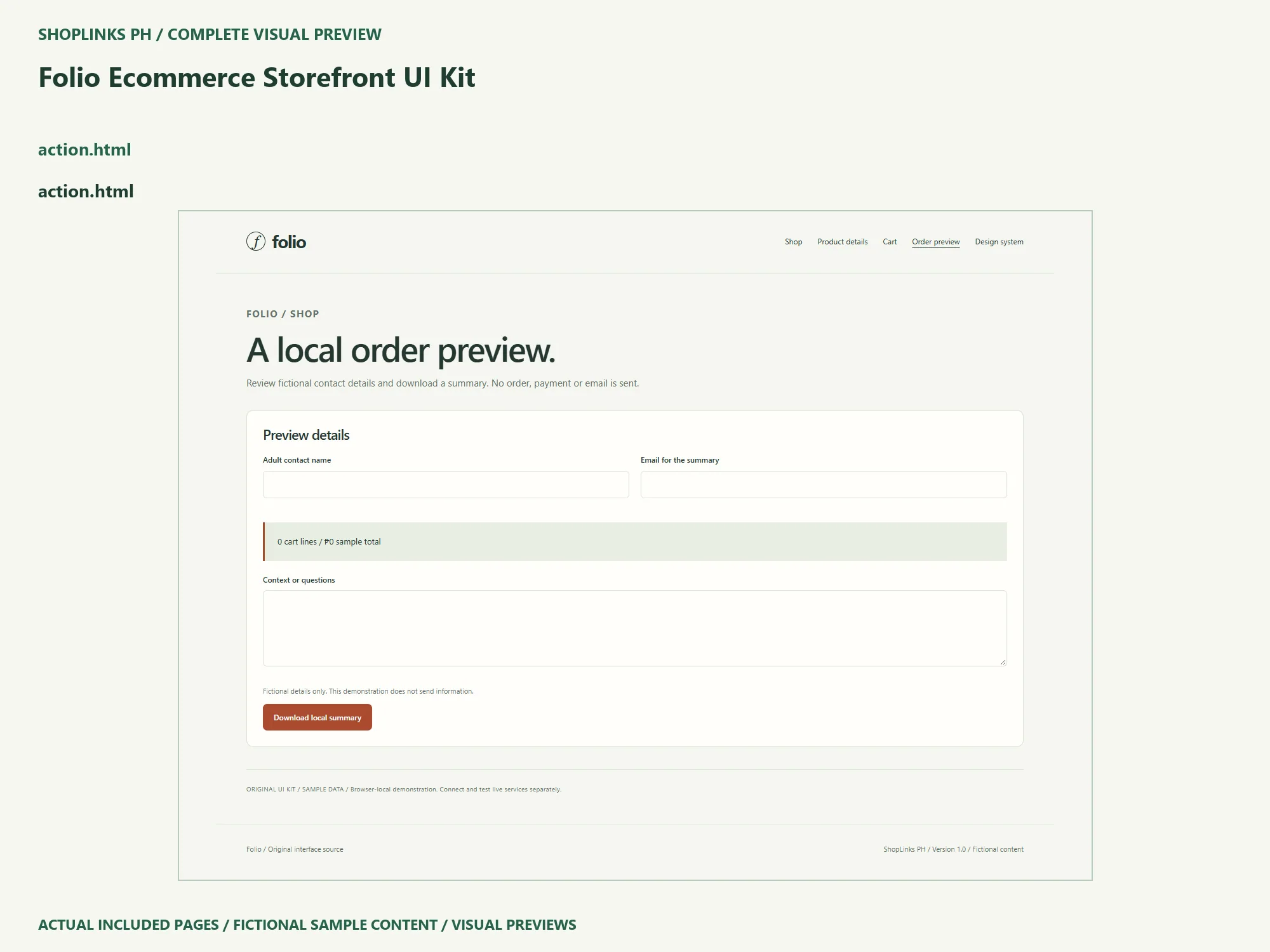
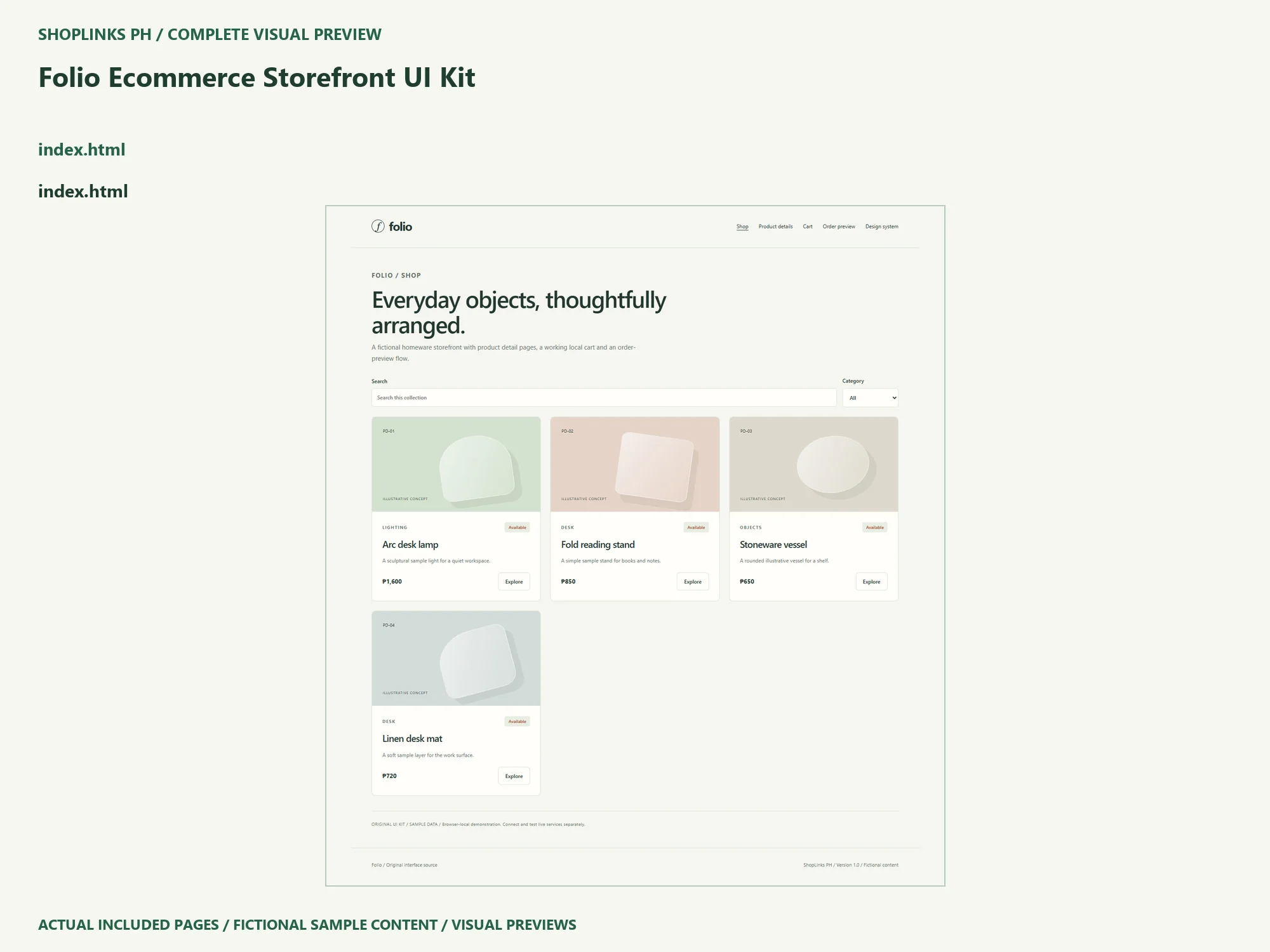
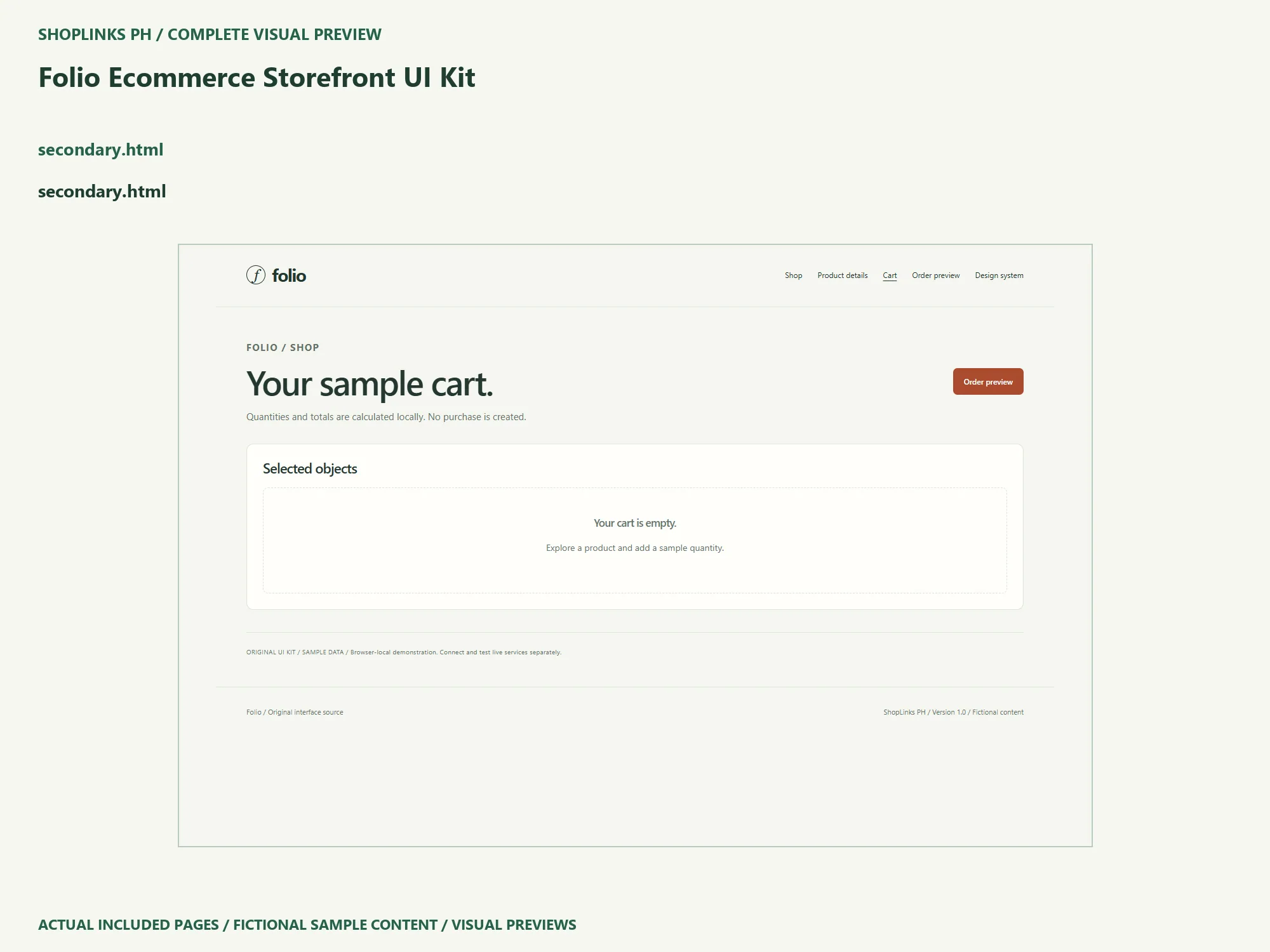
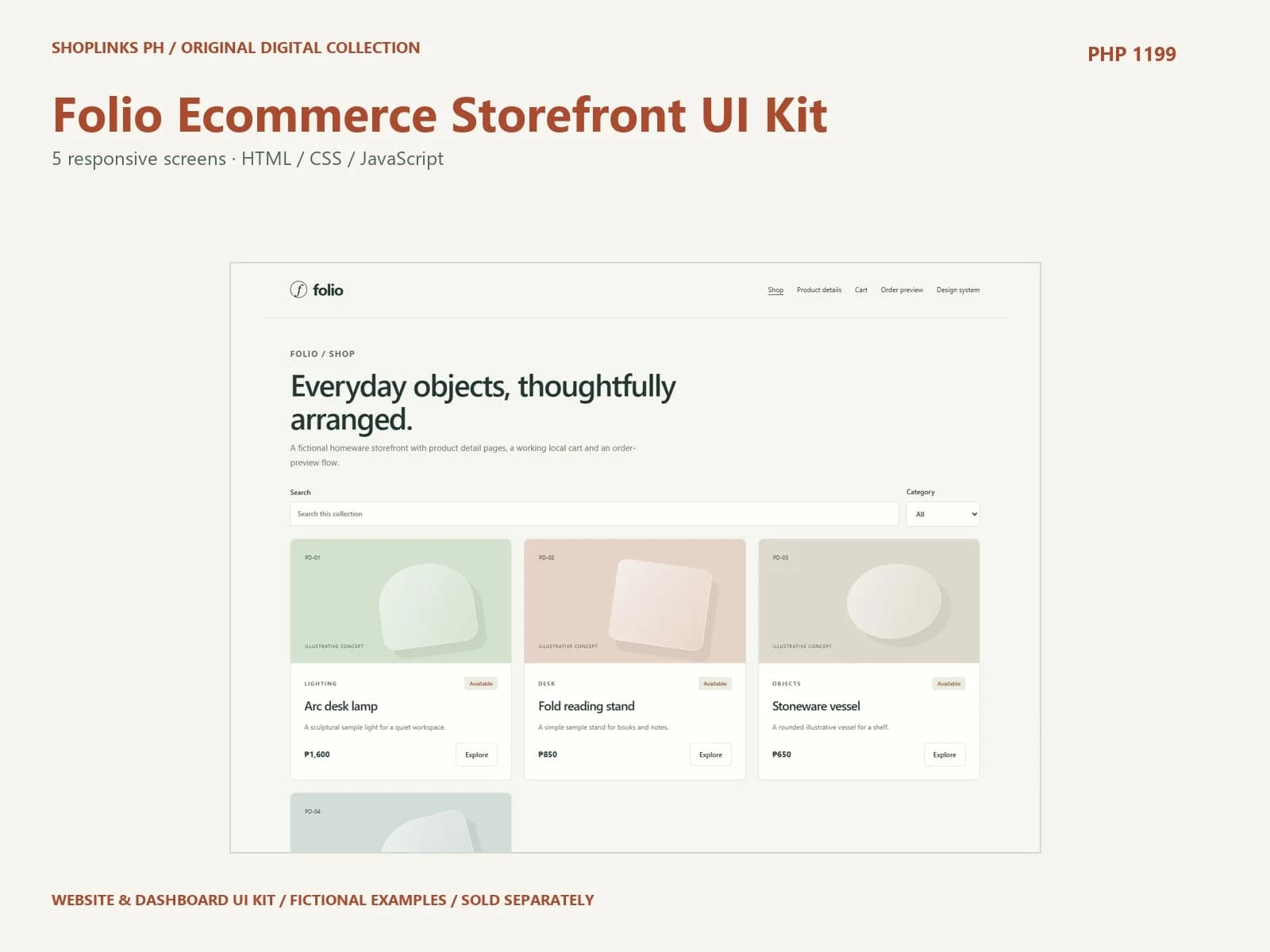
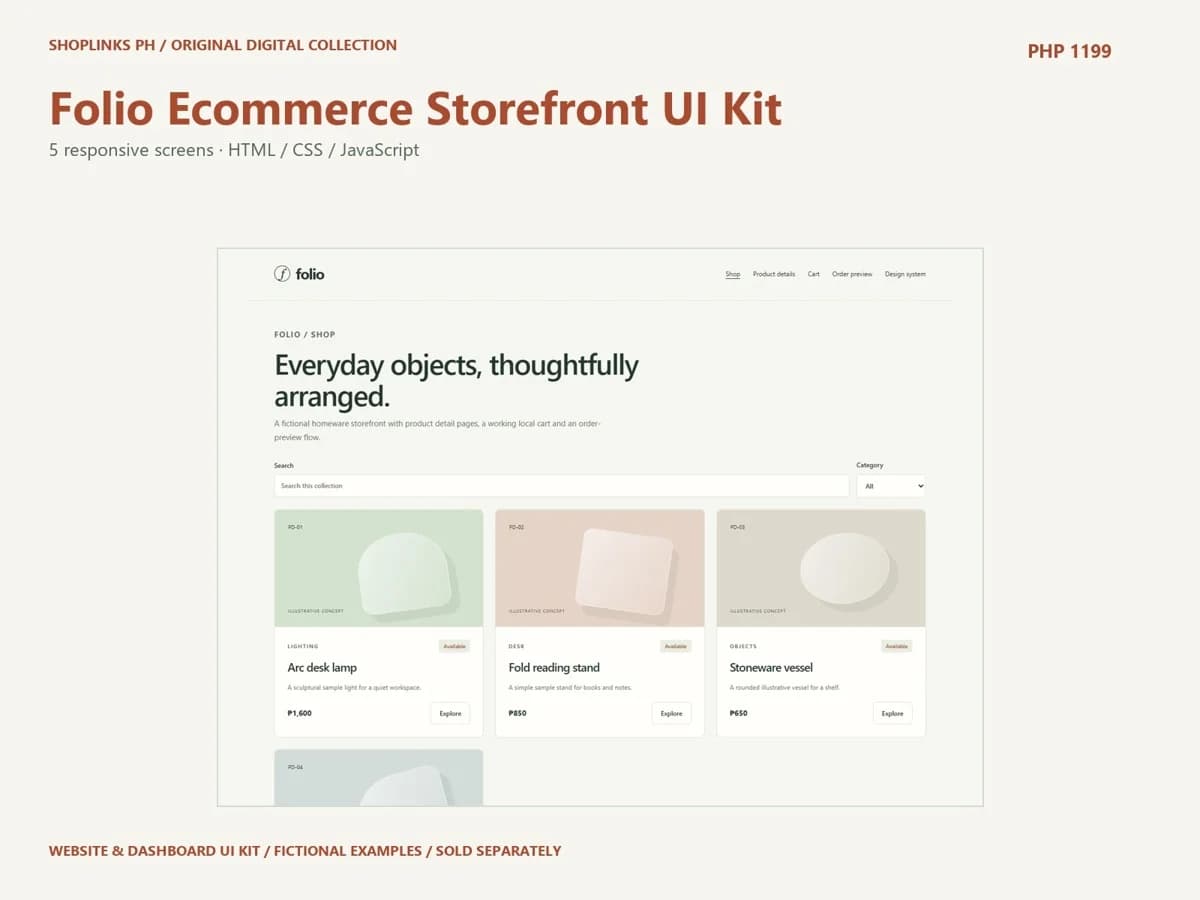
Folio Ecommerce Storefront UI Kit provides five screens for a fictional shop workflow. Begin by naming the person who will use your version and the task they need to complete. Open the whole extracted source and explore the sample before editing. The pages are Shop, Product details, Cart, Order preview, Design system. Follow the same route a first-time visitor would take and note any content you need to replace.
Adapt the information before the palette
Read data.js to understand the sample records, then replace one item with your own verified content. Keep a backup and do one controlled edit at a time. Match headings, labels, statuses and amounts across every screen that uses the record. The supplied names, dates, availability and prices inside the interface are fictional, separate from the price of the downloadable UI kit.
Inspect the useful interaction
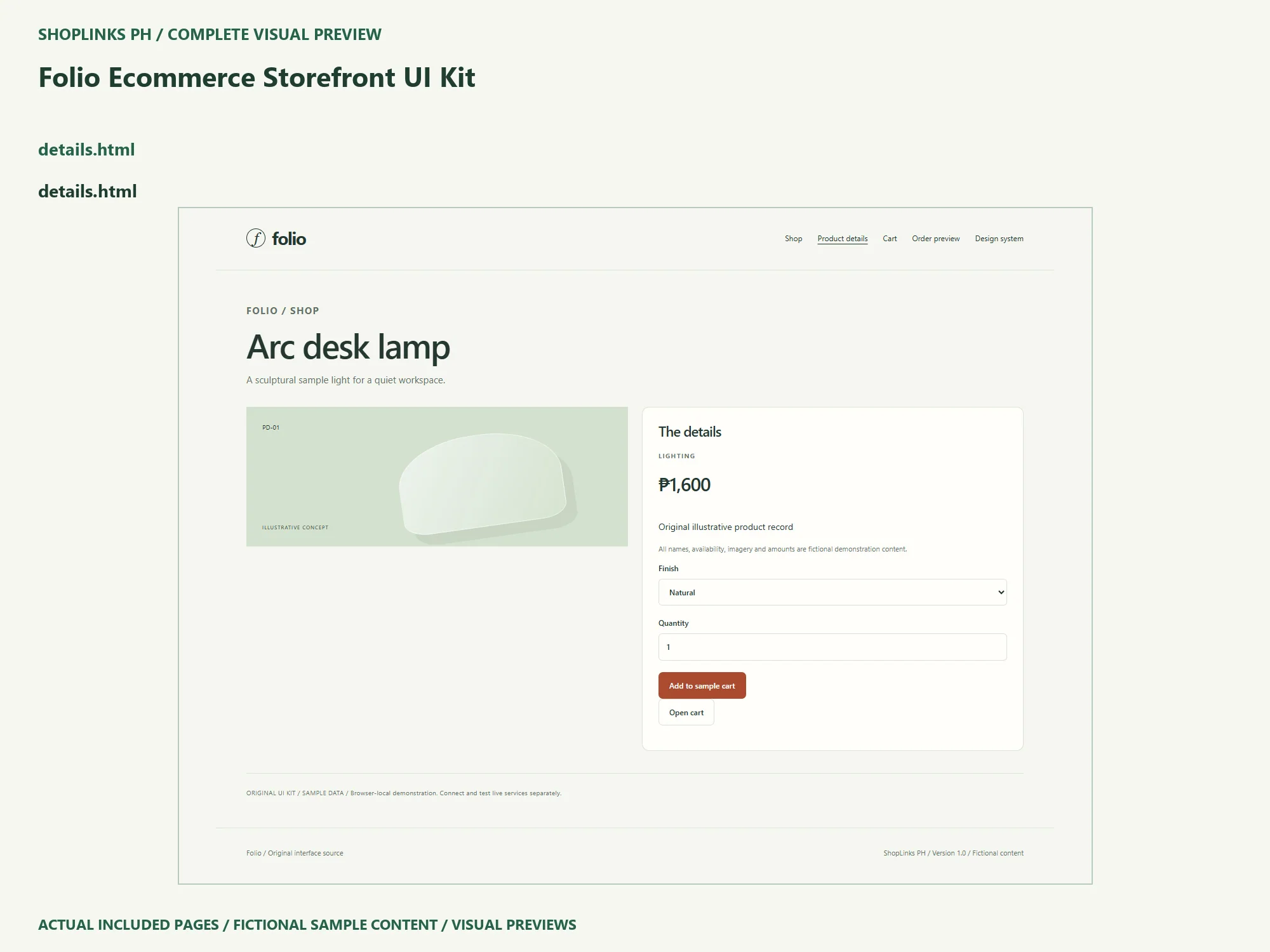
On Product details, use the labeled controls and follow the route through Cart to Order preview. Search where a search is supplied, choose a filter, and try a result with no matches. For local forms, begin with an empty submission, then use fictional details to create a valid example. Open the resulting download independently where the workflow supplies one. Nothing is sent to a live service.
Review layout and local state
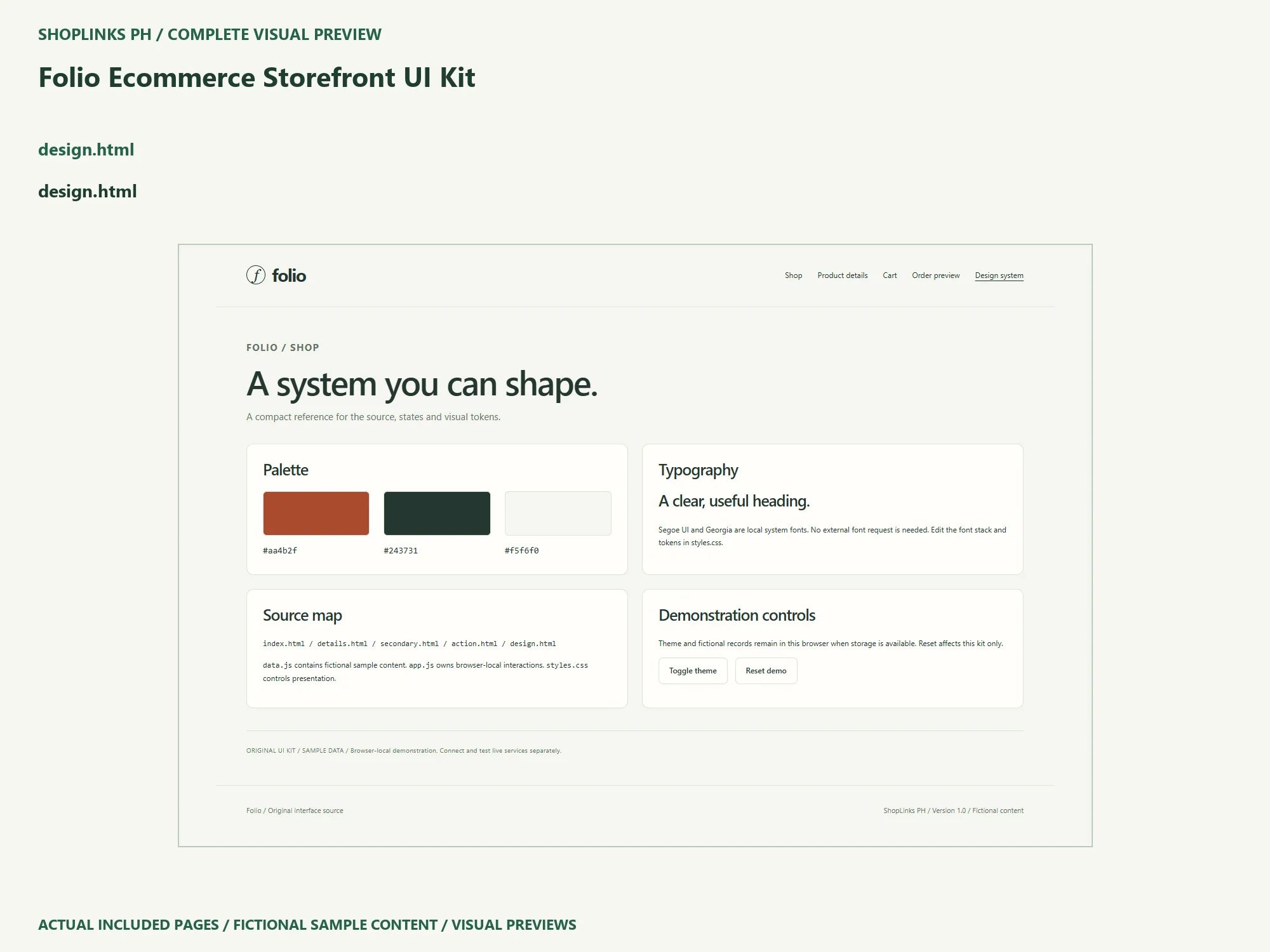
Inspect the phone, tablet and desktop widths you intend to support. Use keyboard navigation and check visible focus, form labels, long names and empty states. Tables should scroll within their own container. Confirm saved demonstration state behaves as expected after a refresh, and use Design system to reset the local example. Storage can be blocked by browser settings, so explain the optional local-server route in your handoff.
Connect the services your version requires
This is editable frontend source with browser-local demonstration behavior. It does not supply authentication, secure access control, cloud storage, messaging, enrollment, reservations, payment processing or form delivery. Decide which external services your real workflow requires. Implement and test server-side validation, data ownership and delivery in an isolated environment before using private information or real transactions.
Keep a clear customization handoff
Use the HTML files for page structure, styles.css for shared visual tokens and app.js for interactions. Review every screen after changing source. The included illustrated guide and local narrated walkthrough explain the supplied version. Record your own browser and device checks, keep an untouched source copy, and list any integrations that still need work. One license covers one end website for your business or one client, including maintenance source handoff for that licensed website.
Use the source for your own context
The package is a starting structure for developers and designers building a shop interface. Read its requirements and license before you adapt it. Keep uncertainty visible, replace the fictional material, and share a dated version with the people who will use it. The template does not supply professional approval or a guaranteed outcome. Review the included files on the exact ShopLinks product page: View Folio Ecommerce Storefront UI Kit
Complete page preview
See all 5 included UI screens below. These are static visual previews of the included source, with fictional sample content. Select an image to open it at full size and use browser zoom.