Key takeaways
- Store the eye record once and reference it by exam ID.
- Frame price plus lens price less discount gives the total.
- Track the lab job with sent, expected, and received dates.
- Read the balance column before releasing any pair.
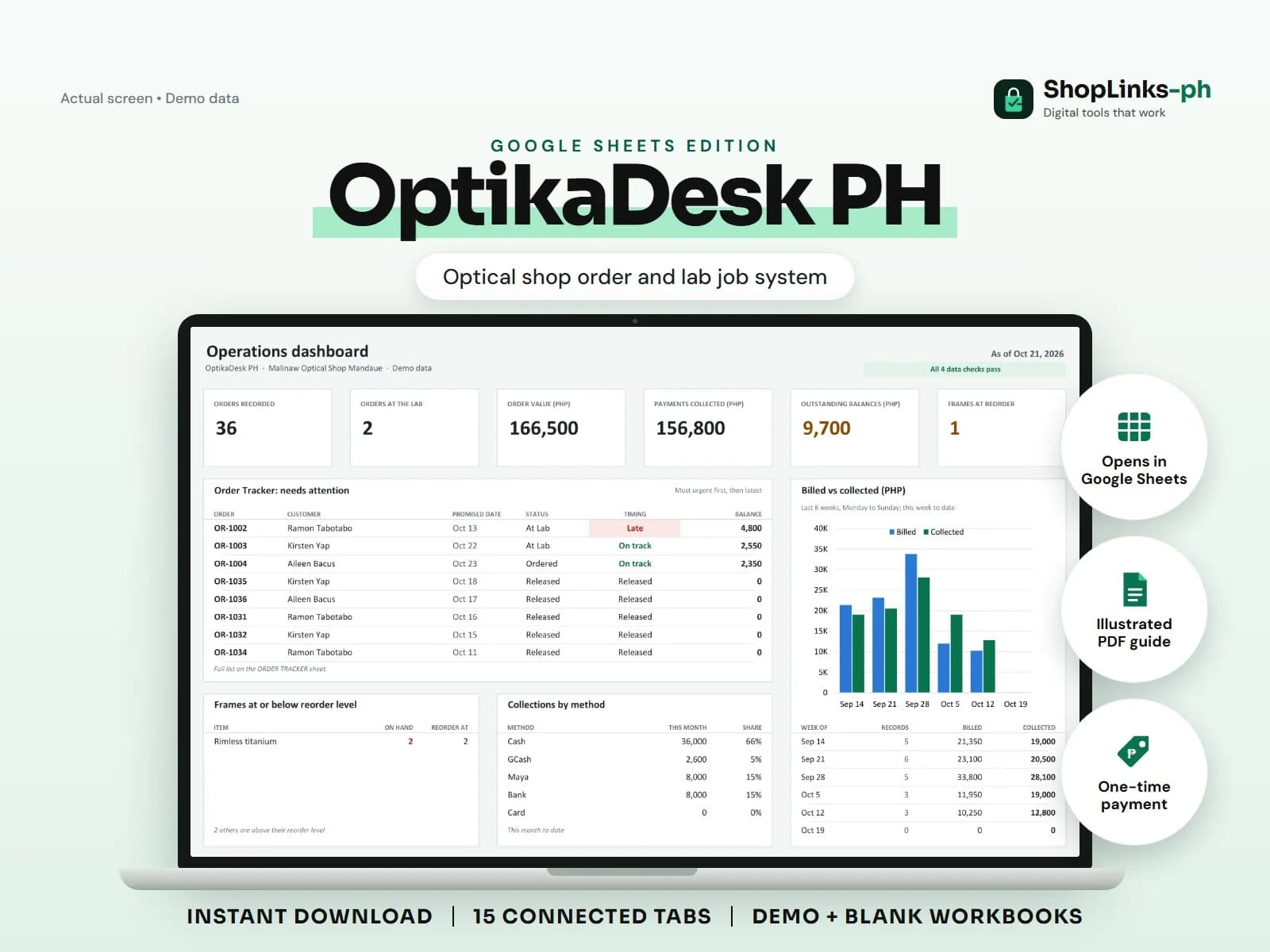
An optical shop sells something it cannot hand over on the day of sale. The grade is taken, a frame is chosen, a downpayment is left, and the lenses go out to a laboratory for grinding. Two weeks later a customer arrives asking for a pair nobody can find in the log, and the staff cannot say what was already paid. OptikaDesk PH puts the eye record, the frame, the lens, the lab job, and the money on connected sheets so one order row answers all of it.
Keep the eye record with the customer
Each examination is stored with sphere, cylinder, and axis for the right and left eye, plus add power and PD. The record has an exam ID, so a later order can point at the exact grade it was cut from.
When the same customer comes back for a second pair, the previous grade is already there and does not have to be copied off a slip.
Price the order from the lists
Frames and lens types are kept in their own lists with a selling price. An order names a frame ID and a lens ID, and the sheet pulls both prices, subtracts the discount, and shows the total.
That means a staff member who is not the owner can quote correctly, and a price change is made in one place instead of in everyone's memory.
Follow the job to the lab and back
A lab job records the laboratory, the date sent, the date expected, the date received, and the lab charge. The order status moves from Ordered to At Lab to Ready to Released.
ORDER TRACKER compares the promised date with today and flags Late, so the shop calls the customer before the customer calls the shop.
Collect the balance before release
Payments are recorded against the order ID with a payment type of Downpayment or Balance. Order balance is total less payments, and payment status reads Unpaid, Partial, or Paid.
Nothing is released without checking that one column, and the dashboard shows the total still uncollected across every open order.
Review exceptions every week
Resolve duplicate IDs, missing links, overdue balances, negative amounts, and open operational items in CHECKS before using the dashboard for decisions.
OptikaDesk PH Google Sheets Edition is designed for use with a Google account and current desktop Google Sheets.
No clinical, optical, or medical advice, diagnosis, prescription validation, PhilHealth or insurance claim filing, optometry licensing or regulatory compliance, laboratory system connection, official receipts, or tax filing.