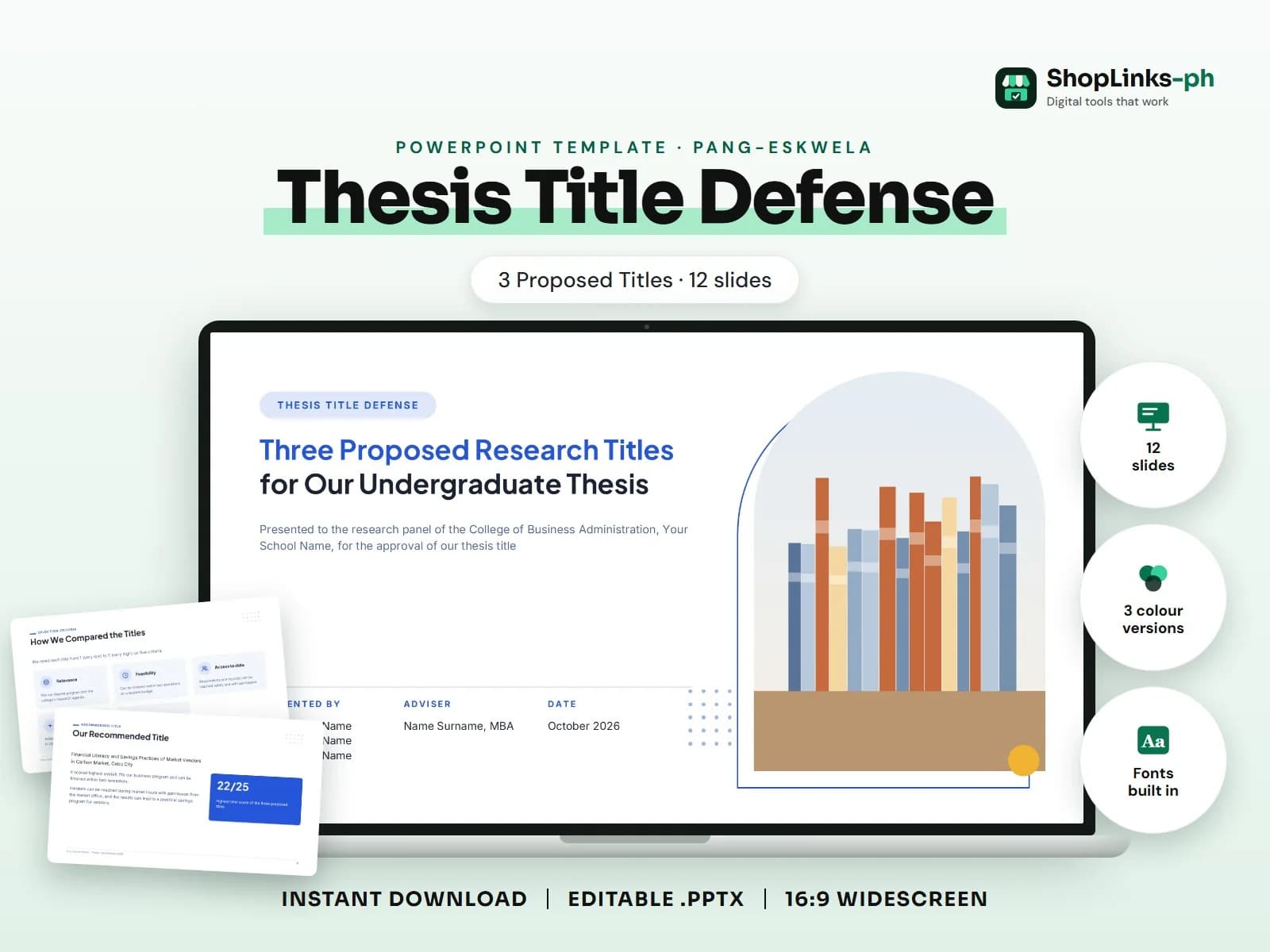
Key takeaways
- 12 editable slides with sample content.
- Three colour versions and fonts built in.
- Rehearse with a timer: most panels give 15 to 20 minutes for the presentation.
Title defense with three proposed titles: for each title a rationale slide and an objectives/significance slide, then a comparison table of the three, the group's recommended title and a thank-you. This guide walks through what a good thesis title defense presentation covers, slide by slide, and how to prepare it quickly with an editable PowerPoint template.
Who this is for
Students preparing for a defense, a class report or a school project usually spend more time fixing slides than practising. A ready structure lets you put your effort into the content and the delivery the panel or teacher actually grades.
What to include, slide by slide
- Presentation Outline
- Rationale
- Objectives and Significance
- Rationale
- Objectives and Significance
- Rationale
- Objectives and Significance
- How We Compared the Titles
- Comparison of the Three Titles
- Our Recommended Title
How to edit it in five steps
- Open the .pptx in Microsoft PowerPoint and choose the colour version you like.
- Click any sample text and type over it with your own content.
- Right-click each picture, choose Change Picture and insert your own photo.
- Right-click a chart and choose Edit Data to type your numbers; tables edit like any table.
- Read the speaker notes for slide-specific tips, then present with F5.
Tips before you present
- Rehearse with a timer: most panels give 15 to 20 minutes for the presentation.
- Put one idea on each slide and say the rest; the panel reads your manuscript, not your slides.
- Show numbers as a chart or a short table with its interpretation, not a wall of figures.
- Prepare backup slides for likely panel questions after the thank-you slide.
- Export a PDF copy in case the venue computer has a different PowerPoint version.
Get the editable template
The Thesis Title Defense (3 Proposed Titles) PowerPoint Template has 12 slides with sample content to replace, three colour versions and the fonts built in. It costs ₱69 and downloads right after payment.
