Key takeaways
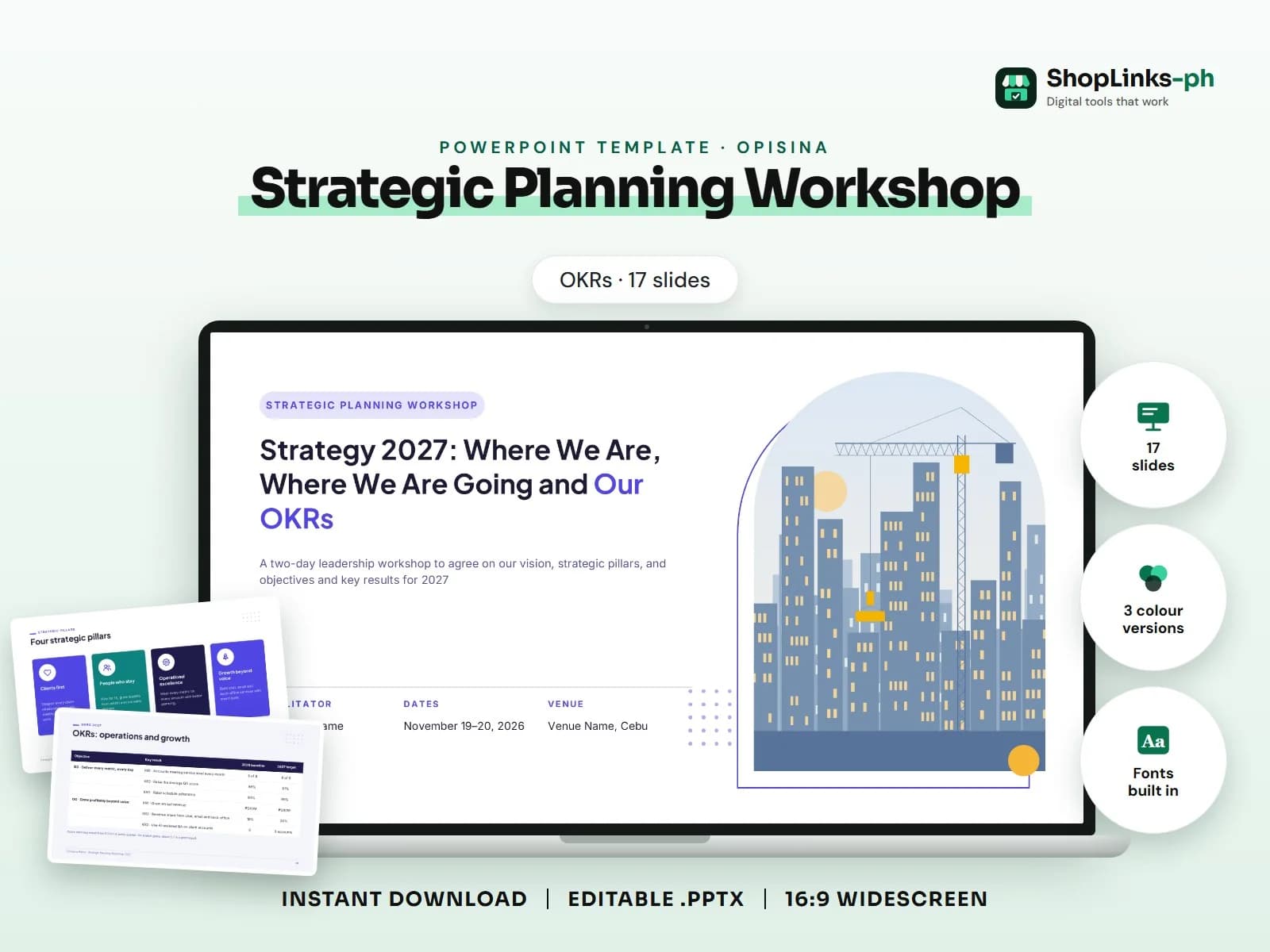
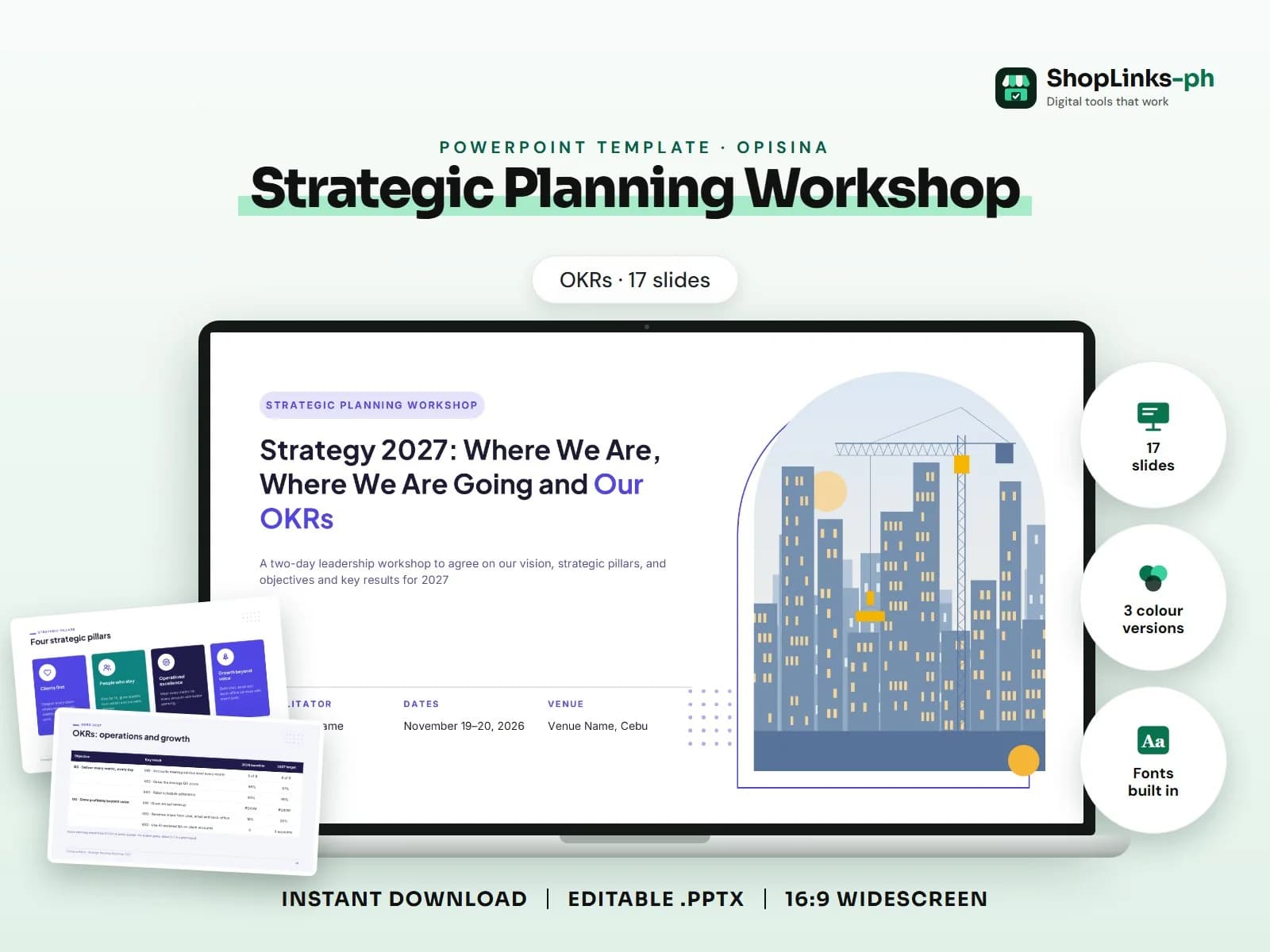
- 17 editable slides with sample content.
- Three colour versions and fonts built in.
- Open with the numbers that matter most and say what they mean for the team.
Planning workshop: agenda, where we are (stats), SWOT, vision, strategic pillars (cards), OKRs table, initiatives, timeline, owners (table), risks, next steps.. This guide walks through what a good strategic planning workshop presentation covers, slide by slide, and how to prepare it quickly with an editable PowerPoint template.
Who this is for
Team leads and HR staff present the same kinds of updates again and again. A consistent deck makes meetings shorter and easier to follow, and you only change the numbers each time.
What to include, slide by slide
- Workshop agenda
- Where We Are
- 2026 at a glance
- SWOT analysis
- Where We Want to Go
- Our vision for 2028
- Four strategic pillars
- OKRs: clients and people
- OKRs: operations and growth
- How We Get There
- Six initiatives for 2027
- 2027 roadmap
- Initiative owners and check-ins
- Risks and how we respond
- Next steps after the workshop
How to edit it in five steps
- Open the .pptx in Microsoft PowerPoint and choose the colour version you like.
- Click any sample text and type over it with your own content.
- Right-click each picture, choose Change Picture and insert your own photo.
- Right-click a chart and choose Edit Data to type your numbers; tables edit like any table.
- Read the speaker notes for slide-specific tips, then present with F5.
Tips before you present
- Open with the numbers that matter most and say what they mean for the team.
- Update charts with right-click > Edit Data so the visuals stay consistent.
- Keep one action owner and date on every action item.
- Send the deck as a PDF after the meeting so everyone has the same version.
- Reuse the same file each week or month; only the numbers change.
Get the editable template
The Strategic Planning Workshop (OKRs) PowerPoint Template has 17 slides with sample content to replace, three colour versions and the fonts built in. It costs ₱199 and downloads right after payment.