Key takeaways
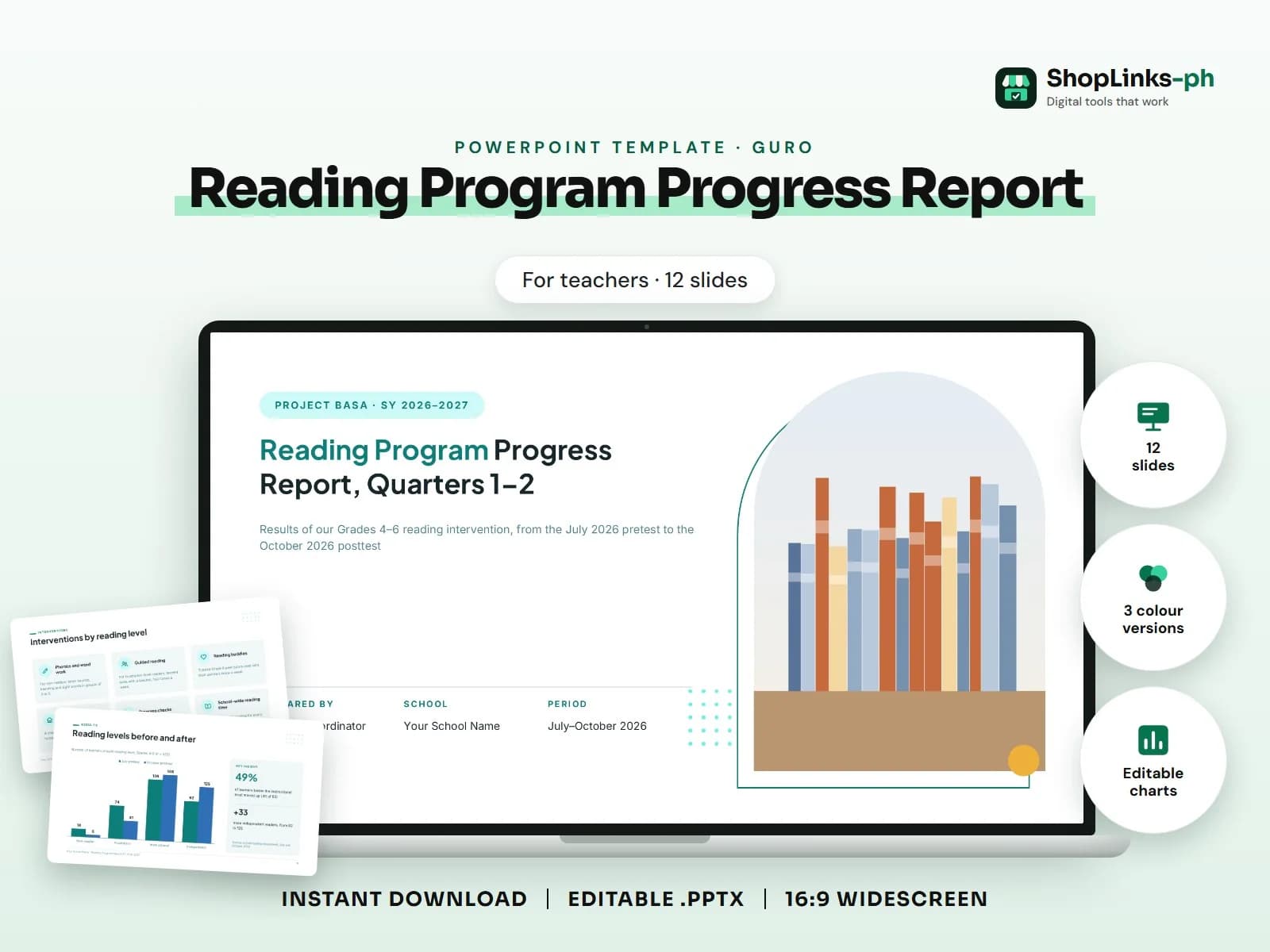
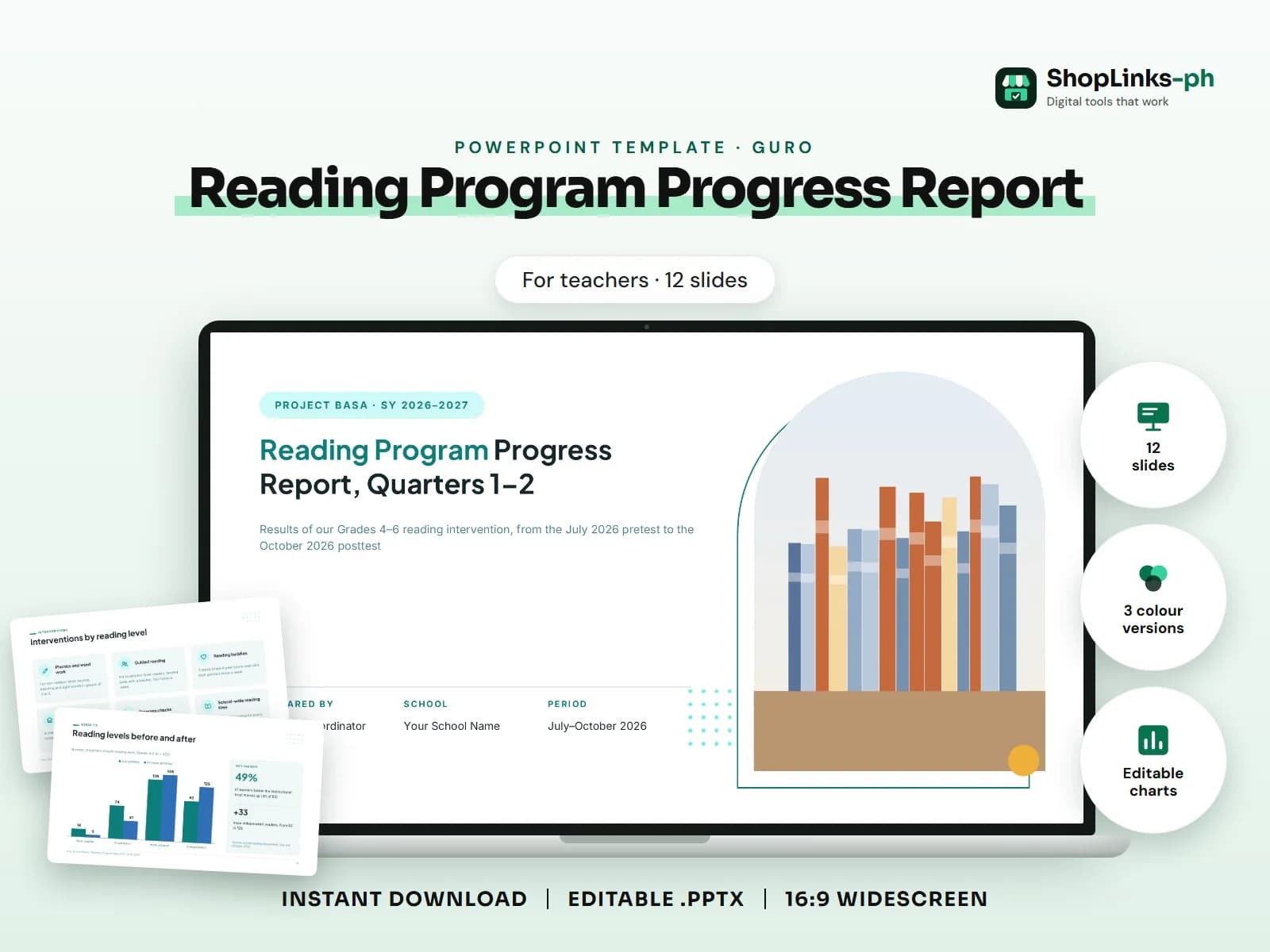
- 12 editable slides with sample content.
- Three colour versions and fonts built in.
- Edit the sample questions and examples in Normal view the night before class.
Reading program: rationale, objectives, learners covered stats, reading levels before and after chart, interventions (cards), sample activities, results table, challenges, next steps.. This guide walks through what a good reading program progress report presentation covers, slide by slide, and how to prepare it quickly with an editable PowerPoint template.
Who this is for
Teachers make slides every week on top of lesson plans, records and paperwork. A ready deck that already follows a familiar classroom flow saves an evening of formatting and leaves more time for the learners.
What to include, slide by slide
- Why we started this program
- Program objectives
- Who the program reached
- What We Did
- Interventions by reading level
- Sample activities
- Reading levels before and after
- Results by grade level
- Challenges we faced
- Next steps for Quarters 3–4
How to edit it in five steps
- Open the .pptx in Microsoft PowerPoint and choose the colour version you like.
- Click any sample text and type over it with your own content.
- Right-click each picture, choose Change Picture and insert your own photo.
- Right-click a chart and choose Edit Data to type your numbers; tables edit like any table.
- Read the speaker notes for slide-specific tips, then present with F5.
Tips before you present
- Edit the sample questions and examples in Normal view the night before class.
- Run the slideshow once to check every button and timer before your learners arrive.
- Keep text big: learners at the back of the room should read every word.
- Use the speaker notes for answers and reminders so they stay off the screen.
- Save a copy per section or grade level so you can reuse the deck next school year.
Get the editable template
The Reading Program Progress Report PowerPoint Template has 12 slides with sample content to replace, three colour versions and the fonts built in. It costs ₱69 and downloads right after payment.