Key takeaways
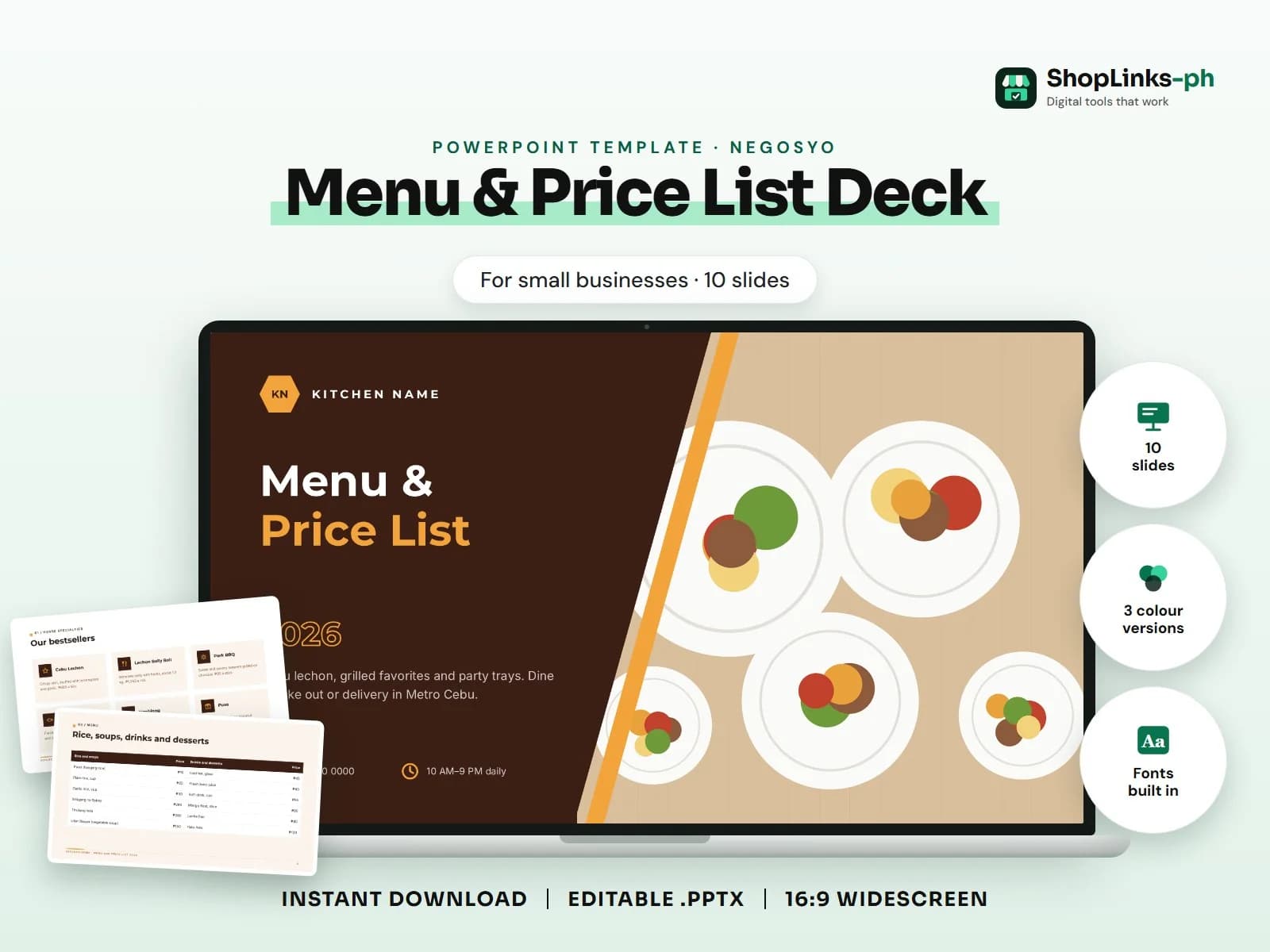
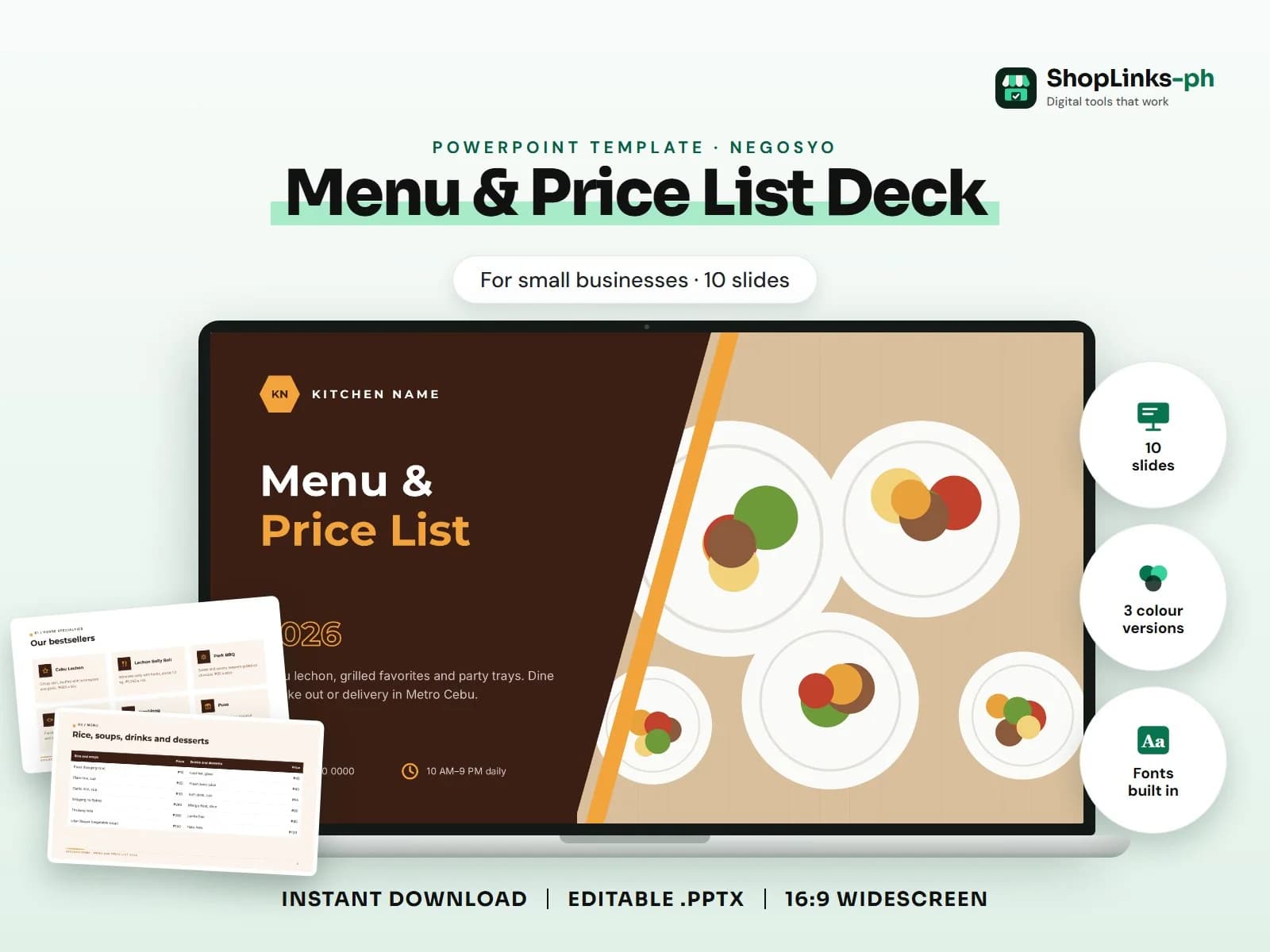
- 10 editable slides with sample content.
- Three colour versions and fonts built in.
- Lead with what the client gets, then prove it with projects, numbers and testimonials.
Menu deck for food businesses: brand, menu categories (table or cards with ₱ prices), combos and promos (pricing), party trays, how to order, delivery areas, contact.. This guide walks through what a good menu & price list deck presentation covers, slide by slide, and how to prepare it quickly with an editable PowerPoint template.
Who this is for
Small businesses in the Philippines are often asked for a company profile, proposal or presentation on short notice: by a corporate client, a bank, a cooperative or a bidding committee. A polished deck you can update in minutes makes a stronger first impression than a plain document.
What to include, slide by slide
- Our bestsellers
- Lechon, grill and ulam
- Rice, soups, drinks and desserts
- Meal combos
- Party trays for every handaan
- Order in four easy steps
- Where we deliver
- Visit or message us
How to edit it in five steps
- Open the .pptx in Microsoft PowerPoint and choose the colour version you like.
- Click any sample text and type over it with your own content.
- Right-click each picture, choose Change Picture and insert your own photo.
- Right-click a chart and choose Edit Data to type your numbers; tables edit like any table.
- Read the speaker notes for slide-specific tips, then present with F5.
Tips before you present
- Lead with what the client gets, then prove it with projects, numbers and testimonials.
- Replace every sample figure, permit number and photo with your own before sending.
- Keep a PDF version for email and Messenger; send the editable file only to your team.
- Use your brand colours through Design > Variants > Colors so every slide matches.
- End with one clear next step: a site visit, a call or a quotation request.
Get the editable template
The Menu & Price List Deck PowerPoint Template has 10 slides with sample content to replace, three colour versions and the fonts built in. It costs ₱199 and downloads right after payment.