Key takeaways
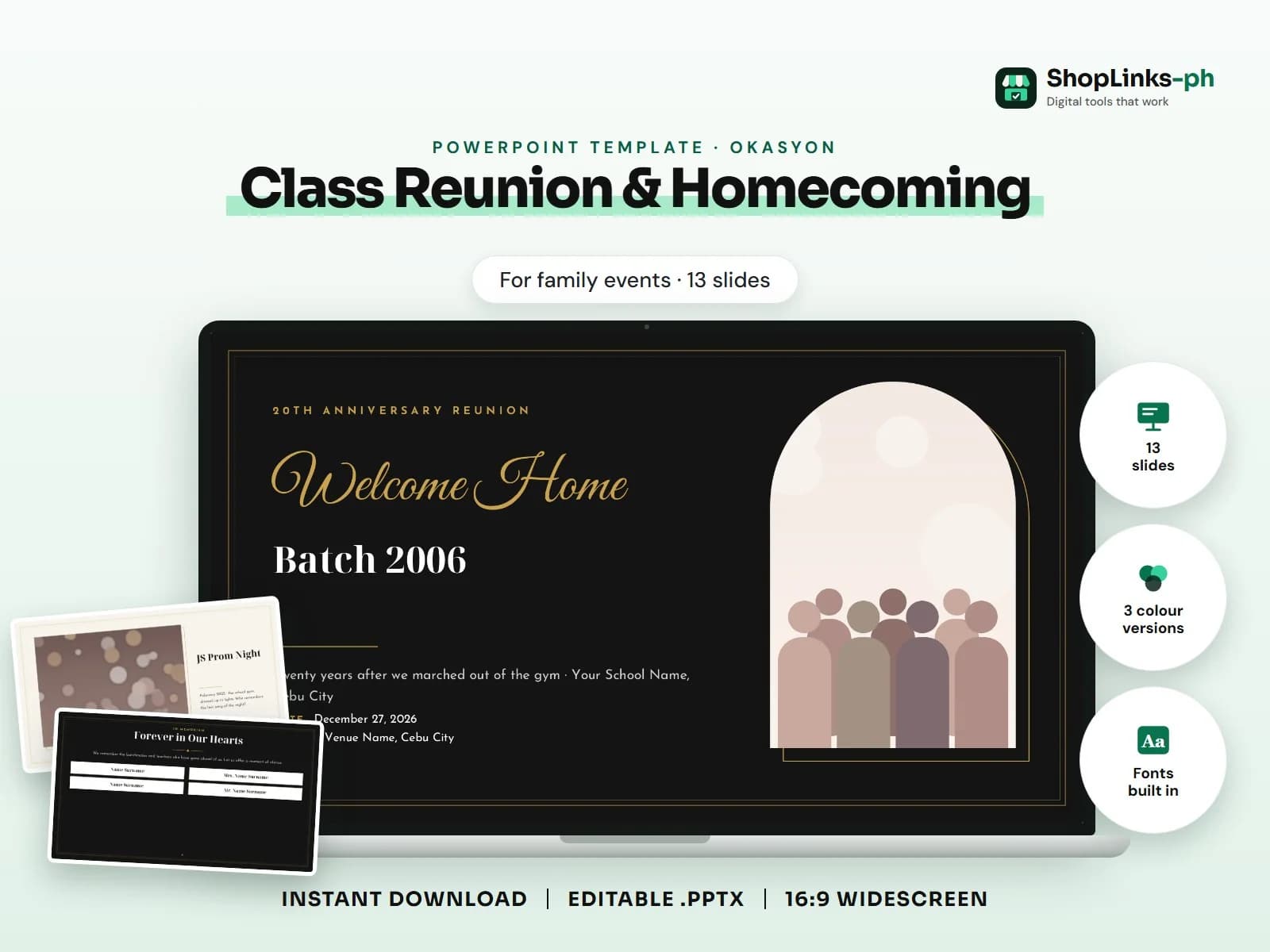
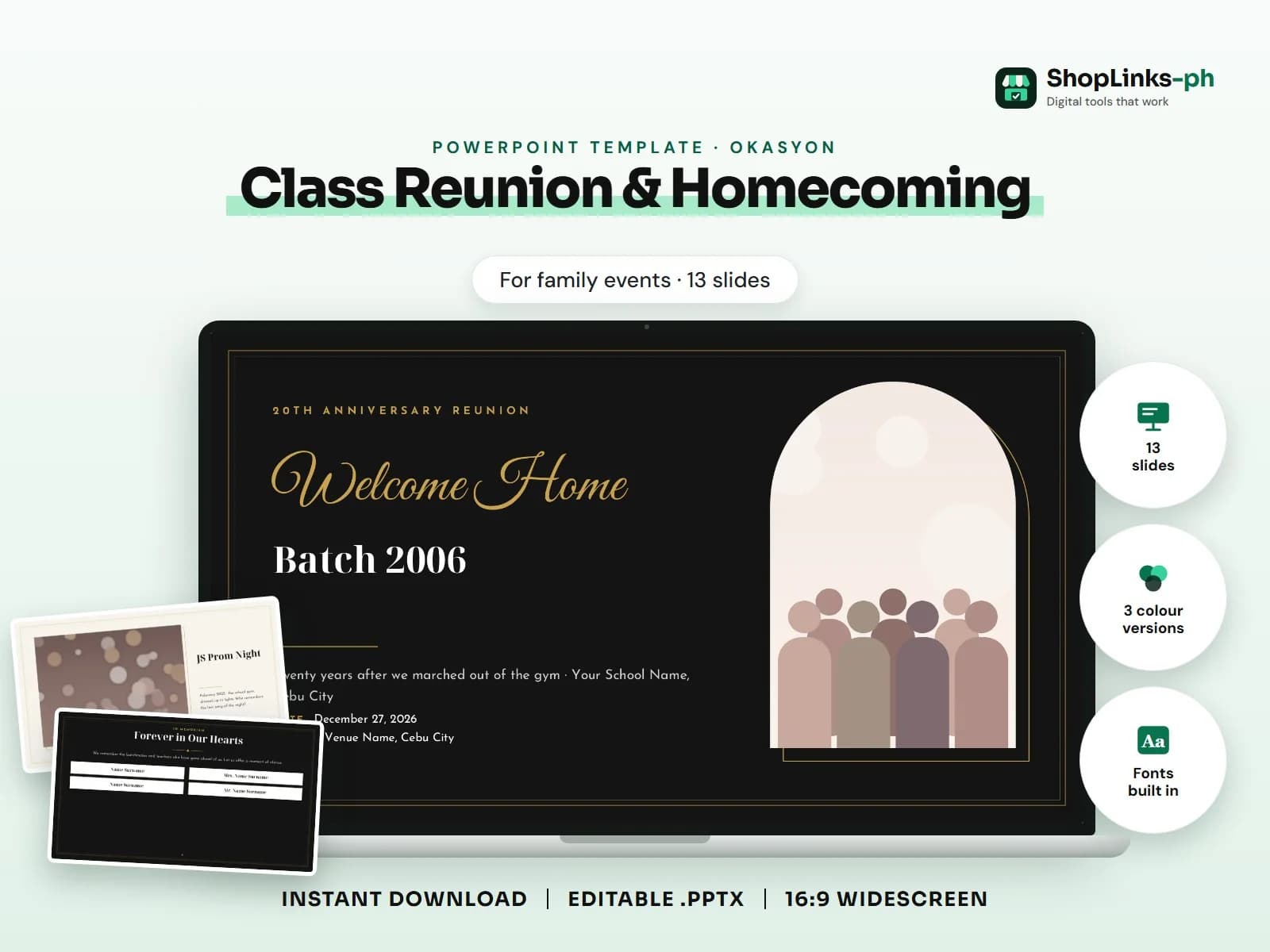
- 13 editable slides with sample content.
- Three colour versions and fonts built in.
- Collect photos early and replace the placeholders with right-click > Change Picture.
Reunion: welcome back, then and now, class stats, memory lane timeline, gallery, in memoriam, program, raffle and games, thank-you to sponsors (names).. This guide walks through what a good class reunion & homecoming presentation covers, slide by slide, and how to prepare it quickly with an editable PowerPoint template.
Who this is for
Family milestones, from debuts and weddings to tributes and memorials, deserve a slideshow that does them justice. A ready design lets you focus on collecting photos, names and messages instead of arranging boxes on a slide the night before.
What to include, slide by slide
- Welcome Back, Batchmates
- Batch 2006, Then and Now
- Batch 2006 in Numbers
- Memory Lane
- JS Prom Night
- Through the Years
- Forever in Our Hearts
- Reunion Program
- Games, Prizes and Raffle
- Yearbook Trivia
- Thank You to Our Sponsors
How to edit it in five steps
- Open the .pptx in Microsoft PowerPoint and choose the colour version you like.
- Click any sample text and type over it with your own content.
- Right-click each picture, choose Change Picture and insert your own photo.
- Right-click a chart and choose Edit Data to type your numbers; tables edit like any table.
- Read the speaker notes for slide-specific tips, then present with F5.
Tips before you present
- Collect photos early and replace the placeholders with right-click > Change Picture.
- Ask a relative to check the spelling of every name before the event.
- Test the slideshow on the venue's projector or TV and bring a USB copy.
- Use the program slide as the host's guide; keep it updated if the schedule changes.
- Keep messages short so the slideshow moves with the music.
Get the editable template
The Class Reunion & Homecoming PowerPoint Template has 13 slides with sample content to replace, three colour versions and the fonts built in. It costs ₱99 and downloads right after payment.