Key takeaways
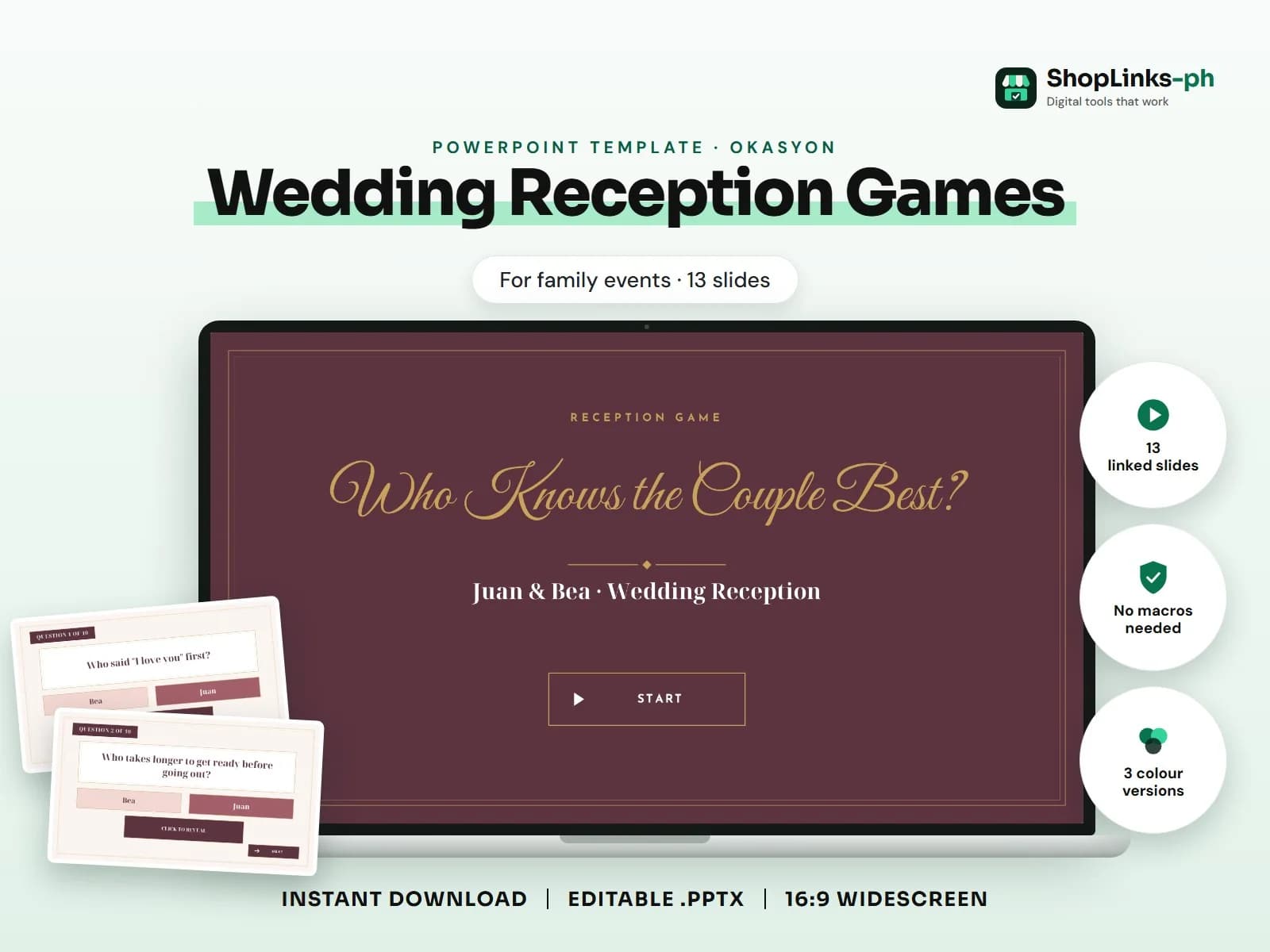
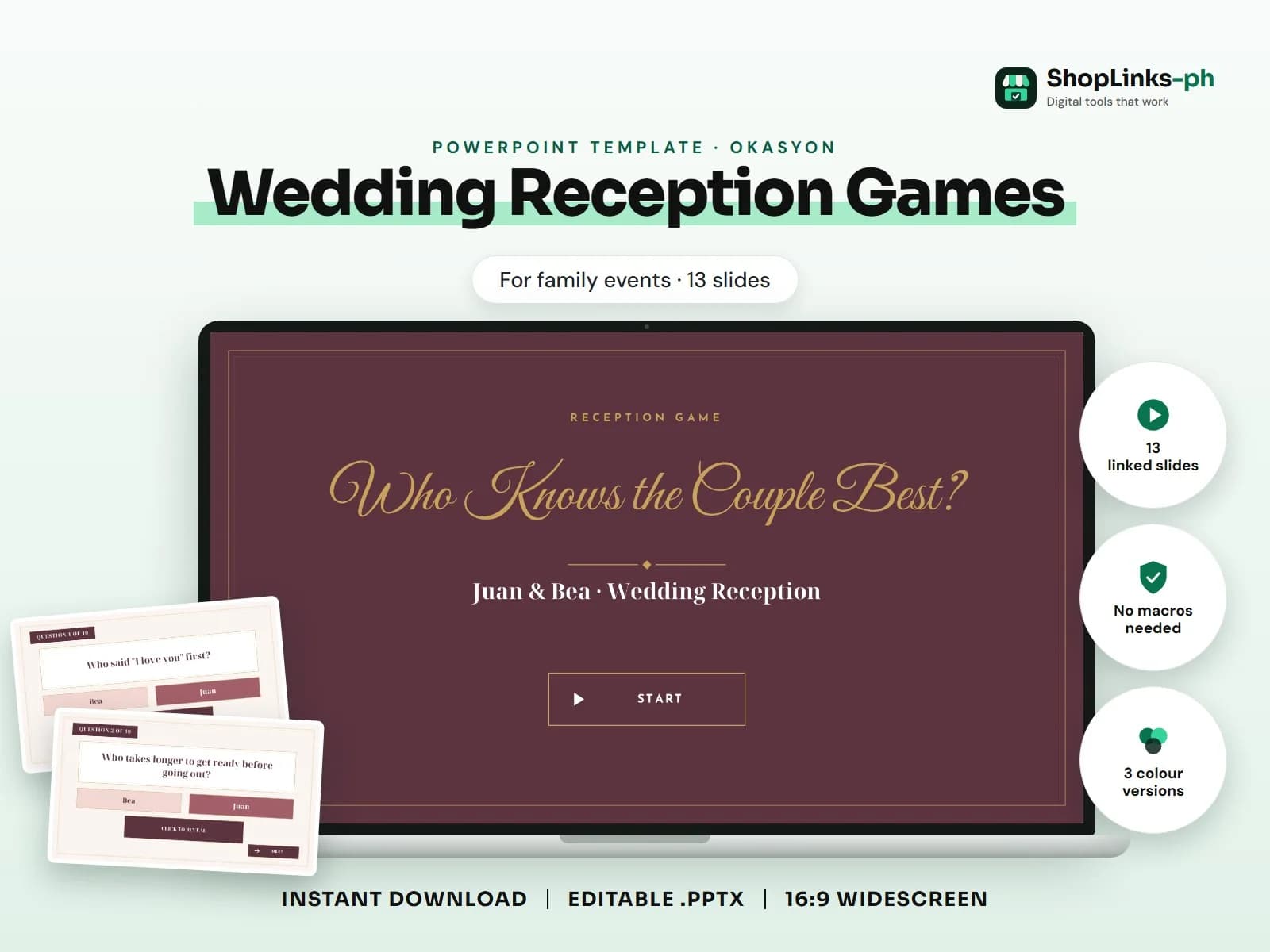
- 13 editable slides with sample content.
- Three colour versions and fonts built in.
- Collect photos early and replace the placeholders with right-click > Change Picture.
'Who knows the couple best' rounds: 10 questions answered Bride or Groom, each with a reveal slide; plus game rules and a winners slide.. This guide walks through what a good wedding reception games presentation covers, slide by slide, and how to prepare it quickly with an editable PowerPoint template.
Who this is for
Family milestones, from debuts and weddings to tributes and memorials, deserve a slideshow that does them justice. A ready design lets you focus on collecting photos, names and messages instead of arranging boxes on a slide the night before.
How the game works
The deck opens with a title and a how-to-play slide. Every tile and button jumps to the right slide, answers appear only when you click, and mouse clicks elsewhere do nothing, so a stray click never skips ahead. There are 13 linked slides.
- Teams: Each table is one team. Grab a pen and a piece of paper.
- Guess: Write Juan or Bea for each question before the reveal.
- Reveal: The host clicks the box to show the couple's own answer.
- Win: The table with the most right answers wins a prize.
How to edit it in five steps
- Open the .pptx in Microsoft PowerPoint and pick a colour version.
- In Normal view, click each question and answer and type your own.
- Save, then start the slideshow with F5.
- Use only the on-screen buttons to move around; a stray click never skips a question.
- Keep score on the board or type the scores on the scoreboard slide between rounds.
Tips before you present
- Collect photos early and replace the placeholders with right-click > Change Picture.
- Ask a relative to check the spelling of every name before the event.
- Test the slideshow on the venue's projector or TV and bring a USB copy.
- Use the program slide as the host's guide; keep it updated if the schedule changes.
- Keep messages short so the slideshow moves with the music.
Get the editable template
The Wedding Reception Games PowerPoint Template has 13 slides with sample content to replace, three colour versions and the fonts built in. It costs ₱99 and downloads right after payment.