Key takeaways
- List each item once in the unit you sell it in.
- Sale lines drive items total, total due, and balance.
- Read available credit before releasing a delivery.
- Log a movement for every release so on hand stays true.
Watch the supporting video
Watch the YouTube guide here while following this article.
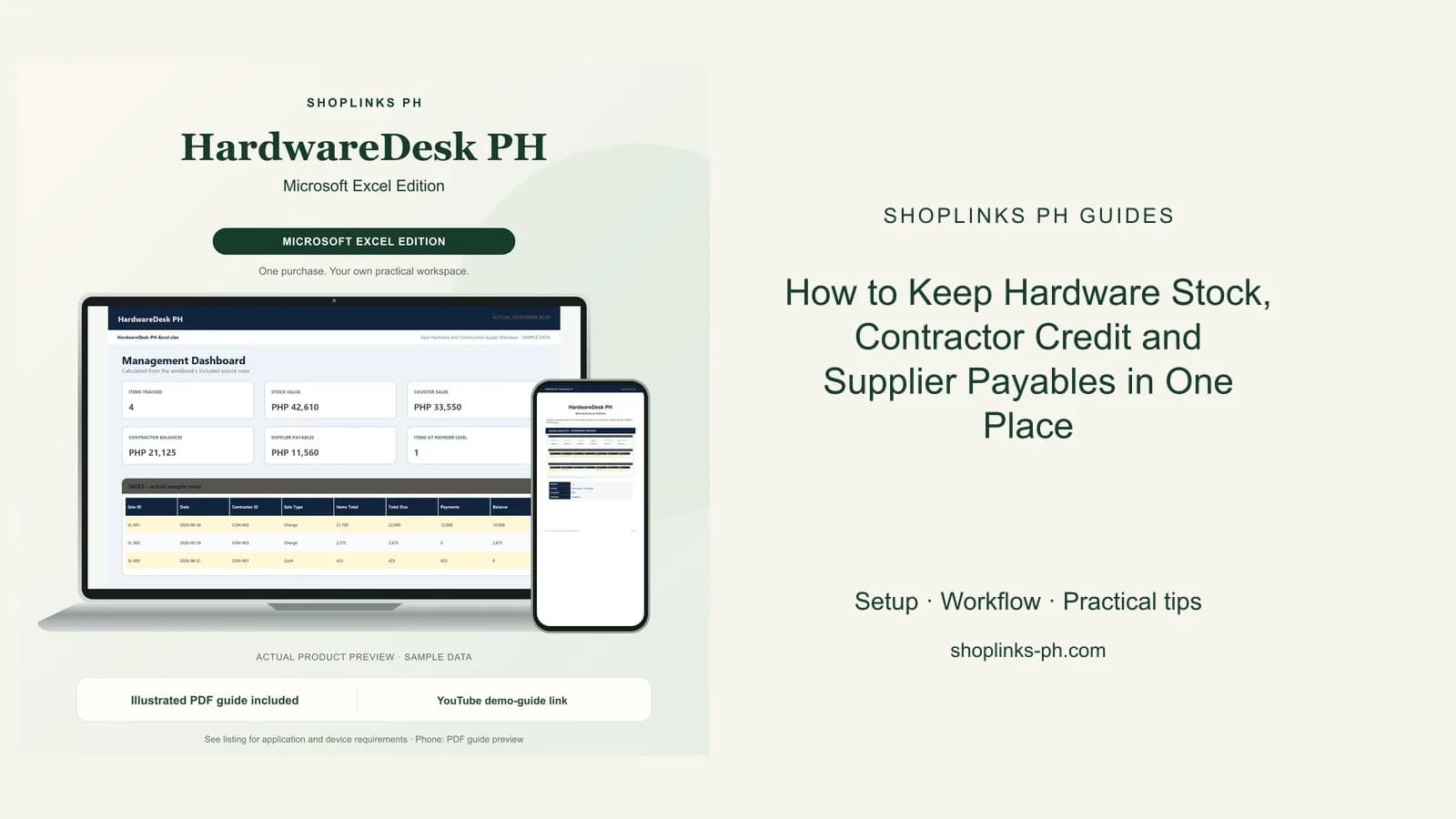
A hardware store sells the same shelf three different ways: by the piece, by the length, and by the sack. Stock leaves the counter in one of those units all day, contractors take deliveries on credit and pay when the project draws, and the supplier invoice arrives long before any of it is collected. HardwareDesk PH keeps the item list, the stock ledger, the counter sale, the contractor account, and the supplier payable in one workbook. The number the owner needs before releasing the next delivery, available credit, is computed instead of remembered.
Price every item in the unit you sell it in
Each item is listed once with the unit it leaves the store in, whether that is a piece, a length, a kilo, or a sack, along with its unit price, unit cost, opening stock, and reorder level.
Because the unit sits on the item, every sale line and every stock movement speaks the same language, and stock value is simply on hand times unit cost.
Let the counter sale carry its lines
A sale records the date, the contractor account, and whether it is cash or charge. Its lines carry the item, the quantity, and the unit price, and the line amount is computed per row.
Items total, total due after delivery fee and discount, payments received, and the remaining balance all follow from those rows, so no sale is added up twice.
Check available credit before the next release
Each contractor account carries the credit limit you are willing to carry. Charges are the total due on their sales, payments are what they have settled, and the balance is the difference.
Available credit is the limit less the balance, and the credit status column reads Cash only, Within limit, Near limit, or Over limit. That single line answers the question the driver is waiting for at the gate.
Keep stock and payables honest
Every release and every delivery is logged as a stock movement, so on hand is opening stock plus what came in less what went out, and the stock status column flags an item at or below its reorder level.
Supplier deliveries carry the invoice total and a due date taken from the supplier terms, and each payment reduces the balance. The payables total tells you what the store owes before you decide what to order.
Review exceptions every week
Resolve duplicate IDs, missing links, overdue balances, negative amounts, and open operational items in CHECKS before using the dashboard for decisions.
HardwareDesk PH Microsoft Excel Edition is designed for Microsoft Excel 2019 or newer on Windows or macOS.
No barcode scanning hardware, supplier price-list downloads, delivery truck dispatch, payroll or tax computation, official receipts, or any credit check on a contractor beyond your own records.
