Key takeaways
- One membership row drives expiry, balance, and renewals.
- Log every check-in against the membership ID.
- Only completed PT sessions generate trainer pay.
- Review RENEWALS and CHECKS weekly.
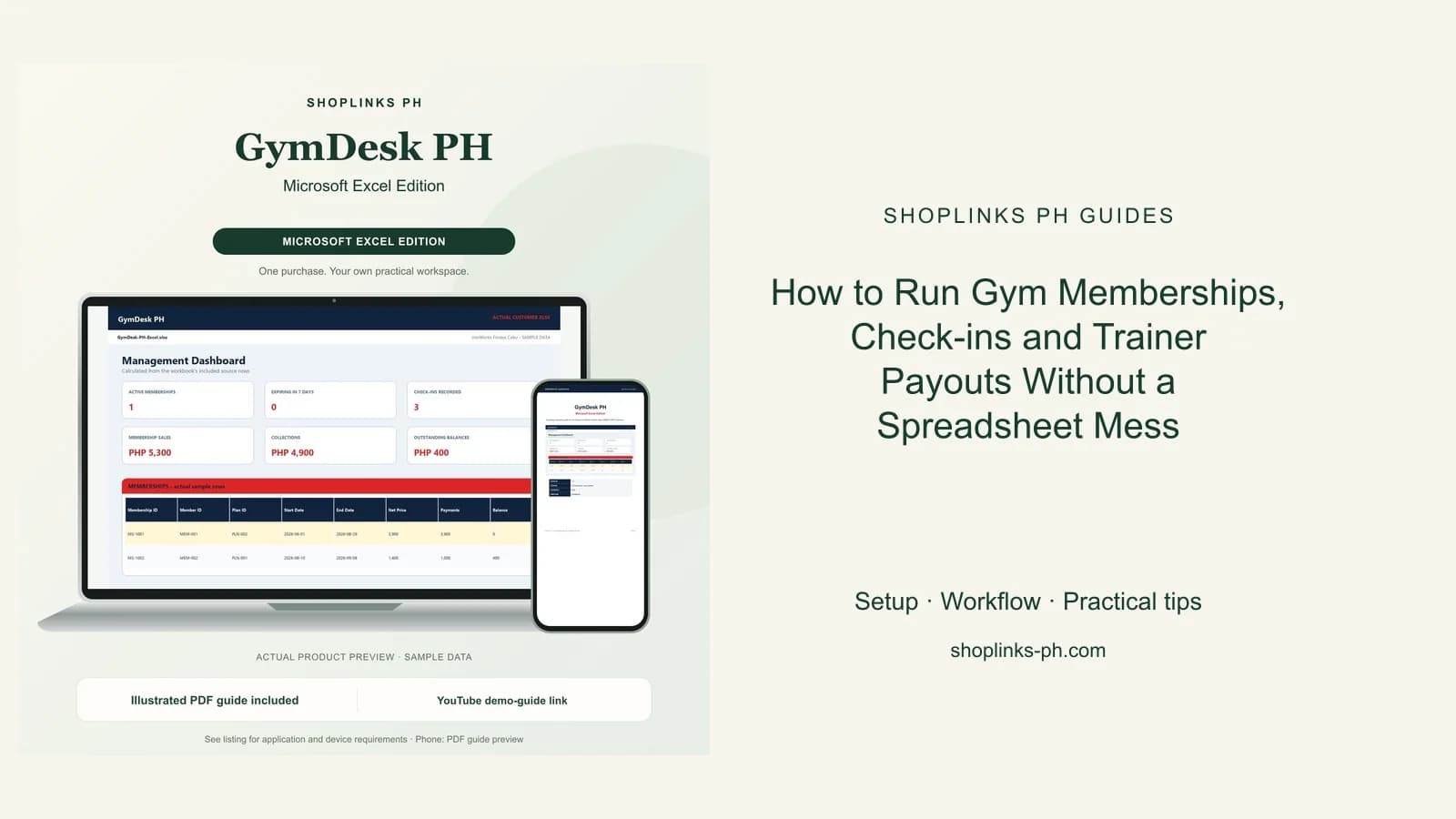
Watch the supporting video
Watch the YouTube guide here while following this article.
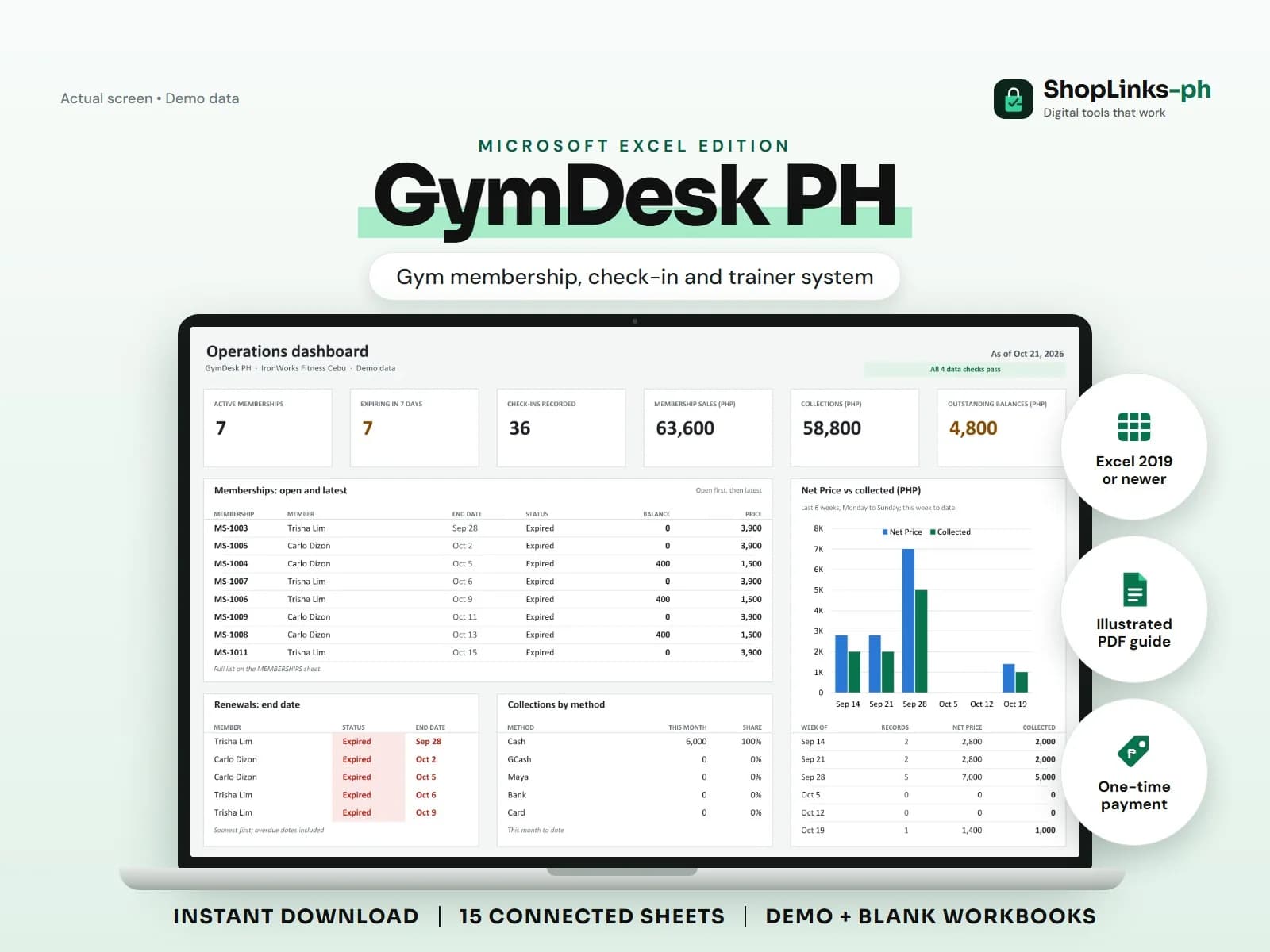
Most small gyms know their members by face, which works until the front desk changes shifts. Then an expired member keeps training, a coach is paid for sessions nobody logged, and renewals are chased a week late. GymDesk PH keeps one membership record at the center so expiry, check-ins, and trainer pay all count from the same row.
Register once, then sell plans
Members get one ID with an emergency contact. Plans carry their duration, sessions included, and price. A membership links the two with start and end dates, so the sheet knows exactly when access ends.
Discounts are entered once per membership, and the net price and balance are calculated instead of typed.
Let expiry status work for you
Days left is computed from the end date, and the status flips to Expiring seven days out and Expired after. The RENEWALS sheet lists who to call this week.
Because the status is formula-driven, the front desk never has to remember dates.
Log check-ins and PT sessions
Every check-in records the member, membership, time, and area. Over a month this shows peak hours and which memberships are actually used.
PT sessions record the session fee and the trainer pay, and only sessions marked Completed count toward the trainer's payout.
Collect and pay from records
Payments carry the membership ID and method, so partial payments and balances are always current. Trainer payouts total completed sessions per period, plus any adjustment you agree to.
A weekly review of CHECKS catches memberships without members and check-ins against unknown memberships before they become disputes.
Review exceptions every week
Resolve duplicate IDs, missing links, overdue balances, negative amounts, and open operational items in CHECKS before using the dashboard for decisions.
GymDesk PH Microsoft Excel Edition is designed for Microsoft Excel 2019 or newer on Windows or macOS.
No biometric or turnstile integration, automatic renewal charging, class scheduling app, health or fitness advice, payroll or tax computation, or official receipts.