Key takeaways
- Every repair order totals itself from its labor and part lines.
- Hours billed are compared with hours clocked per technician.
- Parts are sold at a set markup with stock tracked.
- Unpaid repair orders and fleet balances stay visible.
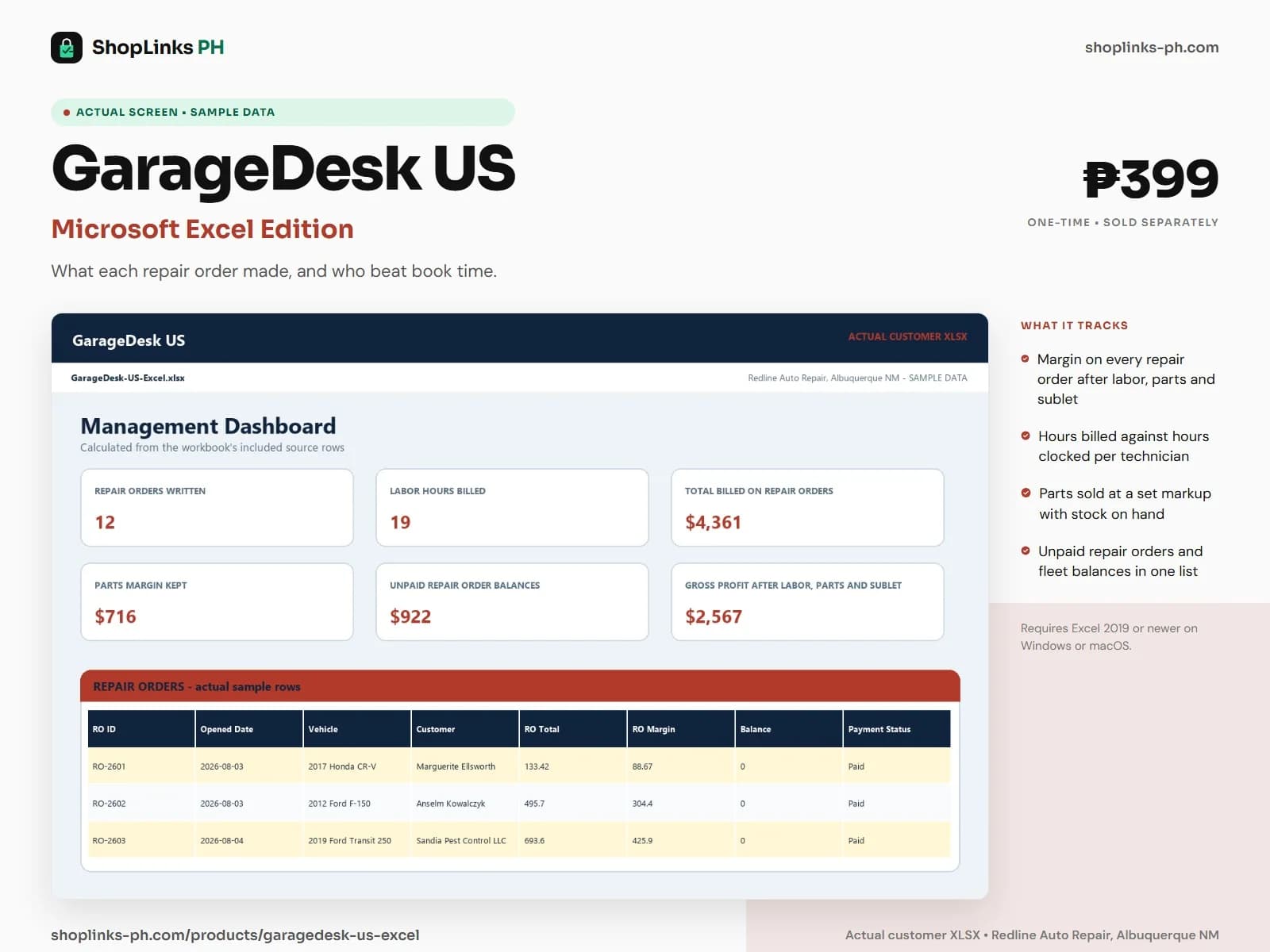
A three-bay shop in Albuquerque writes a dozen repair orders in a busy week: brakes on a pickup, a water pump on a fleet van, a check engine light that turns out to be a worn belt. The owner knows the invoices went out. What the owner cannot say is which jobs made money after the tech's time, which technician is beating book time, and how much of the fleet account is still unpaid. GarageDesk US answers those from the repair orders themselves.
A repair order built from its lines
Every operation is a labor line with hours billed, hours clocked and a labor rate, and every part installed is a part line. The repair order totals itself from those lines plus any sublet work.
Because each line carries its own cost as well as its price, the repair order shows a real margin instead of a total, and a job that took twice the book time is visible the same week.
Book time against clock time
Hours billed are what the customer pays for. Hours clocked are what the technician actually spent under the vehicle. Recording both on every labor line makes efficiency a number instead of a feeling about who is fast.
The tech summary divides billed by clocked per technician and labels each one Beating book time, On pace or Behind book time, which is the fair starting point for a coaching conversation.
Parts at a set markup
Each stocked part carries a unit cost and a markup percent, and the sell price is derived from both. Part lines pull the cost and the price from the parts list, so the counter never guesses a price.
Part movements record stock arriving and going into jobs, so the parts list shows what is on hand and flags the batteries and belts that need reordering before the next job needs them.
Money still owed
Payments are recorded against the repair order, so a customer who paid part at pickup and a fleet account paying on a monthly statement both keep an accurate balance and status.
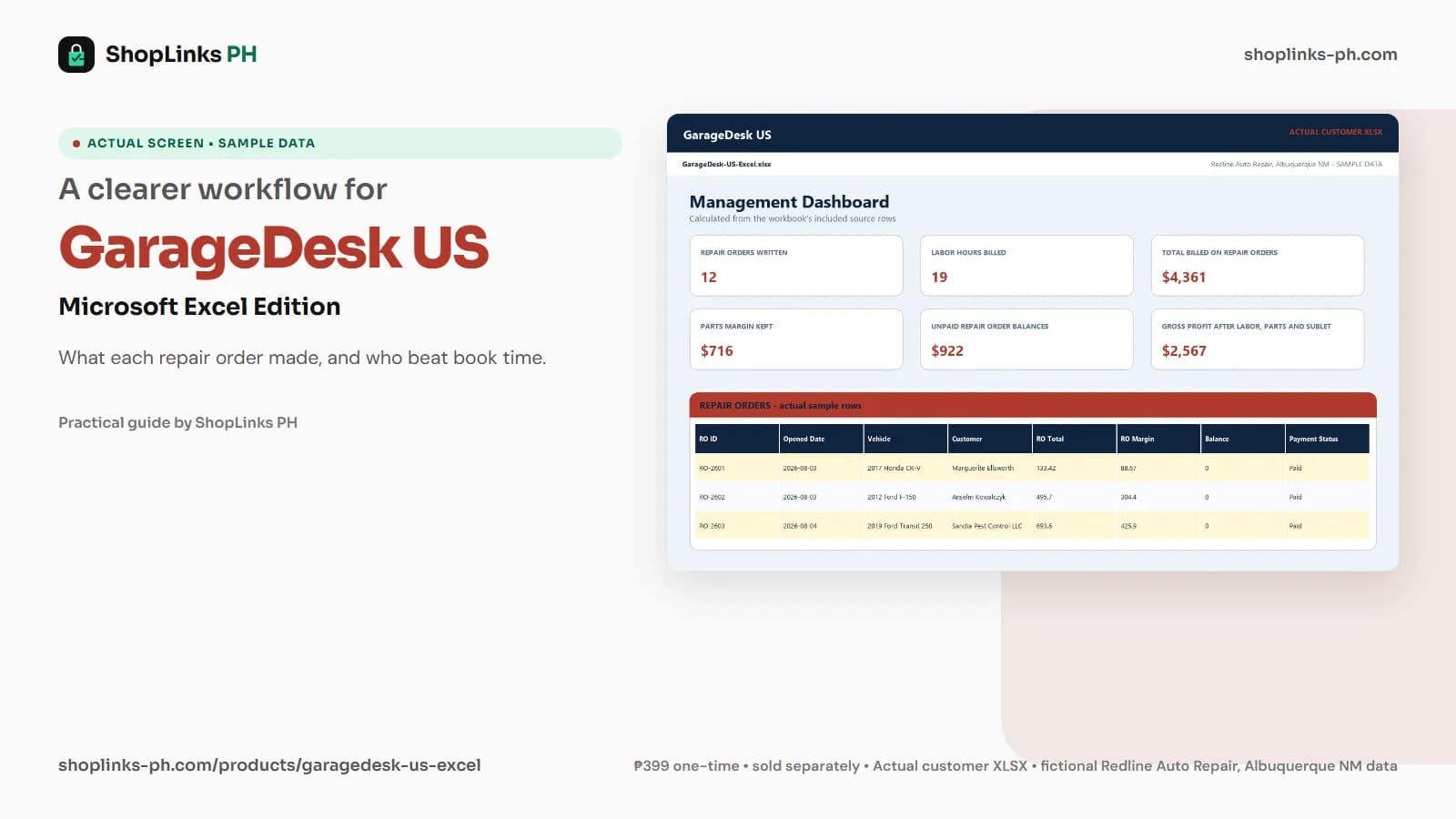
The unpaid balances on the dashboard are the figure to quote at the end of the month, and the repair order list shows exactly which vehicle and which customer each dollar belongs to.
Review exceptions every week
Resolve duplicate IDs, missing links, overdue balances, negative amounts, and open operational items in CHECKS before using the dashboard for decisions.
GarageDesk US Microsoft Excel Edition is designed for Microsoft Excel 2019 or newer on Windows or macOS.
No shop management software or parts catalog integration, no VIN decoding or vehicle history lookups, no sales tax or gross receipts tax filing, no technician payroll or flat-rate pay processing, and no customer text or email reminders.