Key takeaways
- One device ID per unit under the customer.
- Every ticket has a promised date and status.
- Charge parts to the ticket and log the stock movement.
- Warranty-until is computed on release.
Watch the supporting video
Watch the YouTube guide here while following this article.
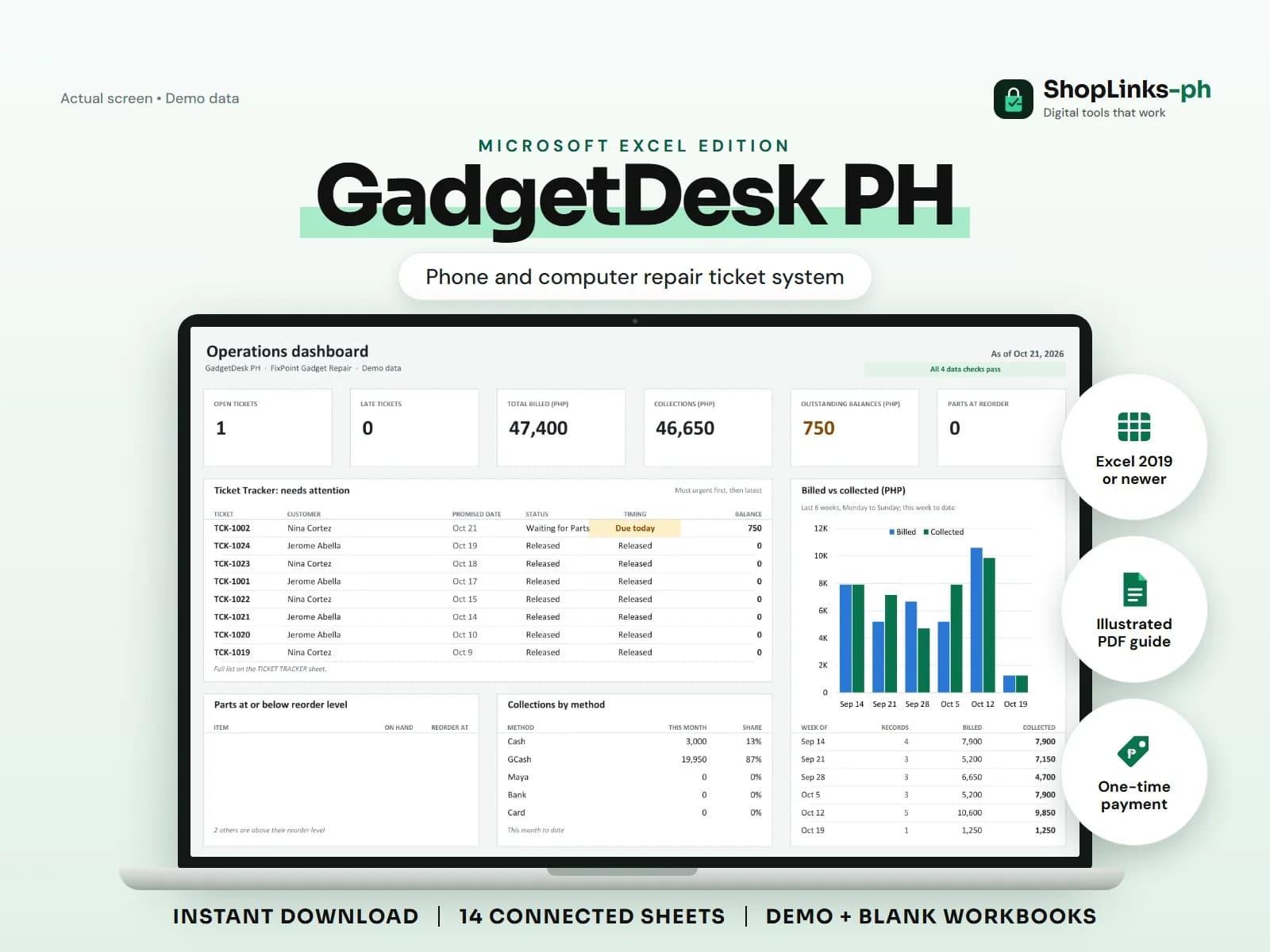
Repair shops juggle dozens of devices that look alike, parts that arrive late, and customers who remember a different price. GadgetDesk PH gives every device and ticket an ID so the counter can answer where the phone is, what it costs, and when the warranty ends.
Register the device, not just the customer
A device row records type, brand, model, a shop reference, and color under the customer's ID. Repeat customers keep their history per device.
Avoid storing passcodes or full serial numbers in the sheet; a shop reference is enough to match the unit.
Open a ticket with a promise
The ticket carries the reported issue, diagnosis, technician, promised date, labor fee, discount, warranty days, and a status from Received through Ready and Released.
TICKET TRACKER computes days open and a timing label so late tickets are visible every morning.
Charge parts to the ticket
Ticket parts record each part used with quantity and price, and stock movements log the same use against the part. Parts total, ticket total, and balance are calculated.
Reorder levels flag screens and batteries before the next customer needs them.
Collect, release, and honor the warranty
Deposits and release payments are matched to the ticket. On release, the warranty-until date is computed from the release date and warranty days.
A weekly review of CHECKS catches tickets on unknown devices and ticket parts that do not exist in stock.
Review exceptions every week
Resolve duplicate IDs, missing links, overdue balances, negative amounts, and open operational items in CHECKS before using the dashboard for decisions.
GadgetDesk PH Microsoft Excel Edition is designed for Microsoft Excel 2019 or newer on Windows or macOS.
No diagnostic software, IMEI or warranty database lookups, data recovery guarantees, manufacturer authorization, official receipts, tax filing, or automatic SMS updates.