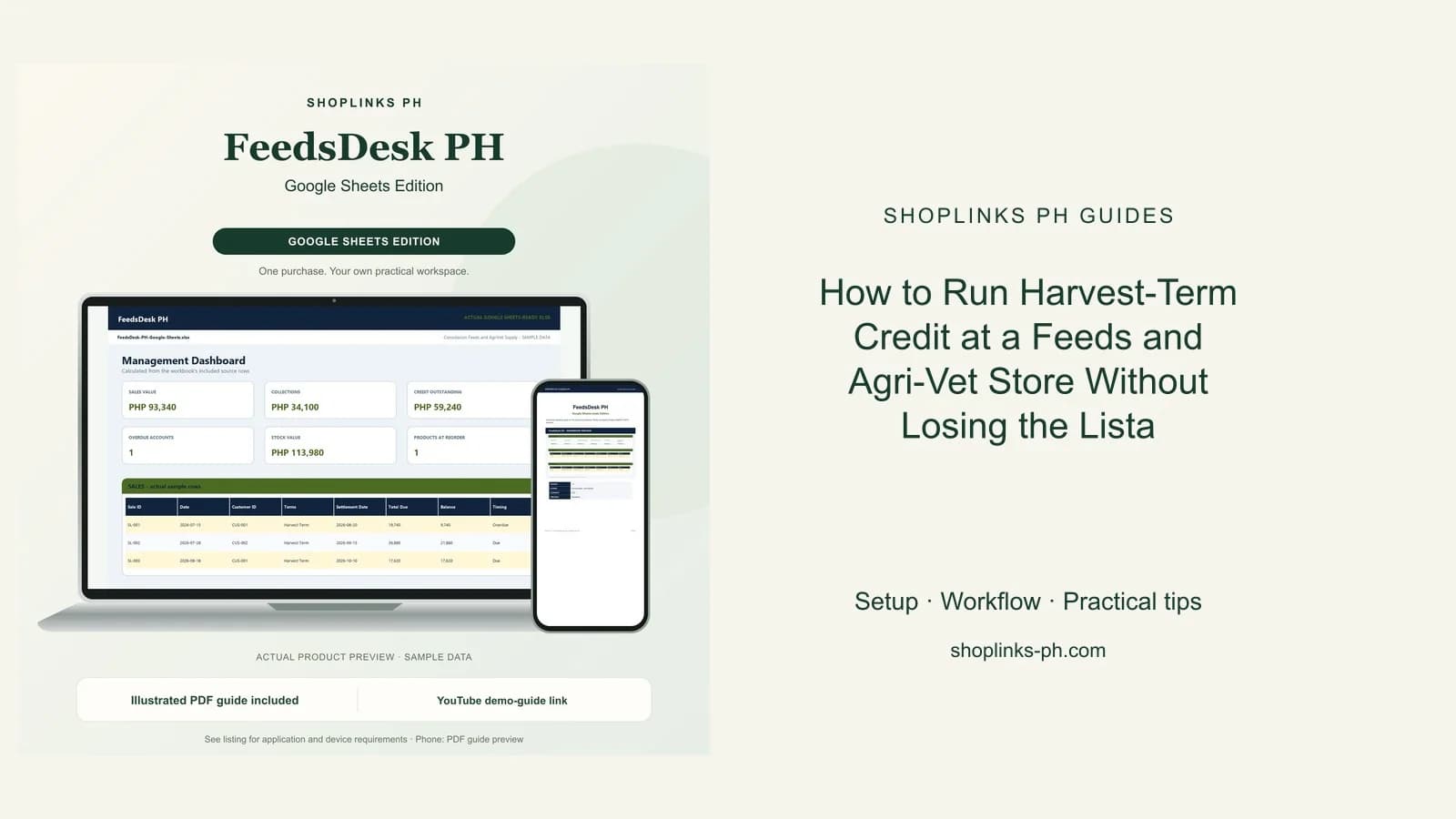
A feeds dealer is a lender who happens to sell sacks. The raiser takes twelve sacks today and pays when the pigs are sold, which might be forty days from now or ninety, and the only record is a notebook page with a name on it. When the harvest comes and goes without a payment, nobody notices until the next order. FeedsDesk PH puts an expected settlement date on every credit sale and lets the sheet tell you which accounts have passed it.
Give every credit sale a settlement date
A sale carries terms and an expected settlement date, agreed with the raiser at the counter. Cash sales leave it blank. Everything else, harvest term included, gets the date the raiser expects to sell the batch.
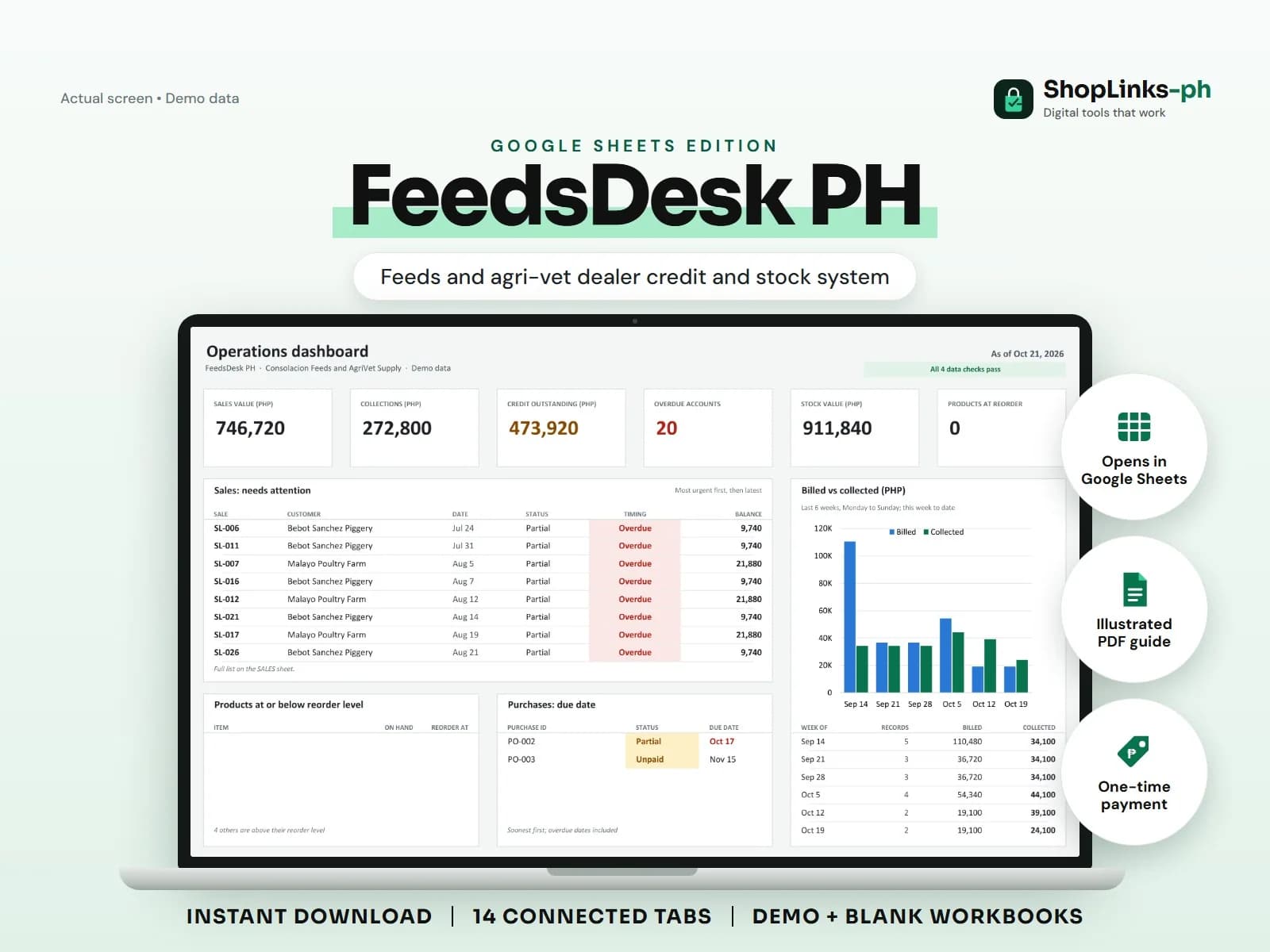
The Timing column reads that date against today and shows Due, Due today, or Overdue while a balance remains, and Settled once it is paid. Nobody has to compute anything or flip back through the notebook.
Set a credit limit per raiser
Each customer carries a credit limit. Their balance is the total of their unpaid sale balances, and credit available is the limit less that balance.
That single figure is what a counter staffer needs before releasing more sacks. A backyard raiser with a fifteen thousand limit and eleven thousand outstanding is a conversation, not a refusal, but it is a conversation you have before the sacks leave.
Keep stock and payables honest
Products are counted by sack or bottle. On hand is opening stock plus deliveries in, less adjustments out and everything sold on sale items, and reorder level flags the products getting thin.
Supplier purchases record the invoice, the amount, what has been paid, and the due date, so the payable to the feedmill sits beside the receivable from the raisers instead of in a separate drawer.
Work the list, not the memory
The dashboard shows sales value, collections, credit outstanding, how many accounts are overdue, stock value, and how many products are at reorder.
Before a delivery run, filter Timing for Overdue and check credit available. That is the collection list and the release decision in one pass, and it takes a minute rather than an evening with the notebook.
Review exceptions every week
Resolve duplicate IDs, missing links, overdue balances, negative amounts, and open operational items in CHECKS before using the dashboard for decisions.
FeedsDesk PH Google Sheets Edition is designed for use with a Google account and current desktop Google Sheets.
No feed formulation, dosage or veterinary advice, no BAI, FDA or livestock permit compliance, no interest or penalty computation on overdue accounts, no credit scoring, tax filing, or official receipts.