Key takeaways
- Start with one defined situation
- Replace the fictional examples
- Review the final native file
Define the decision
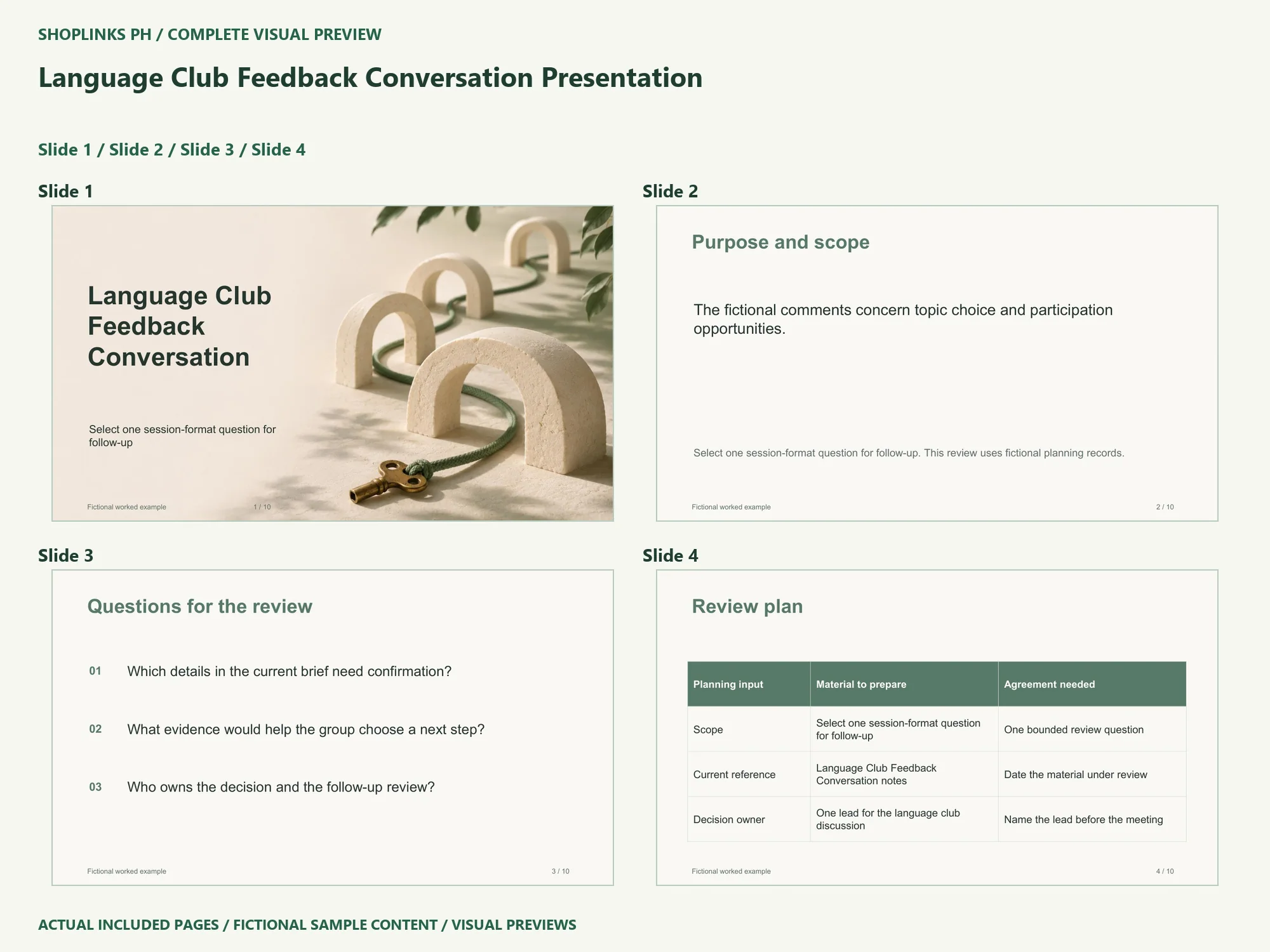
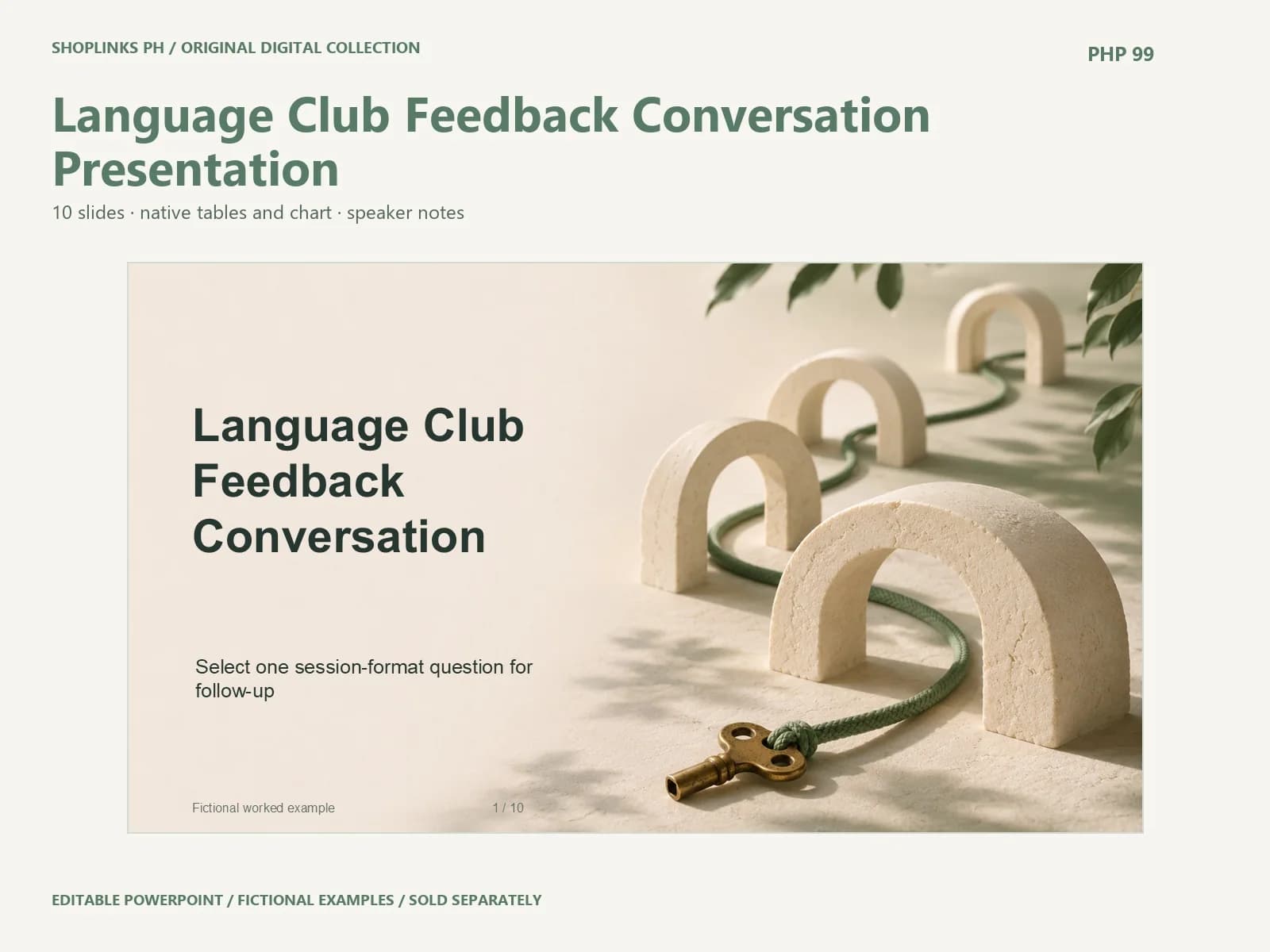
The fictional comments concern topic choice and participation opportunities. The purpose is to select one session-format question for follow-up. Keep the first conversation focused on that decision. Name the person who needs the result, the material they can review and the questions outside the current scope. A clear boundary makes it easier to tell whether the presentation contains enough evidence to support its next step.
Prepare a dated reference
Before editing the deck, keep an untouched copy and gather the information for your own situation. Name each source and record its date. Separate a direct observation from an interpretation or a proposed action. The supplied scenario, records and chart values are fictional. They illustrate a usable writing depth and a table structure, rather than providing findings about your business or project.
Topic relevance
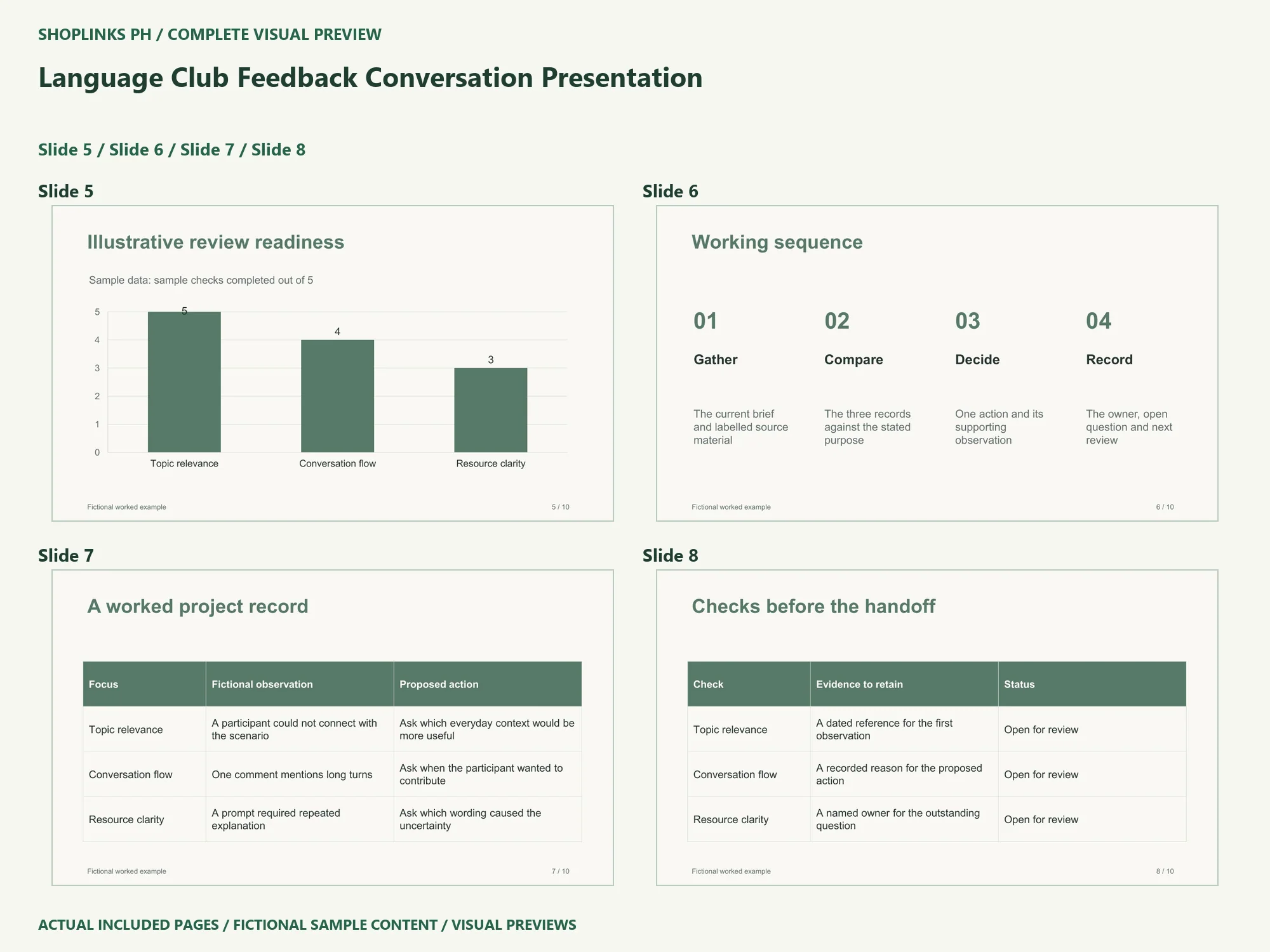
The worked example records this observation: A participant could not connect with the scenario. Its proposed action is to ask which everyday context would be more useful. In your own version, identify the material that supports the observation. Ask whether the action answers the stated review question. If a detail remains uncertain, keep that uncertainty visible and name the person who can help resolve it.
Conversation flow
The worked example records this observation: One comment mentions long turns. Its proposed action is to ask when the participant wanted to contribute. In your own version, identify the material that supports the observation. Ask whether the action answers the stated review question. If a detail remains uncertain, keep that uncertainty visible and name the person who can help resolve it.
Resource clarity
The worked example records this observation: A prompt required repeated explanation. Its proposed action is to ask which wording caused the uncertainty. In your own version, identify the material that supports the observation. Ask whether the action answers the stated review question. If a detail remains uncertain, keep that uncertainty visible and name the person who can help resolve it.
Edit the chart with its unit intact
The native chart on slide5 shows illustrative review checks completed out of five for the three named items. Use PowerPoint’s Edit Data command and replace labels and values together. Retain the zero-to-five scale only when that measure fits your real records. An attractive bar does not establish readiness by itself. Keep the check definitions and their sources beside your project notes.
Keep a usable handoff
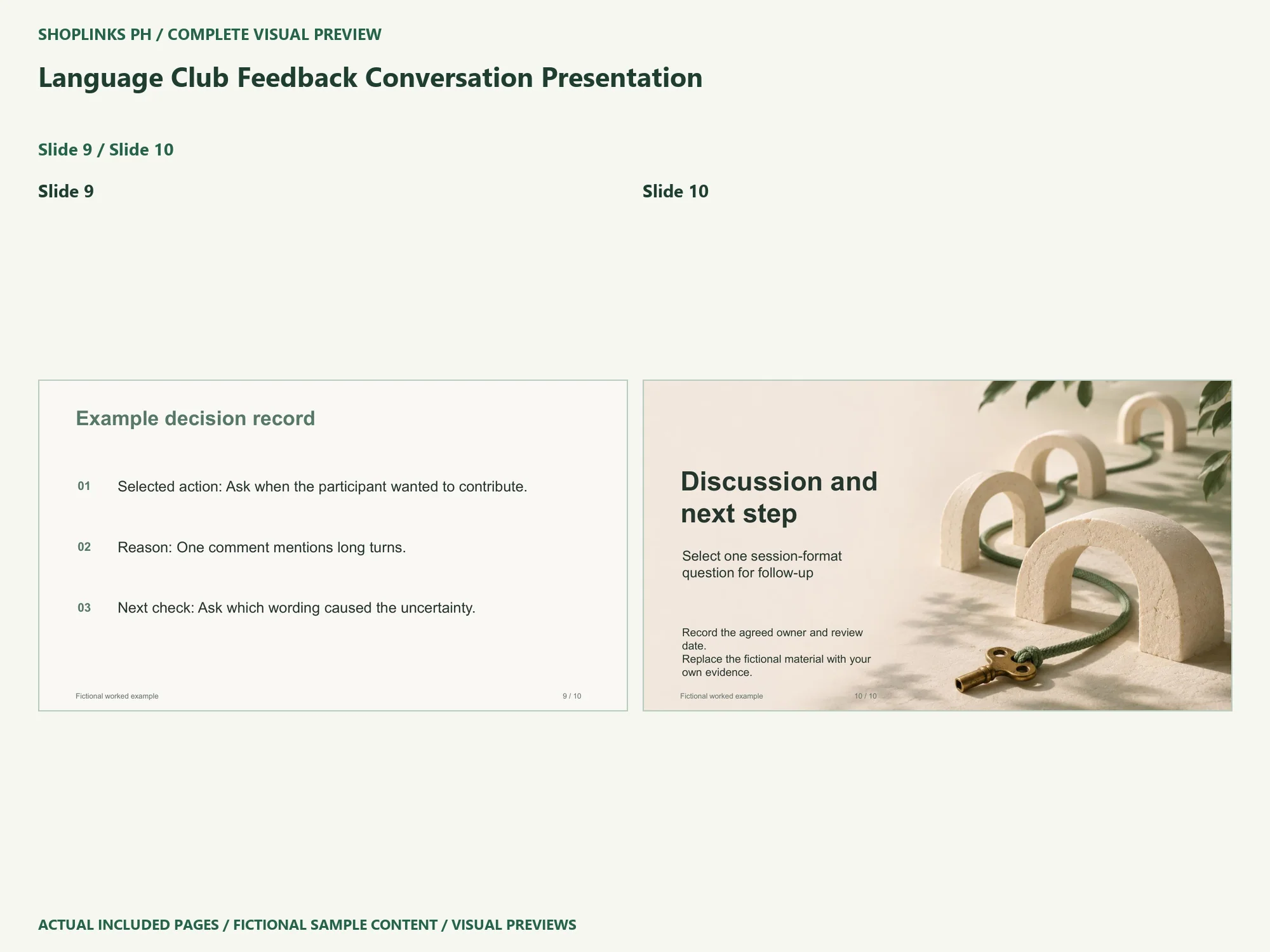
Read the complete ten-slide story in Slide Show after customization. Check long names, table wrapping, chart labels and speaker notes. Record the agreed action, its owner and the next review point. Save a new PowerPoint file, export a PDF if useful, and reopen both before sharing. The PHP99 price covers one deck sold individually. Review its source files, guide and requirements at View Language Club Feedback Conversation Presentation
Complete page preview
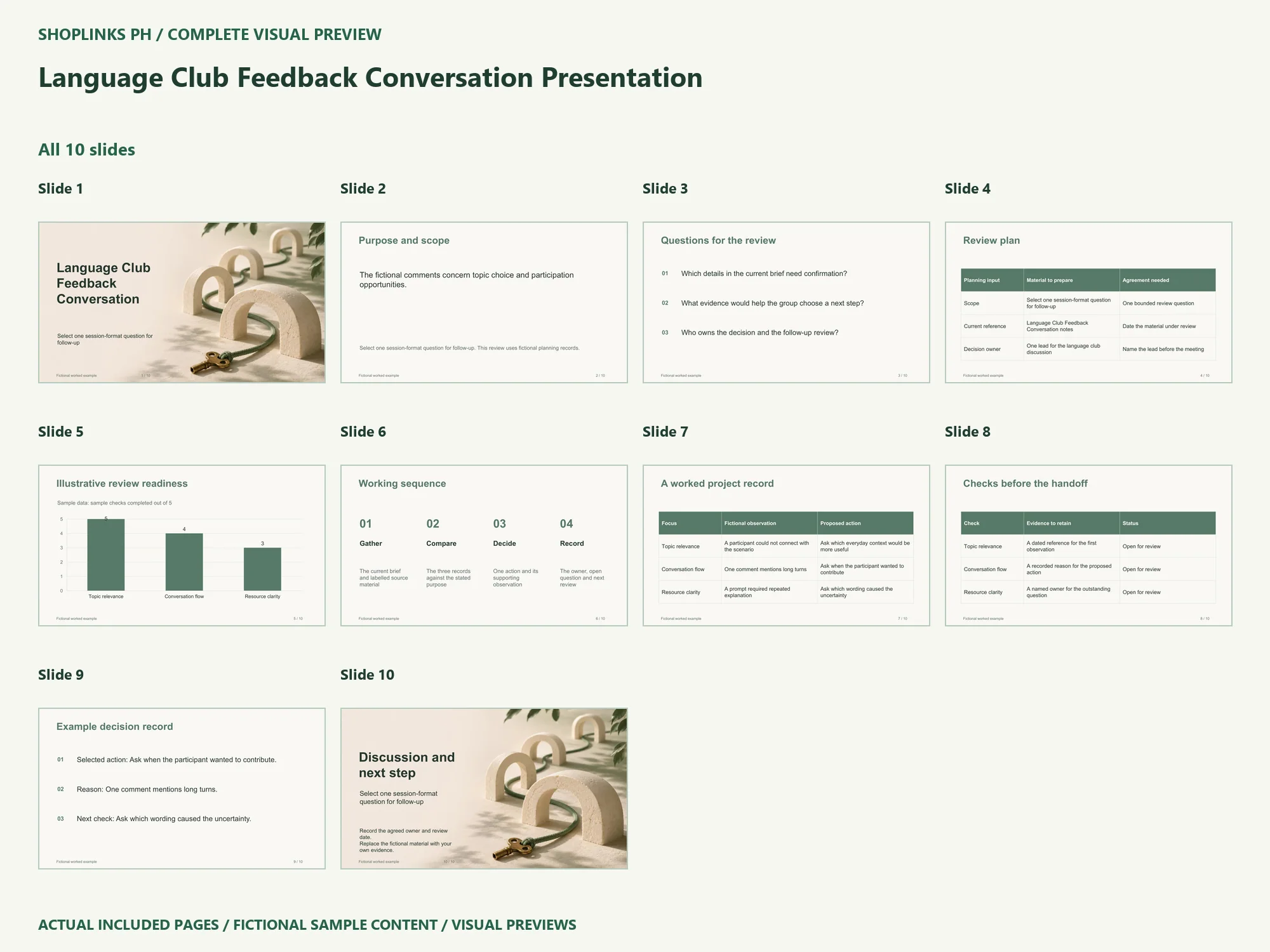
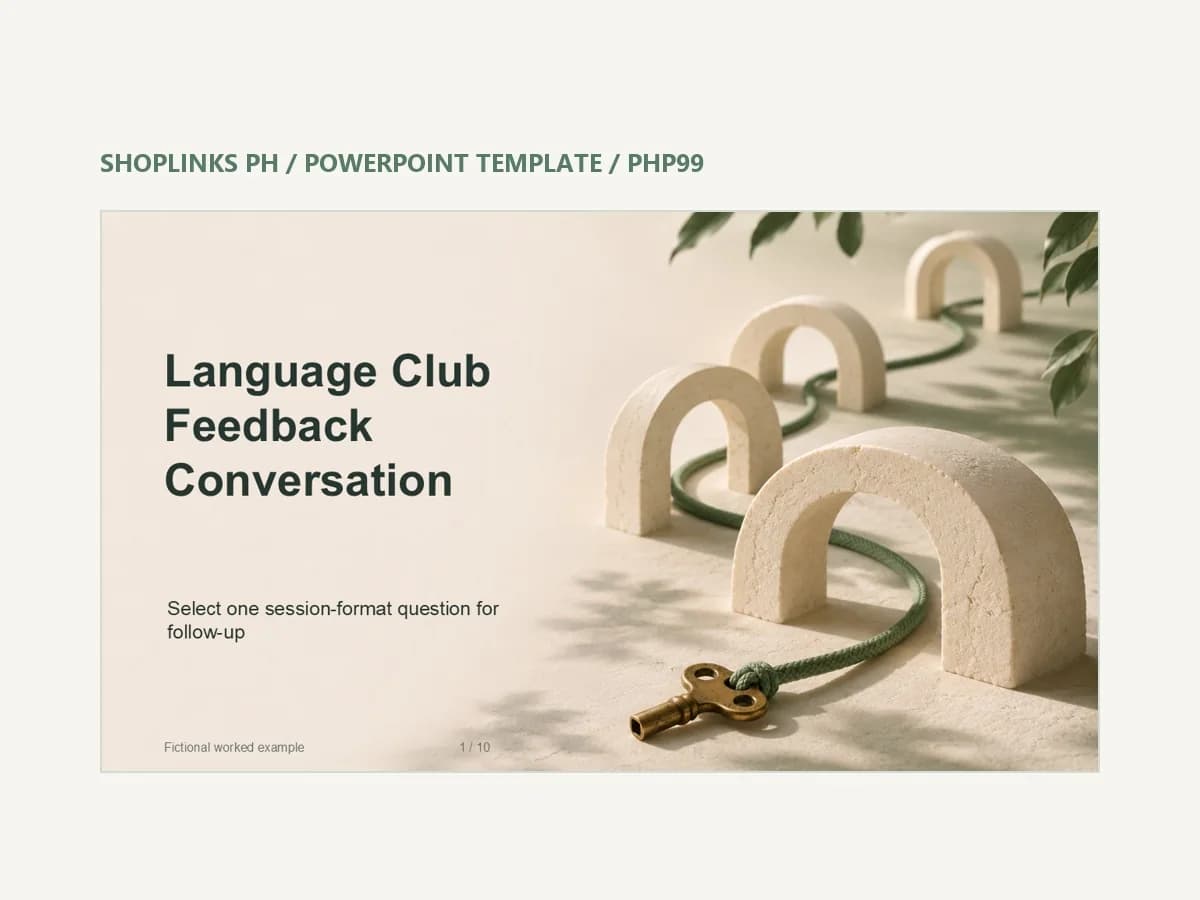
See all 10 slides below. These are static visual previews of the included source, with fictional sample content. Select an image to open it at full size and use browser zoom.