Key takeaways
- 16 print-ready A4 pages.
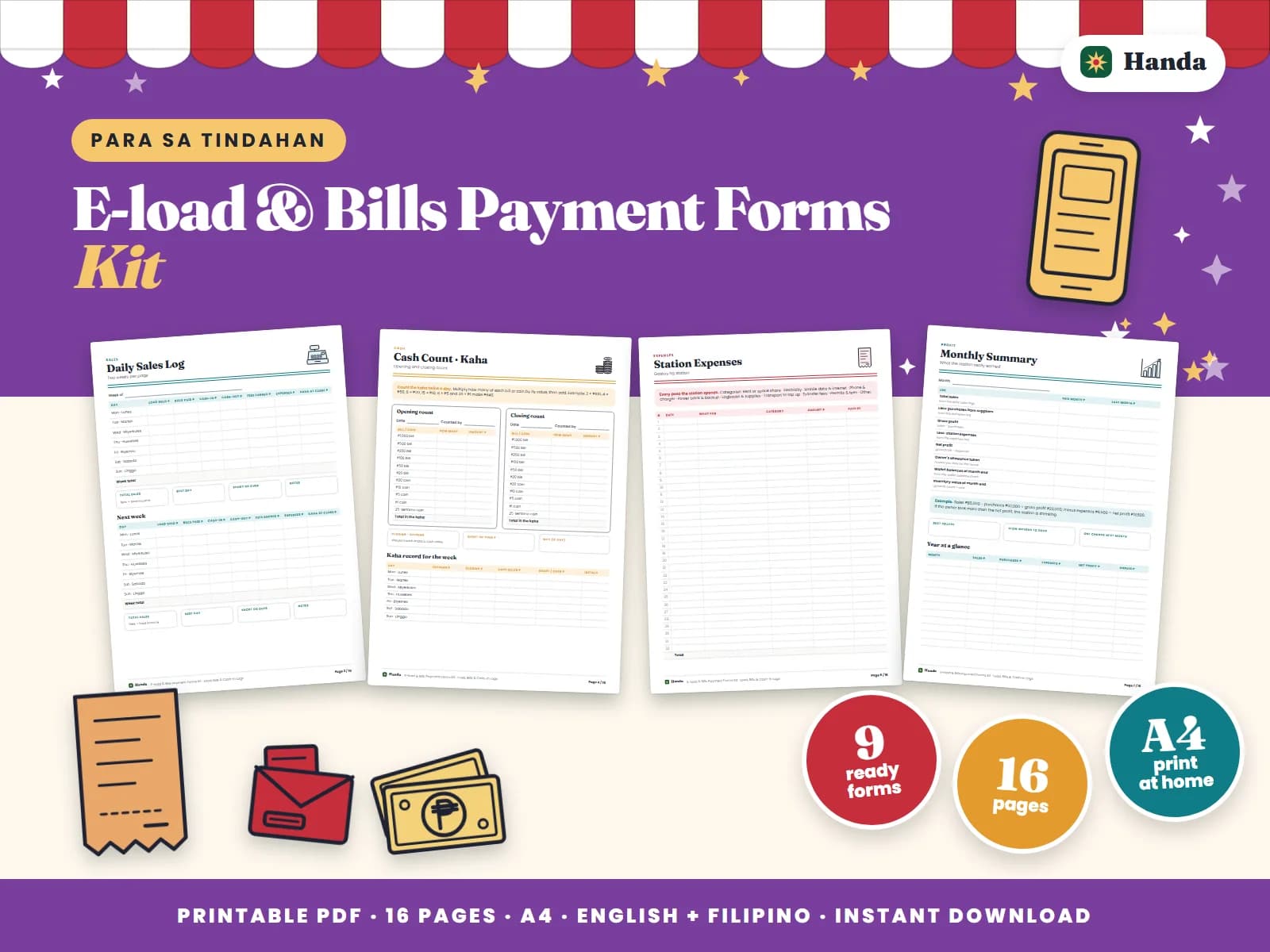
- Inside: how this kit works, a daily sales log, 2 pages of cash count, station expenses, a monthly summary, an opening & closing checklist, a Load & Bills Payment Log page, a E-wallet Cash-in & Cash-out page, a Wallet Balance Check page, 3 pages of signs to post and station tips.
- Record-keeping forms with English and Filipino labels.
Paper forms for an e-load, bills payment and e-wallet cash-in station: every transaction with its reference number, cash-in and cash-out with fees, wallet balances and the day's kaha. E-load & Bills Payment Forms Kit is a 16-page printable store forms kit that puts the everyday records of your e-load and bills payment station on paper you can check at a glance. Log every load, bills payment and e-wallet cash-in or cash-out, then match it with the kaha at closing.
What is inside
The pack has how this kit works, a daily sales log, 2 pages of cash count, station expenses, a monthly summary, an opening & closing checklist, a Load & Bills Payment Log page, a E-wallet Cash-in & Cash-out page, a Wallet Balance Check page, 3 pages of signs to post and station tips. Every form has English headings with Filipino labels where they fit, the way most Pinoy businesses actually talk, and each page has a short note on how to use it.
How to use it
- Keep the transaction log and the cash-in and cash-out log at the counter, next to the phone you load from.
- Write every transaction right after you send it: the number or account, the amount, the fee and the reference number.
- Check each wallet's balance at opening and closing and write it on the wallet balance page.
- Count the kaha twice a day; cash plus wallet balances should match your opening total plus the day's fees.
- At month end, add up the fees and load income on the monthly summary: that is your real income.
Tips from the counter
- Cash first: collect the money before you send load, pay a bill or do a cash-in.
- Post your fees: a clear fee list avoids arguments and looks professional.
- Failed transactions: mark failed or pending ones and follow them up the same day.
Who it is for
It is made for store owners who run the counter themselves and want clear records without a computer: who owes what, what sold today and what to buy next.
Records you can trust
Paper records work when they are filled in the same way every day. Write entries as they happen, check the day's pages before closing, and copy the totals to the summary at the end of the month. These are record-keeping forms, not official receipts; register and issue receipts as the rules for your business require.
Prefer a spreadsheet? LoadDesk PH keeps the same kind of records in Excel and does the totals for you.
Printing
The file is an A4 PDF of 16 pages, a full kit. Print at home or bring it to a computer shop on your phone. Plain bond paper works for every form; use cardstock for signs, tags and cards. You can print it as many times as you need for your own business or group.
Get E-load & Bills Payment Forms Kit for ₱119. The PDF download link is emailed right after payment.
