Key takeaways
- Start with one defined situation
- Replace the fictional examples
- Review the final native file
Choose one situation
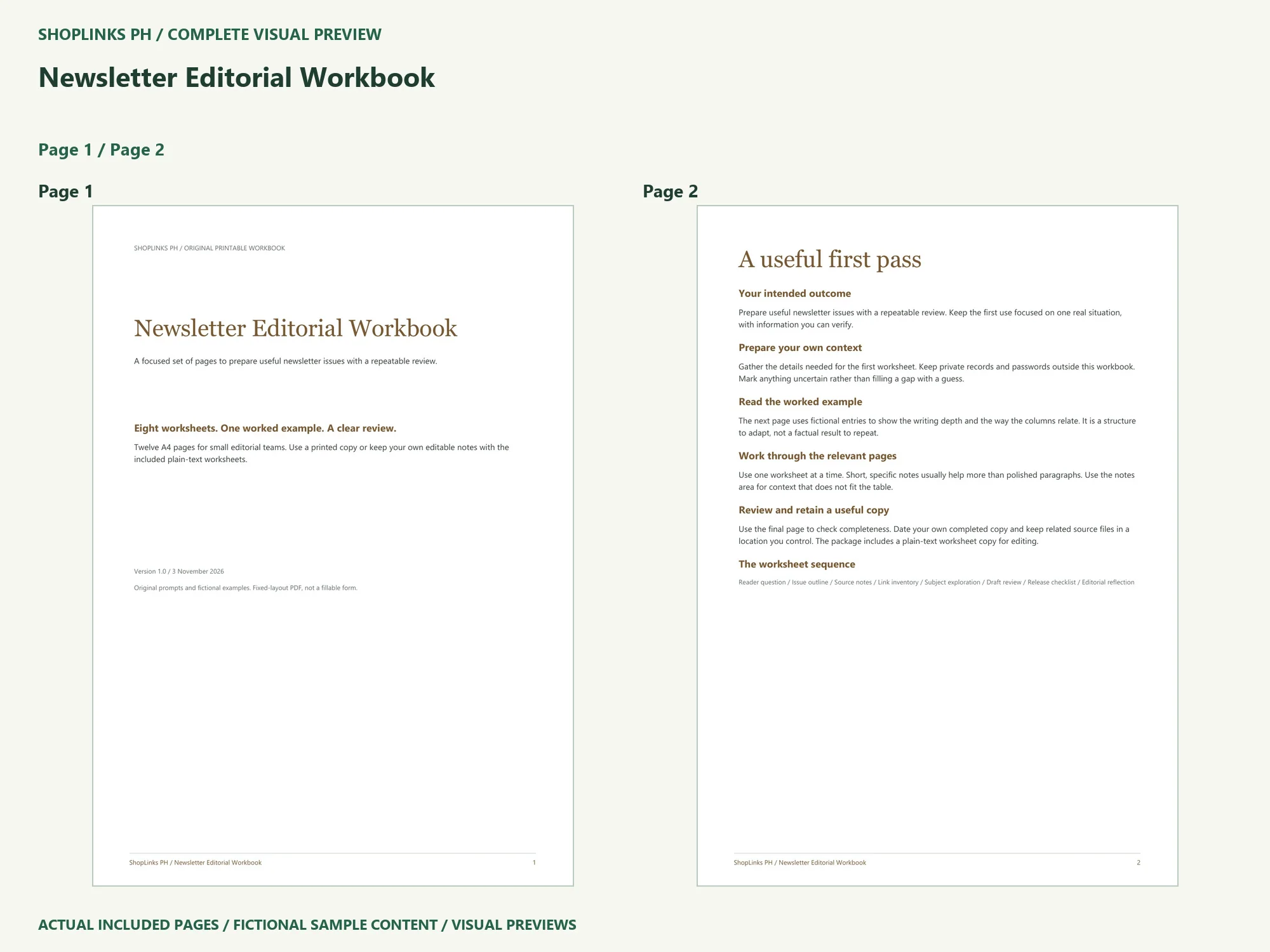
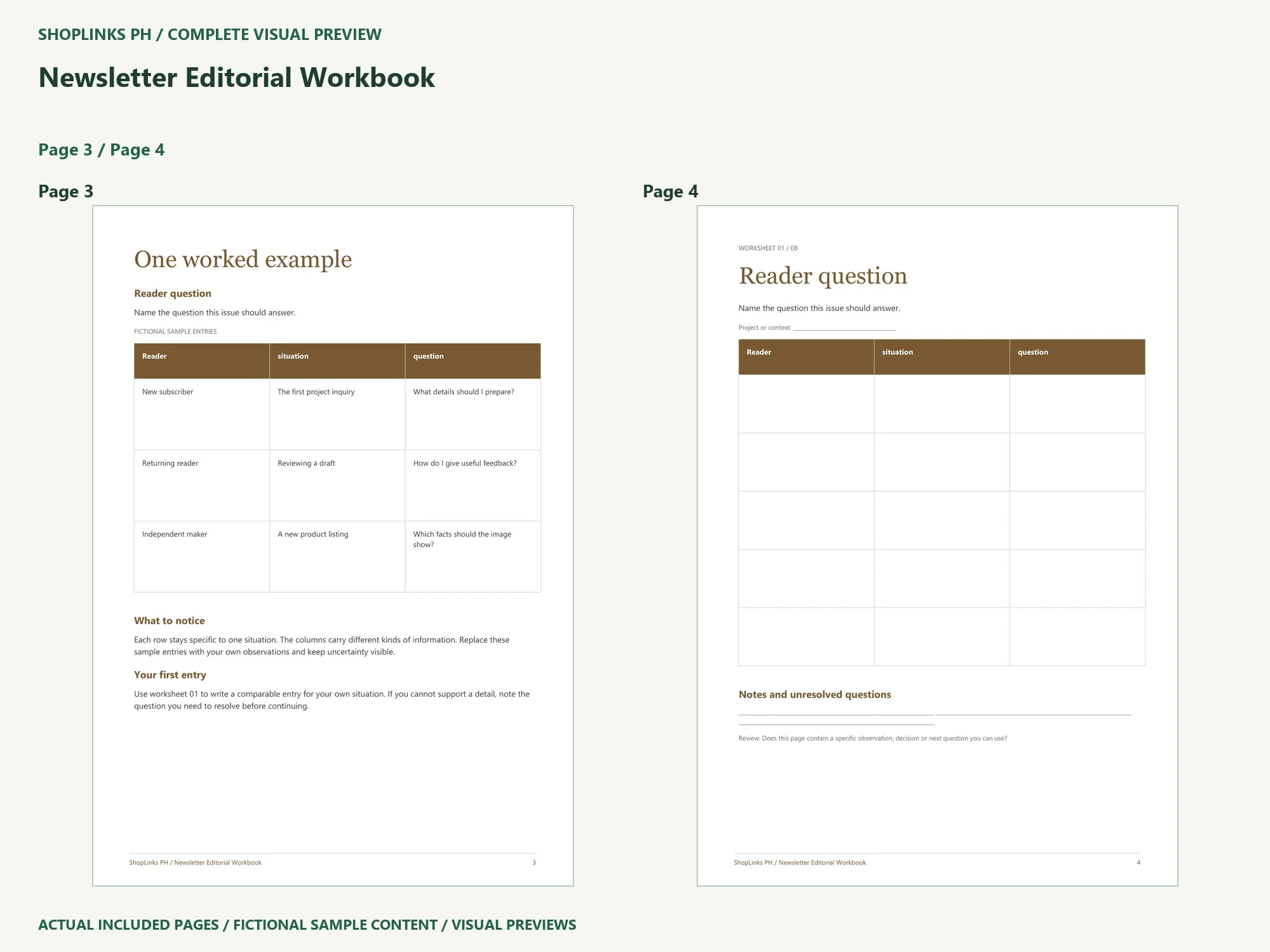
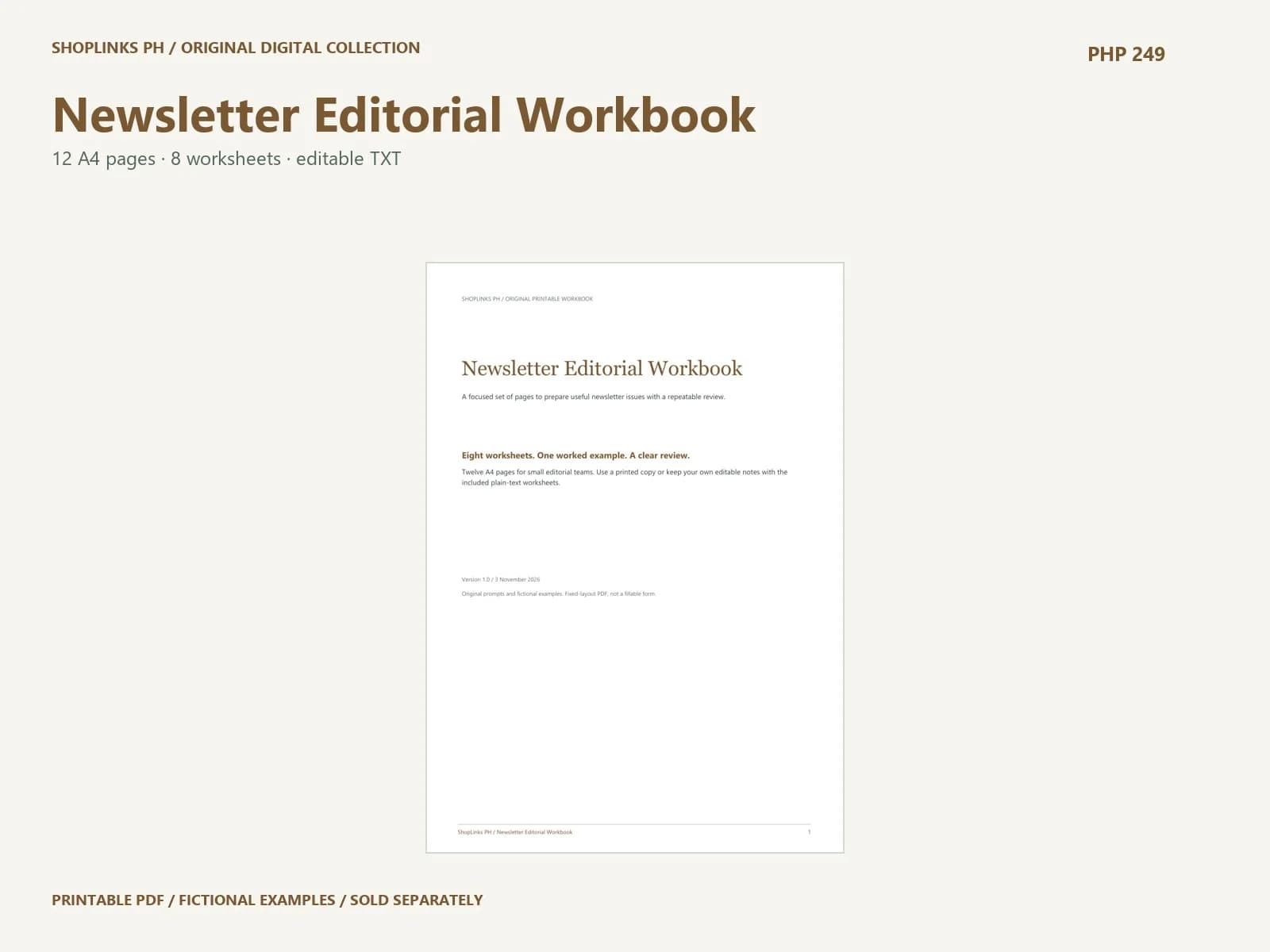
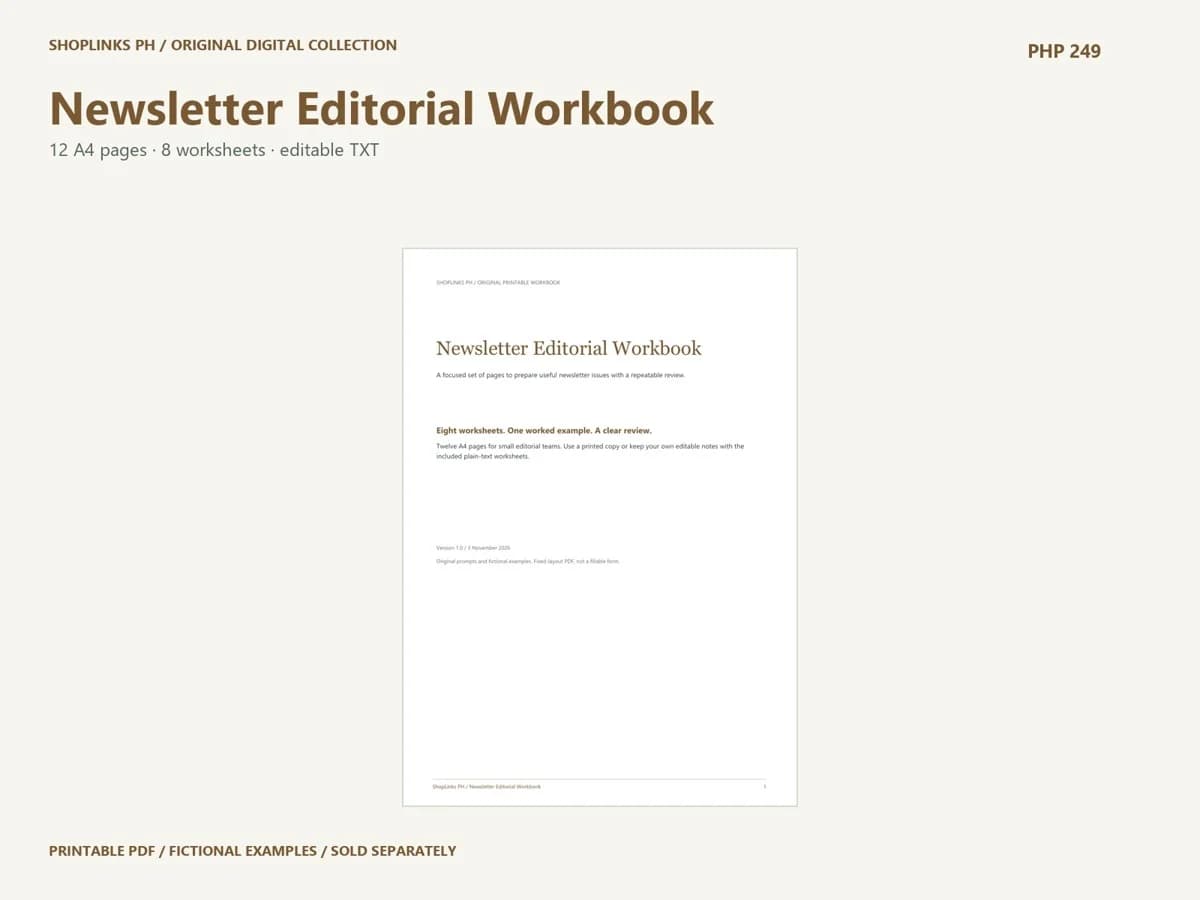
The purpose of Newsletter Editorial Workbook is to prepare useful newsletter issues with a repeatable review. Start with a single situation rather than a whole year of mixed notes. Name the context, the people who need the result and the question you want the pages to clarify. Read the fictional example as a model of writing depth. Its entries are not facts about your project.
Reader question
Name the question this issue should answer. The columns separate reader, situation, question. Write one specific row before expanding the page. Keep an observation separate from an interpretation, and mark details you still need to check. A short entry you can explain is more useful than a polished sentence with no supporting context.
Issue outline
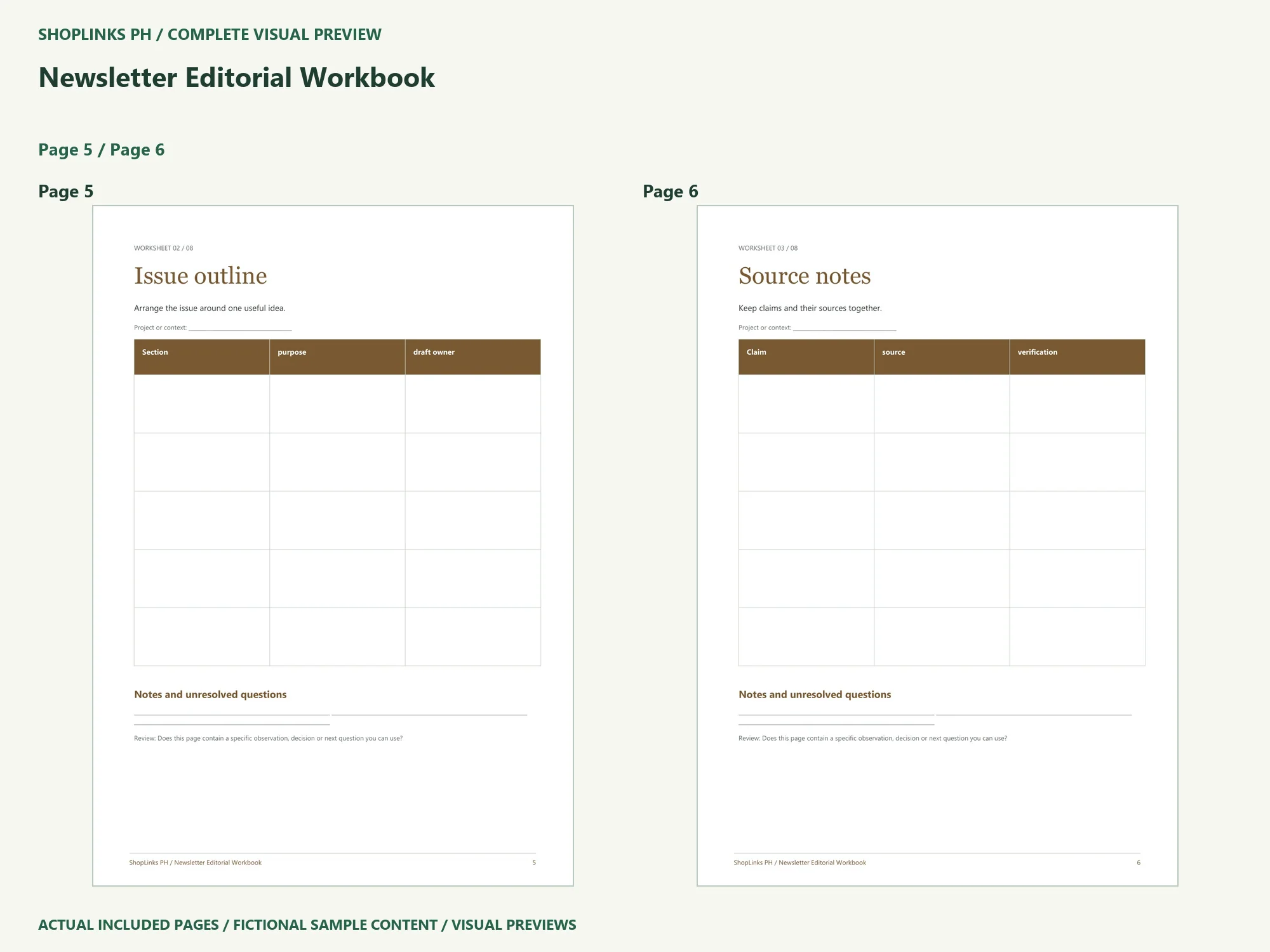
Arrange the issue around one useful idea. The columns separate section, purpose, draft owner. Write one specific row before expanding the page. Keep an observation separate from an interpretation, and mark details you still need to check. A short entry you can explain is more useful than a polished sentence with no supporting context.
Source notes
Keep claims and their sources together. The columns separate claim, source, verification. Write one specific row before expanding the page. Keep an observation separate from an interpretation, and mark details you still need to check. A short entry you can explain is more useful than a polished sentence with no supporting context.
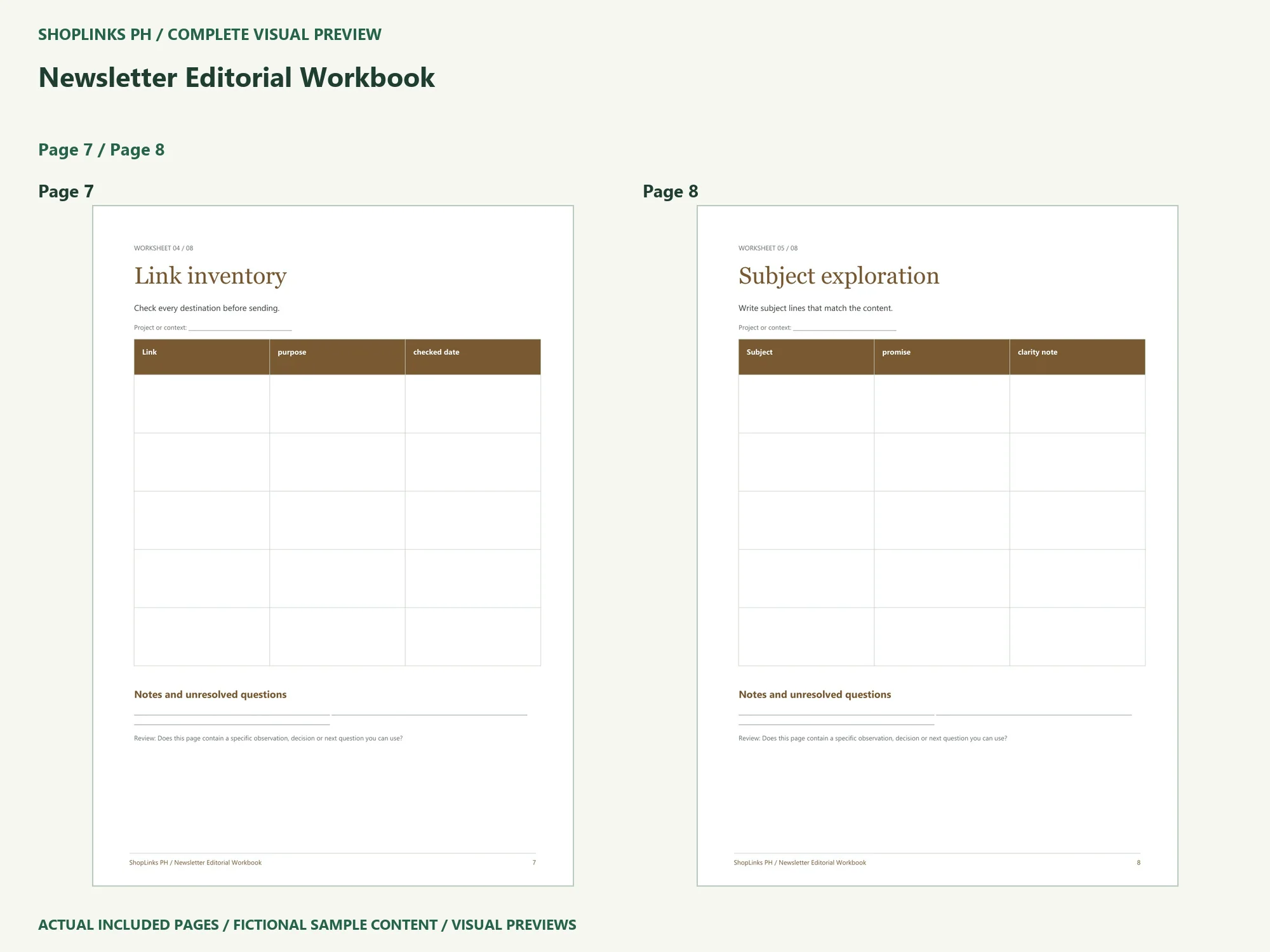
Link inventory
Check every destination before sending. The columns separate link, purpose, checked date. Write one specific row before expanding the page. Keep an observation separate from an interpretation, and mark details you still need to check. A short entry you can explain is more useful than a polished sentence with no supporting context.
Complete a practical review
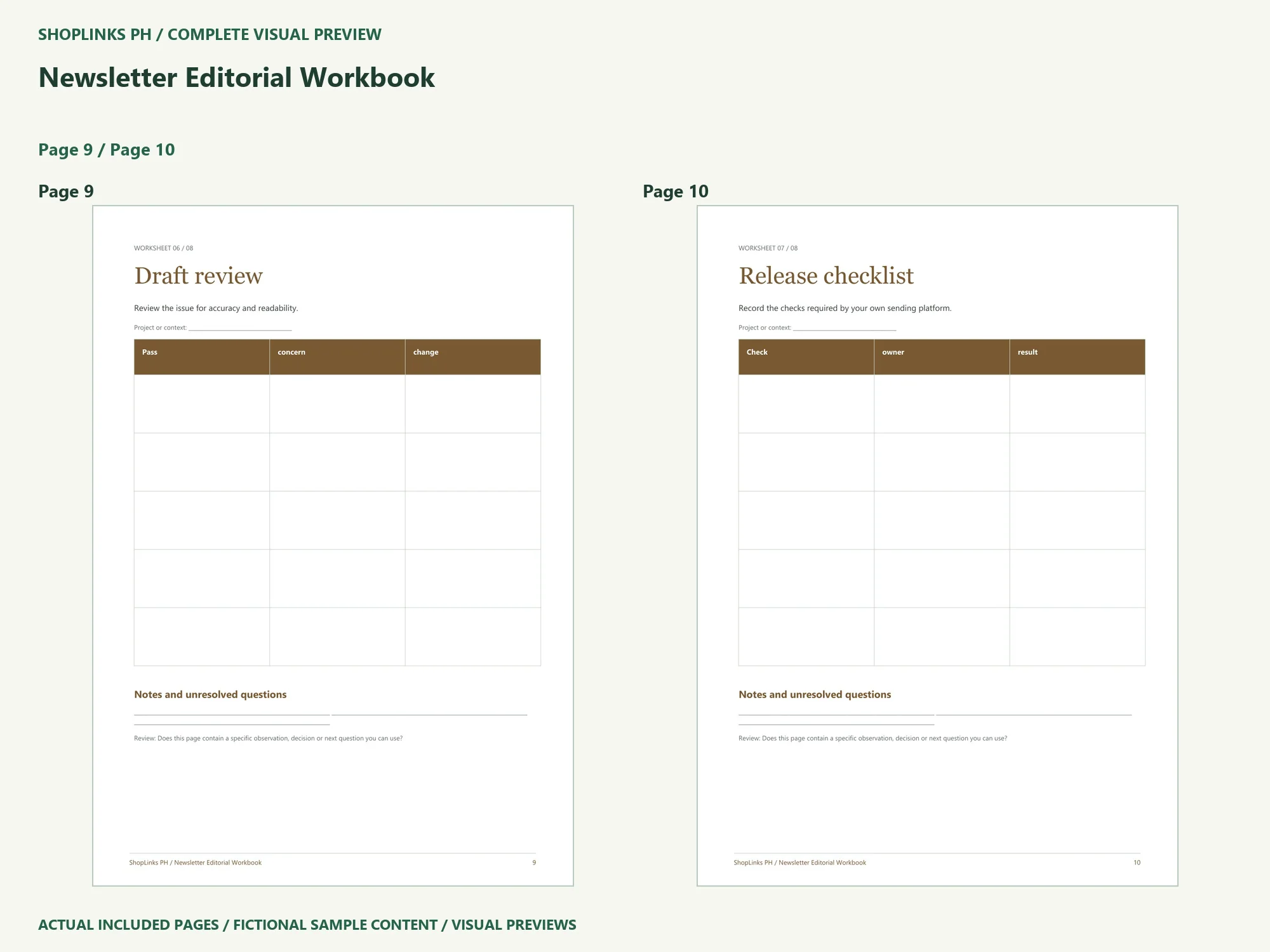
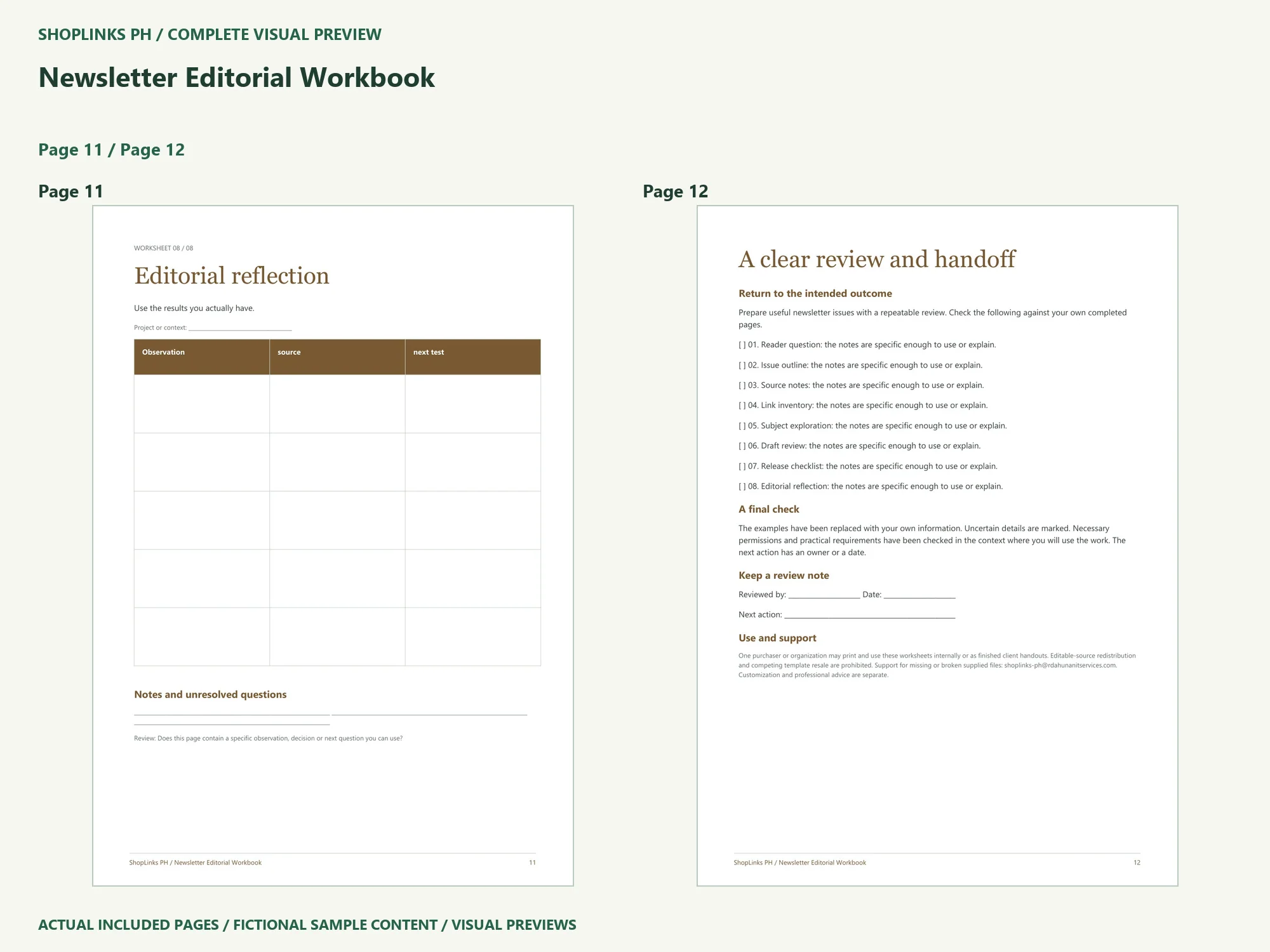
Work through the remaining pages: Subject exploration, Draft review, Release checklist, Editorial reflection. Then use the final review to identify one next action and a person or date for it. The included TXT companion lets you type your own notes without modifying the fixed-layout PDF. For printing, start with one A4 page at actual size, inspect the margins and writing space, and only then print the rest.
Use the source for your own context
The package is a starting structure for small editorial teams. Read its requirements and license before you adapt it. Keep uncertainty visible, replace the fictional material, and share a dated version with the people who will use it. The template does not supply professional approval or a guaranteed outcome. Review the included files on the exact ShopLinks product page: View Newsletter Editorial Workbook
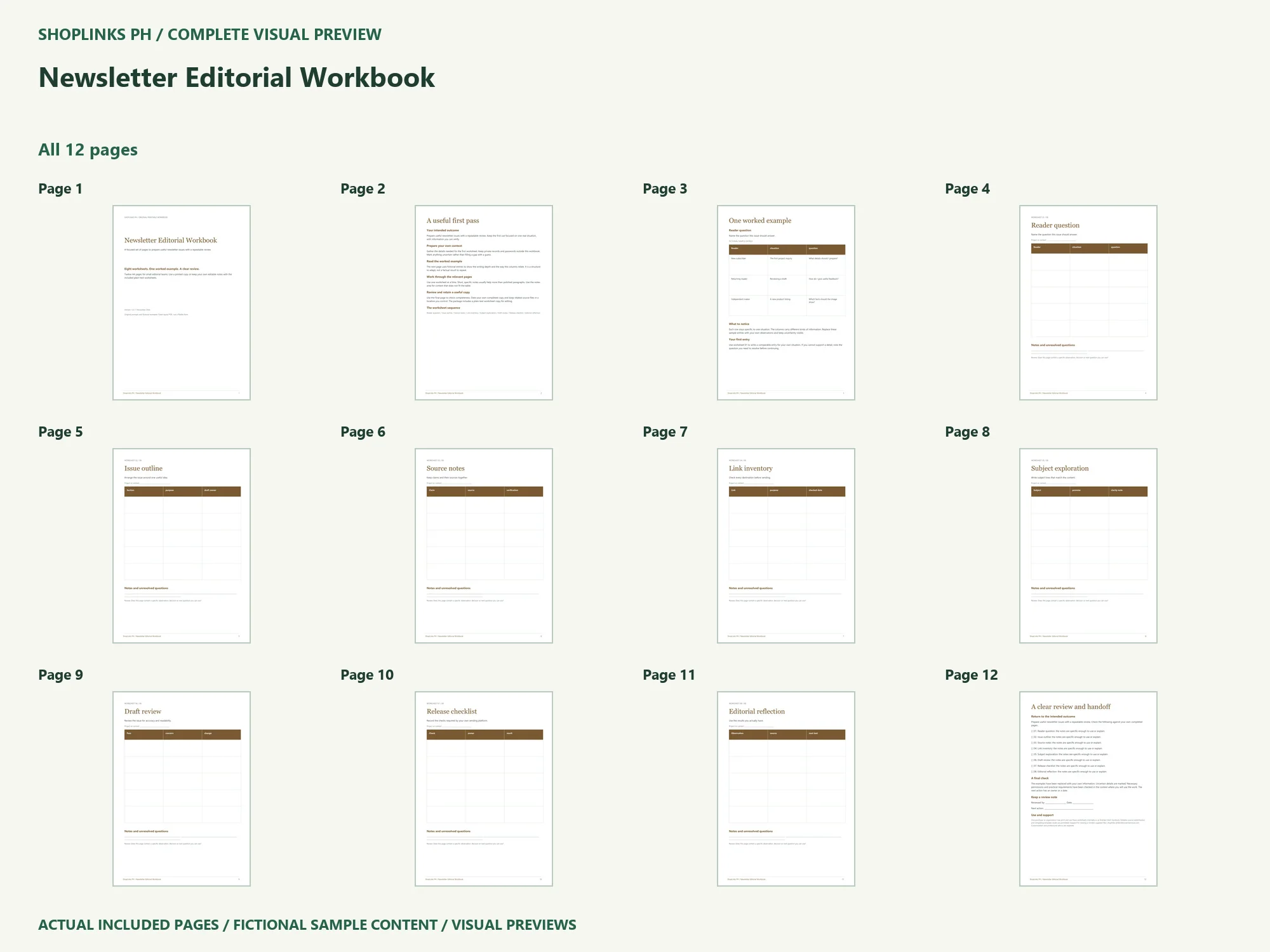
Complete page preview
See all 12 PDF pages below. These are static visual previews of the included source, with fictional sample content. Select an image to open it at full size and use browser zoom.