Key takeaways
- Keep procedure prices and share rates in one list.
- The plan total is the sum of its procedure lines.
- Plan balance = plan total less payments, updated per visit.
- Only procedures marked Done earn a dentist share.
Watch the supporting video
Watch the YouTube guide here while following this article.
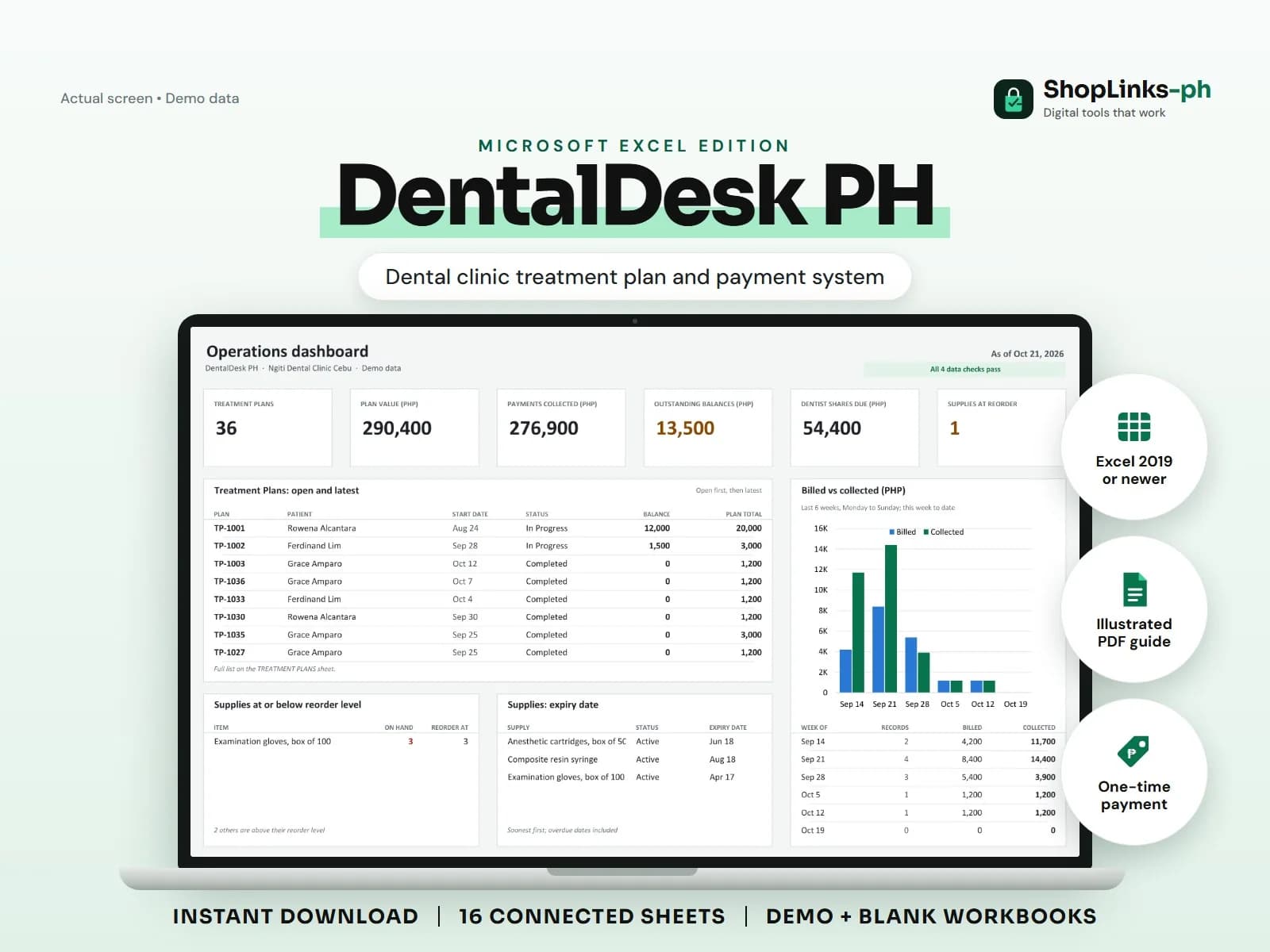
Dentistry is sold as a plan and paid in pieces. A patient agrees to a root canal and a crown in July, pays a little at each visit, and by September nobody at the desk can say what is still owed without adding receipts by hand. The associate dentist has the same problem in reverse, because her share depends on which procedures were actually finished. DentalDesk PH keeps the plan, its procedure lines, the payments, and the fee shares on connected sheets so all three questions have one answer.
Price the procedures once
The PROCEDURES sheet holds the clinic's own price for prophylaxis, fillings, root canals, crowns, and anything else offered, with the fee share rate that applies to each. Staff quote from that list instead of from memory.
Because the rate lives beside the price, the split on a finished procedure is computed rather than negotiated at the end of the month.
Build the plan from its lines
A treatment plan records the patient, start date, and lead dentist. Each agreed procedure is then added as its own line with a tooth number, quantity, and fee, and the plan total is the sum of those lines.
Adding a second filling or removing a crown changes the plan total immediately, so the figure quoted to the patient is always the figure in the sheet.
Collect per visit and watch the balance
Payments are recorded against the plan ID with the date and method. Plan balance is plan total less payments, so a patient who pays two thousand pesos a visit always has a visible remaining balance.
Payment status shows Unpaid, Partial, or Paid on the same row, which is what the front desk reads when the patient asks how much to bring next time.
Pay shares from finished work
Each procedure line carries its own dentist and status. Only lines marked Done feed the dentist share report, so a crown that is booked but not yet cemented never inflates a payout.
DENTIST SHARES totals completed fees, the share amount, adjustments, what has been paid, and the balance still owed to each dentist or hygienist.
Review exceptions every week
Resolve duplicate IDs, missing links, overdue balances, negative amounts, and open operational items in CHECKS before using the dashboard for decisions.
DentalDesk PH Microsoft Excel Edition is designed for Microsoft Excel 2019 or newer on Windows or macOS.
No clinical or dental advice, diagnosis, treatment decisions, prescription validation, PhilHealth or insurance claim filing, professional licensing or regulatory compliance, official receipts, or tax filing.