Key takeaways
- Every stop records an outcome, and only some outcomes bill.
- Wait time above the free allowance is charged by rule.
- Route margin counts driver pay, fuel and running cost.
- Invoices and driver settlements come from one route log.
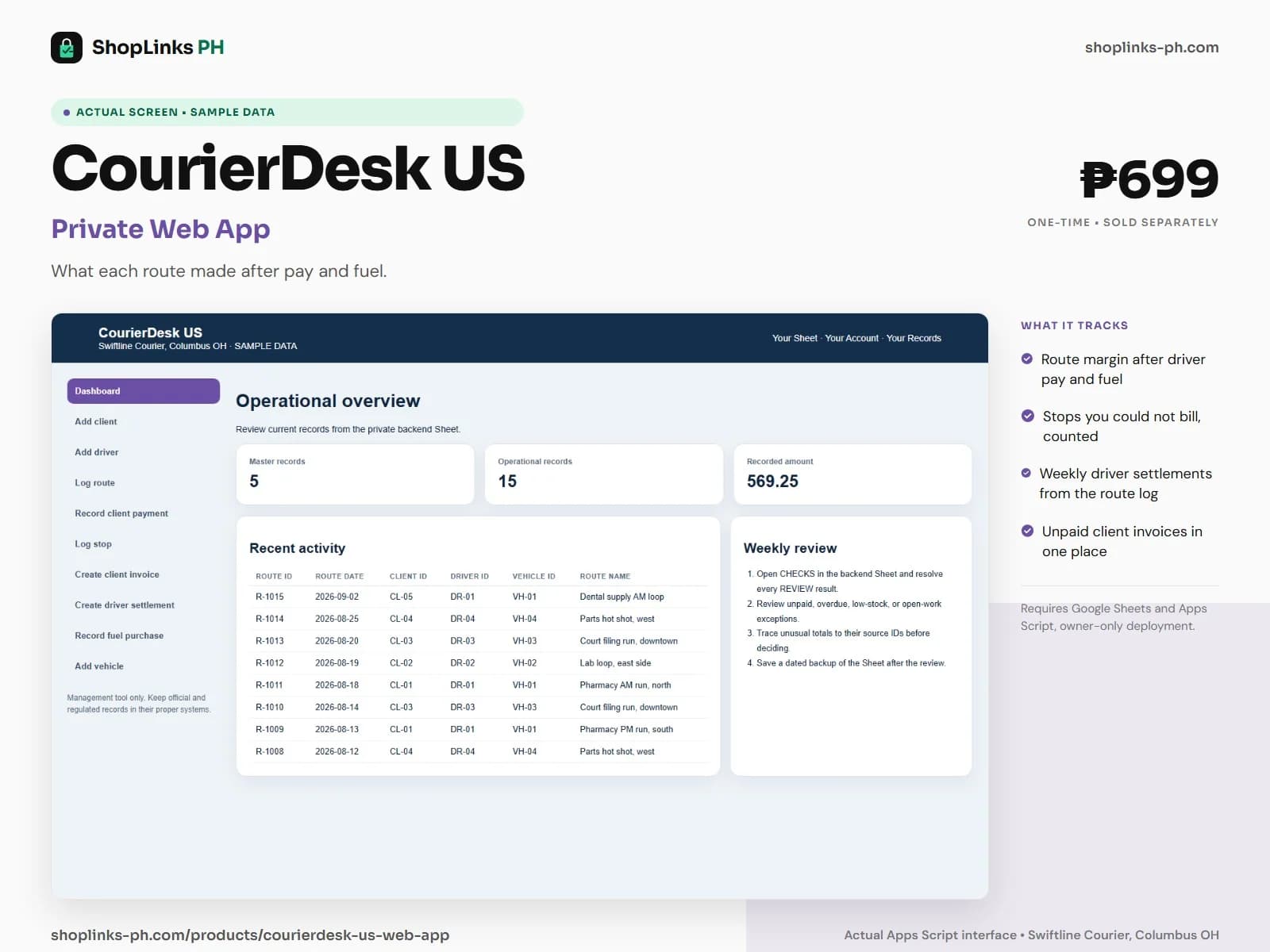
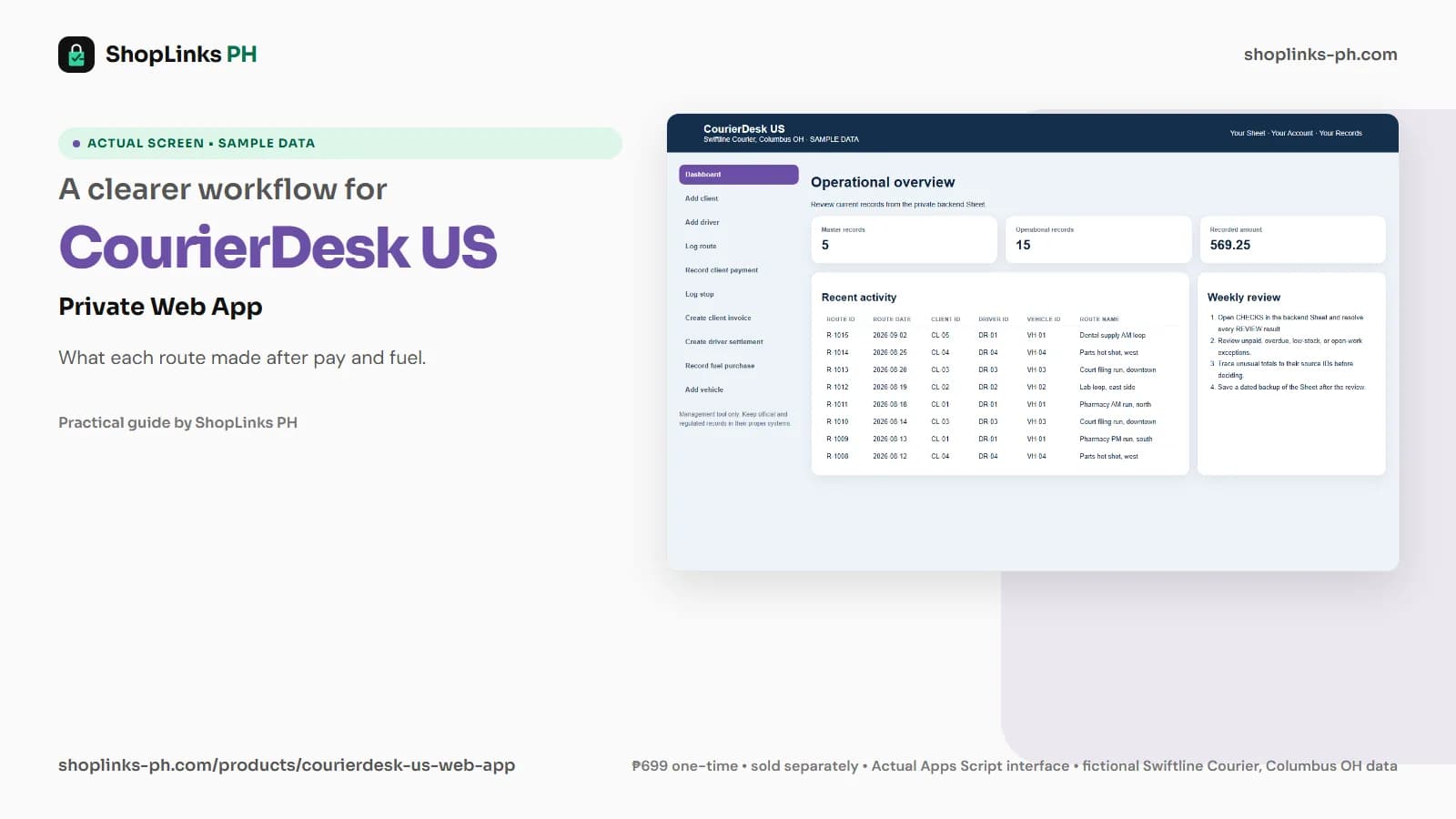
Swiftline Courier runs four vans across Columbus. The pharmacy work is steady, the lab loop pays a flat rate, and the parts account was priced three years ago at nine dollars fifty a stop. Every Friday the owner pays the drivers from a page of notes and invoices the clients from the same page, and nobody has ever put the two columns side by side. CourierDesk US puts them on one record.
A stop is either billable or it is not
Every stop carries an outcome. A delivered stop earns its rate; a refused stop still earns it, because the van made the trip; an attempted stop earns nothing at all and has to be run again the next morning.
The driver is paid for every stop made, attempts included, so a failed stop is pay going out with no revenue coming in. The dashboard counts them, which is the first time most owners see the number.
Wait time with a rule
Each client record carries free wait minutes and a per-minute rate. The billable minutes on a stop are the wait minutes above the free allowance, and the wait charge derives from that client's rate.
That turns a conversation about the dock being backed up into a line on an invoice. Thirty-five minutes at the clerk window with twenty free becomes fifteen billable minutes, priced the way the contract says.
Route margin, not route revenue
Route revenue is the flat route rate for per-route clients plus the stop revenue on that route. Against it sit driver pay, fuel at the van's cents-per-mile rate and the van's other running cost for the miles driven.
A three-stop run at nine fifty a stop can bill twenty-eight dollars and cost more than that once a percentage driver and forty-four miles are counted. That is a pricing decision, not a bad day.
Invoices and settlements from the same log
A weekly invoice picks up every route tagged to it, so the invoice amount is the routes, not a retyped figure. Payments land against the invoice and the balance and status follow.
A driver settlement picks up the same routes by settlement ID, totals the stops and the pay, subtracts deductions and shows net pay. Both sides of Friday come from one route log.
Review exceptions every week
Resolve duplicate IDs, missing links, overdue balances, negative amounts, and open operational items in CHECKS before using the dashboard for decisions.
CourierDesk US Private Google Sheets Web App is designed for use with a Google account, Google Sheets, and Apps Script, using owner-only deployment by default.
No route optimization or turn-by-turn navigation, no driver GPS tracking or proof-of-delivery photo capture, no contractor tax filing or payroll, no carrier or shipping-label integrations, and no automatic invoicing or card processing.