Key takeaways
- Import into the owner's controlled account.
- Use stable IDs across connected registers.
- Restrict structural edits and sharing.
- Review budget and collection exceptions weekly.
Shared spreadsheets can improve project visibility only when the team follows a clear record structure. A useful contractor tracker starts with stable client and project IDs, separates the approved cost plan from transactions, and makes billing and collection exceptions visible.
Import into a controlled account
Save the workbook as a native Google Sheet in the business owner's Drive. Keep general access Restricted and add only authorized collaborators. Review version history before structural changes.
Keep the registers connected
Create the client and project before adding budget lines, committed or actual costs, approved changes, progress billings, and payments. Use the same IDs throughout. This allows the report and dashboard to summarize source rows without relying on manually copied totals.
Protect the workflow
Avoid renaming tabs, inserting columns inside the model, sorting a partial column, or overwriting formulas. Assign one person to maintain IDs and dropdown values. Keep signed approvals, invoices, receipts, and regulated records in their proper systems.
Review exceptions together
At least weekly, review projects forecast over budget, approved changes not yet billed, open and overdue billings, and unmatched or duplicate records. Update forecast-to-complete from current project information rather than assuming the original plan remains accurate.
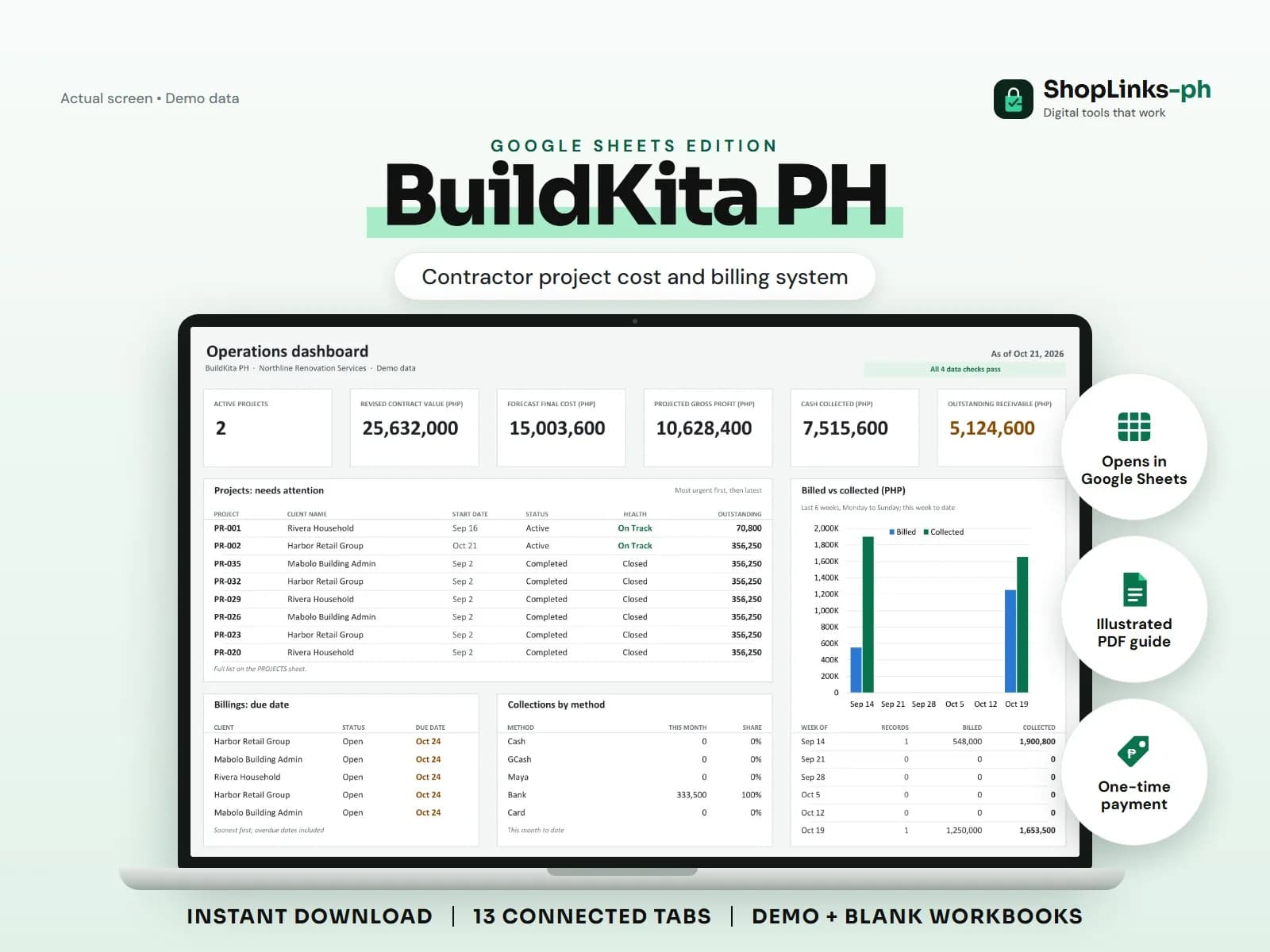
BuildKita PH Google Sheets Edition packages this workflow as a Google Sheets-ready system for one licensed business.
The template is a management planning aid. It does not perform quantity takeoffs, certify progress, issue official invoices, calculate tax or payroll, file permits or PCAB requirements, or replace engineering, accounting, or legal advice.
Frequently asked questions
Do buyers receive a native Sheet link?
The product is delivered as a Google Sheets-ready workbook that the buyer imports into their own account.