Key takeaways
- Register every installed device against its site.
- Cost each project from its material lines.
- Give each contract a fee and an interval in days.
- Read Due Soon and Overdue before planning the week.
Watch the supporting video
Watch the YouTube guide here while following this article.
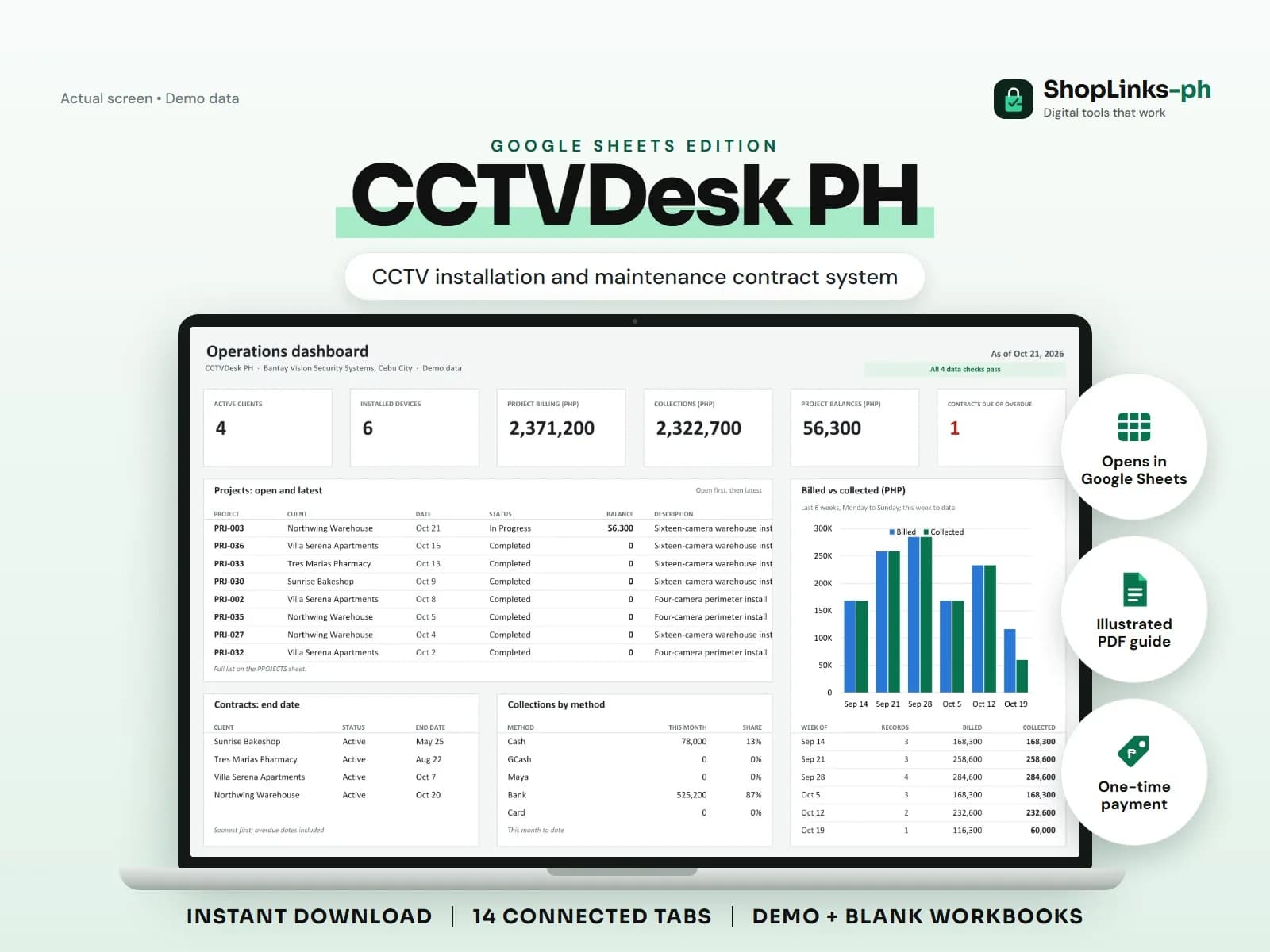
A CCTV installer earns twice from every site: once on the install and again, quietly, on maintenance. The second income is the one that leaks, because nobody remembers which client is due for cleaning and which recorder has a drive nearing the end of its life. CCTVDesk PH keeps the installed devices, the project cost, and the service schedule in one workbook, and computes the next service due date from the last completed visit.
List what is actually on the wall
Each camera, recorder, and drive is registered against a client site with a brand, model, serial number, install date, and location. When a client calls about a dead camera, the row says which one it is.
Channel counts on recorders make it obvious when a site is at capacity and a second recorder is the real quotation.
Cost the project from its materials
A project carries the client, description, labour cost, extras, and discount. Materials are entered as lines with a quantity and unit price, and materials cost is summed from them.
Contract total is materials plus labour plus extras less discount, and the balance is what the client still owes after payments.
Let the last visit drive the schedule
A maintenance contract records a fee and an interval in days. The workbook finds the latest completed service visit for that contract and adds the interval to it.
The result is a next service due date and a status that shows OK, then Due Soon inside fourteen days, then Overdue. Nobody has to hold the schedule in their head.
Bill from a ledger, not from memory
Payments are recorded against the project or the contract they settle. The client ledger totals project billing, contract fees, chargeable visit work, payments, and the balance due per client.
A weekly pass through the checks catches equipment pointing at an unknown client and visits pointing at a contract that no longer exists.
Review exceptions every week
Resolve duplicate IDs, missing links, overdue balances, negative amounts, and open operational items in CHECKS before using the dashboard for decisions.
CCTVDesk PH Google Sheets Edition is designed for use with a Google account and current desktop Google Sheets.
No video storage, live camera feeds, remote viewing, alarm monitoring, security agency licensing, equipment warranty claims, official receipts, or tax filing.