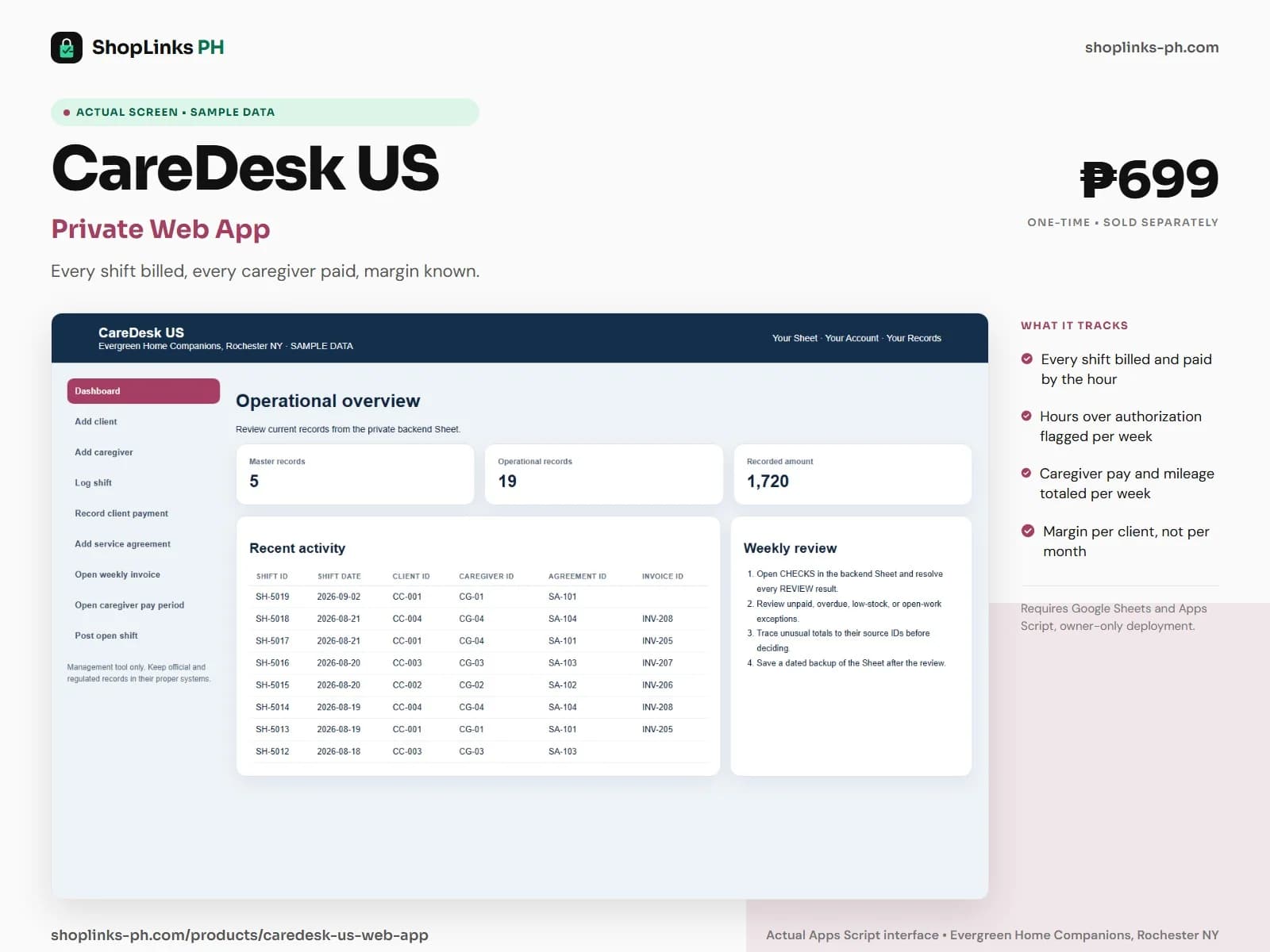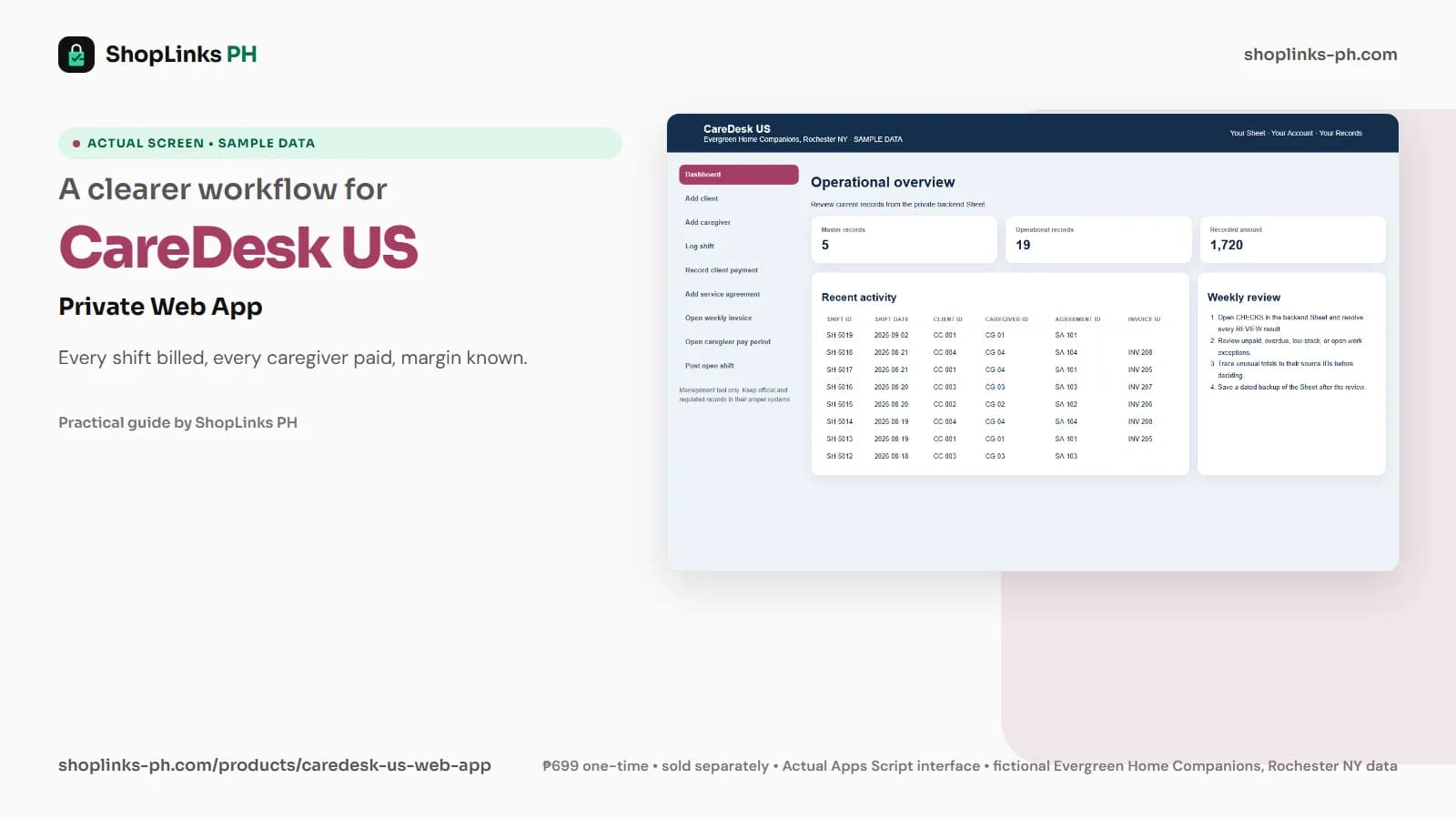
Key takeaways
- Every shift carries a bill rate, a pay rate and mileage.
- Hours over authorization are flagged per invoice.
- Caregiver pay is a weekly total, not a timesheet.
- Nothing medical is recorded anywhere.
Evergreen Home Companions runs about ten shifts a week across four clients and four caregivers. Each is billed at one rate, paid at another and driven at a third, and each client's payer has authorized a fixed number of hours. When a family asks a caregiver to stay an extra hour, the agency learns at invoicing that the county will not pay for it. CareDesk US puts the bill rate, the pay rate and the authorization on the shift itself, and keeps no medical records at all.
The shift carries three rates
Every shift records the client, the caregiver, the agreement it falls under, the hours scheduled and worked, and the miles driven for the client. The bill rate comes from the agreement and the pay rate from the caregiver.
Bill amount, pay amount, mileage reimbursement and gross margin derive on the row, and a missed or cancelled shift derives to zero on all four, so the week's margin is a sum of what actually happened.
Hours against the authorization
Each service agreement carries the weekly hours the payer has authorized. A weekly invoice sums the hours of the shifts tagged to it and compares them with that authorization, showing any hours over as a separate figure.
Hours over authorization are hours a long-term care insurer or county program may refuse, and the client summary labels that client Over authorization ahead of any margin reading, because an unbillable hour is a loss whatever the rate.
Caregiver pay as a weekly total
A caregiver pay period is opened per caregiver per week, and every completed shift is tagged to one. Hours worked, pay and mileage reimbursement total from the shifts, and the pay period is marked paid when the money goes out.
The dashboard sums the unpaid pay periods, so the amount owed to caregivers on Friday is known on Monday, and mileage is reimbursed at each caregiver's own rate rather than estimated at the end of the month.
Missed shifts and open shifts
A shift that nobody covered is logged as Missed, and the open shift register lists the slots still needing a caregiver, each reading Open until the covering shift's ID is written on it.
Read together with the client summary, the two registers say which clients are losing hours to coverage gaps and which are being over-served, which is the schedule conversation an agency owner should be having weekly.
Review exceptions every week
Resolve duplicate IDs, missing links, overdue balances, negative amounts, and open operational items in CHECKS before using the dashboard for decisions.
CareDesk US Private Google Sheets Web App is designed for use with a Google account, Google Sheets, and Apps Script, using owner-only deployment by default.
No medical or clinical records of any kind, no care plans or medication tracking, no caregiver payroll or tax filing, no electronic visit verification or GPS clock-in, and no insurance claim submission.