Key takeaways
- One product row drives on hand, stock value, and reorder status.
- Log every delivery as a batch with its expiry date.
- Enter the discount rate on the sale and let the sheet compute it.
- Review LOW STOCK and EXPIRY WATCH weekly.
Watch the supporting video
Watch the YouTube guide here while following this article.
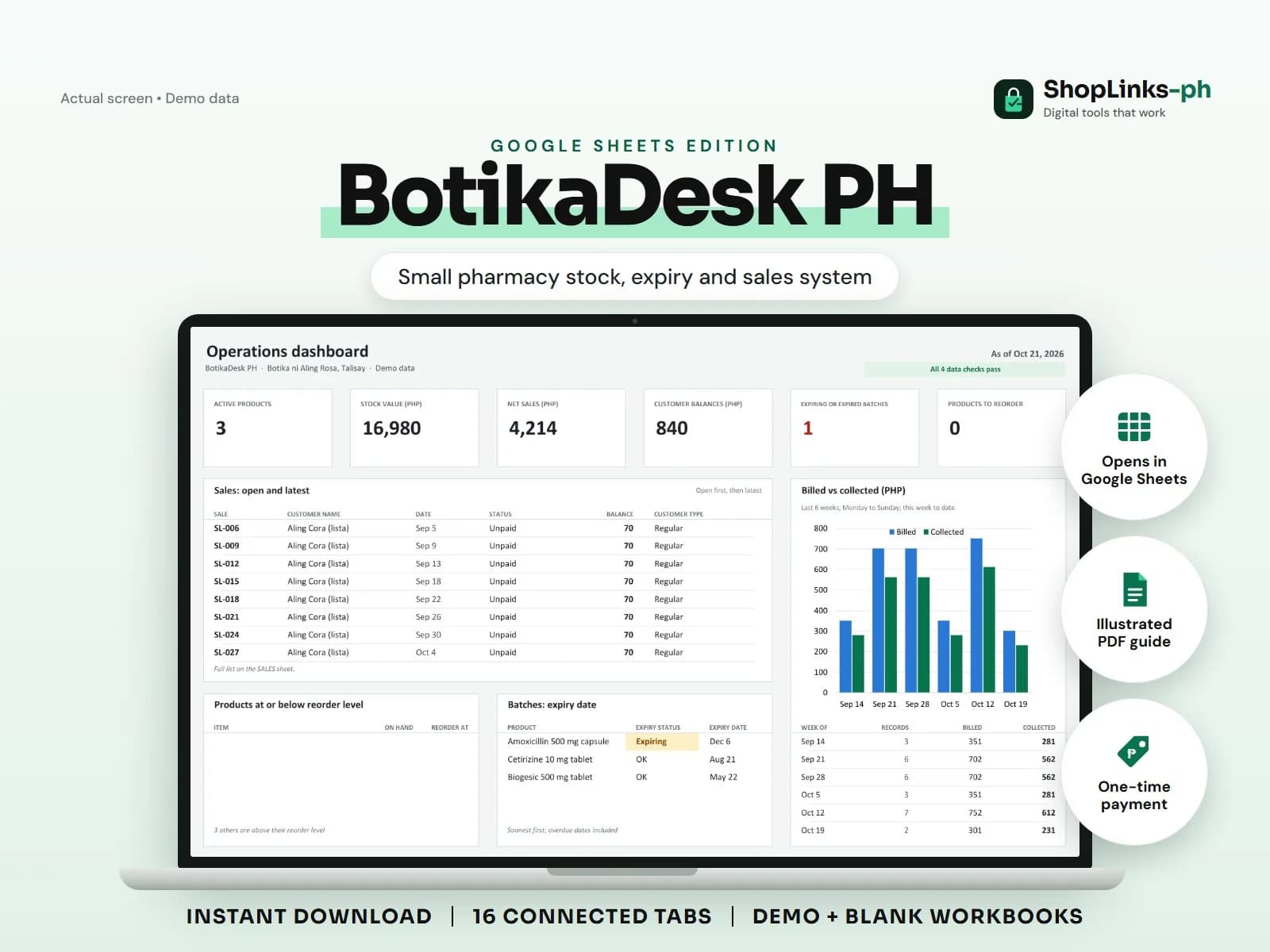
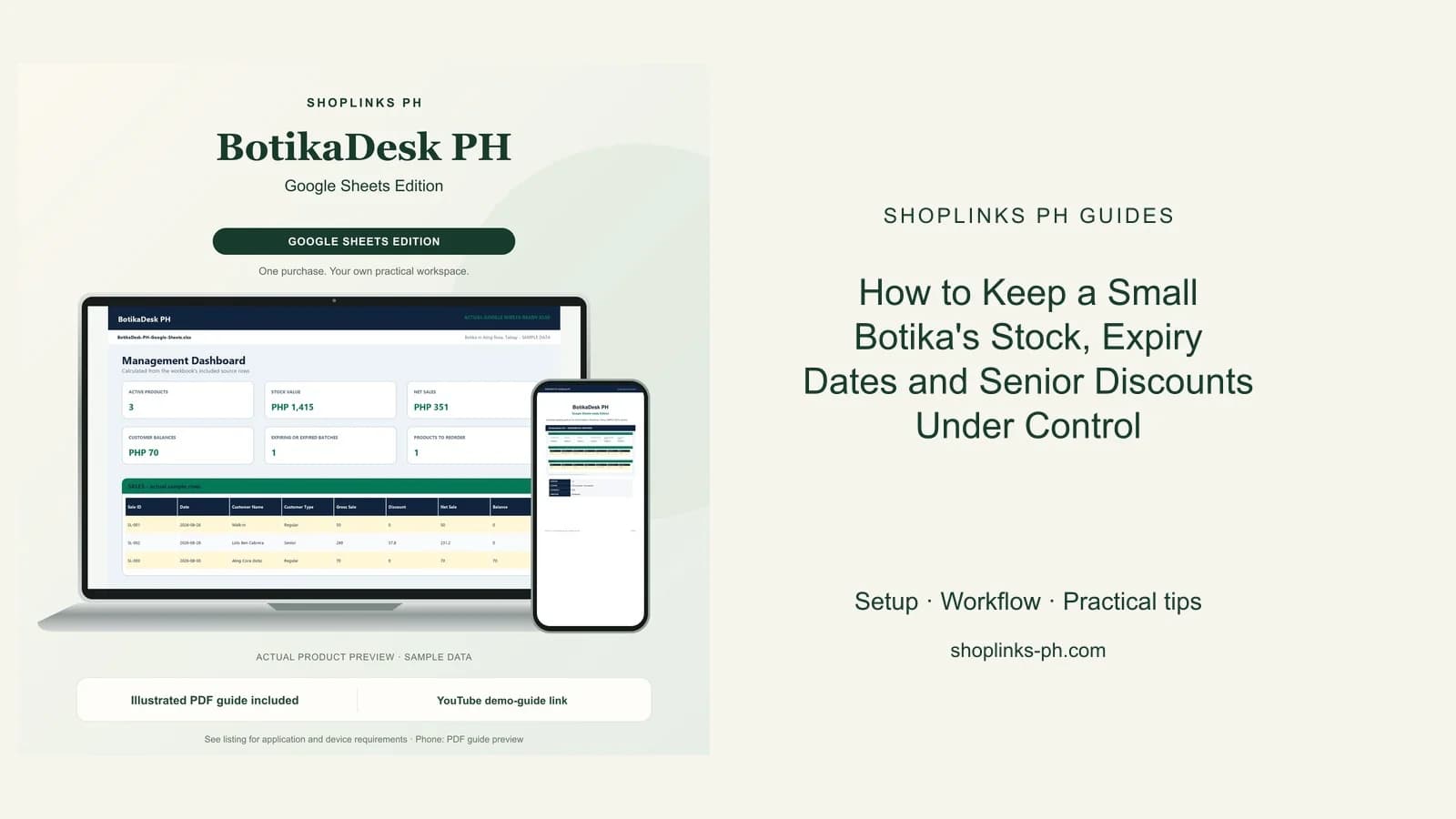
A botika sells hundreds of small items and every one of them has a date on it. Expired stock gets found by a customer, a fast-moving generic runs out on a Sunday, and senior discounts are computed by hand at the counter. BotikaDesk PH gives every product one row with stock on hand, every batch an expiry status, and every sale its own discount math.
Register products with their reorder level
Each product carries a generic name, unit, unit cost, selling price, and reorder level. Stock on hand is calculated from opening stock, deliveries, adjustments, and sale items.
The LOW STOCK sheet flags products at or below the reorder level so the weekly order is read off a list instead of counted from shelves.
Log deliveries as batches
A delivery becomes a Stock In movement plus a batch row with the lot number and expiry date. Days to expiry and Expiring or Expired status are calculated.
EXPIRY WATCH lists everything inside 90 days, which is when to move it to the front of the shelf or return it to the supplier.
Sell with the discount built in
A sale records the customer type and discount rate; items are added one per product. Gross sale, discount, net sale, and balance are formula-driven, so senior and PWD sales are consistent.
Lista customers simply carry a balance until a payment is recorded against the sale.
Reorder and pay suppliers from records
Purchases carry the invoice amount, what has been paid, and the due date, so supplier balances are visible before the delivery truck comes back.
A weekly review of CHECKS catches sale items pointing at unknown products and negative stock before the report misleads you.
Review exceptions every week
Resolve duplicate IDs, missing links, overdue balances, negative amounts, and open operational items in CHECKS before using the dashboard for decisions.
BotikaDesk PH Google Sheets Edition is designed for use with a Google account and current desktop Google Sheets.
No FDA or DOH licensing, prescription validation, drug-interaction or dosage advice, PhilHealth or insurance claims, barcode scanning, POS receipts, official receipts, or tax filing.