Key takeaways
- Keep one clear record definition
- Resolve input issues before using totals
- Retain an editable working copy
Start with one operational question
Track repeat service visits, open follow-up hours and recurring causes. One row is one revisit. A service reference may repeat; the record ID must remain unique. Ask the person maintaining the records to agree the unit and record meaning before entering actual work. Keeping that definition stable makes the results comparable across the team.
Prepare a working copy
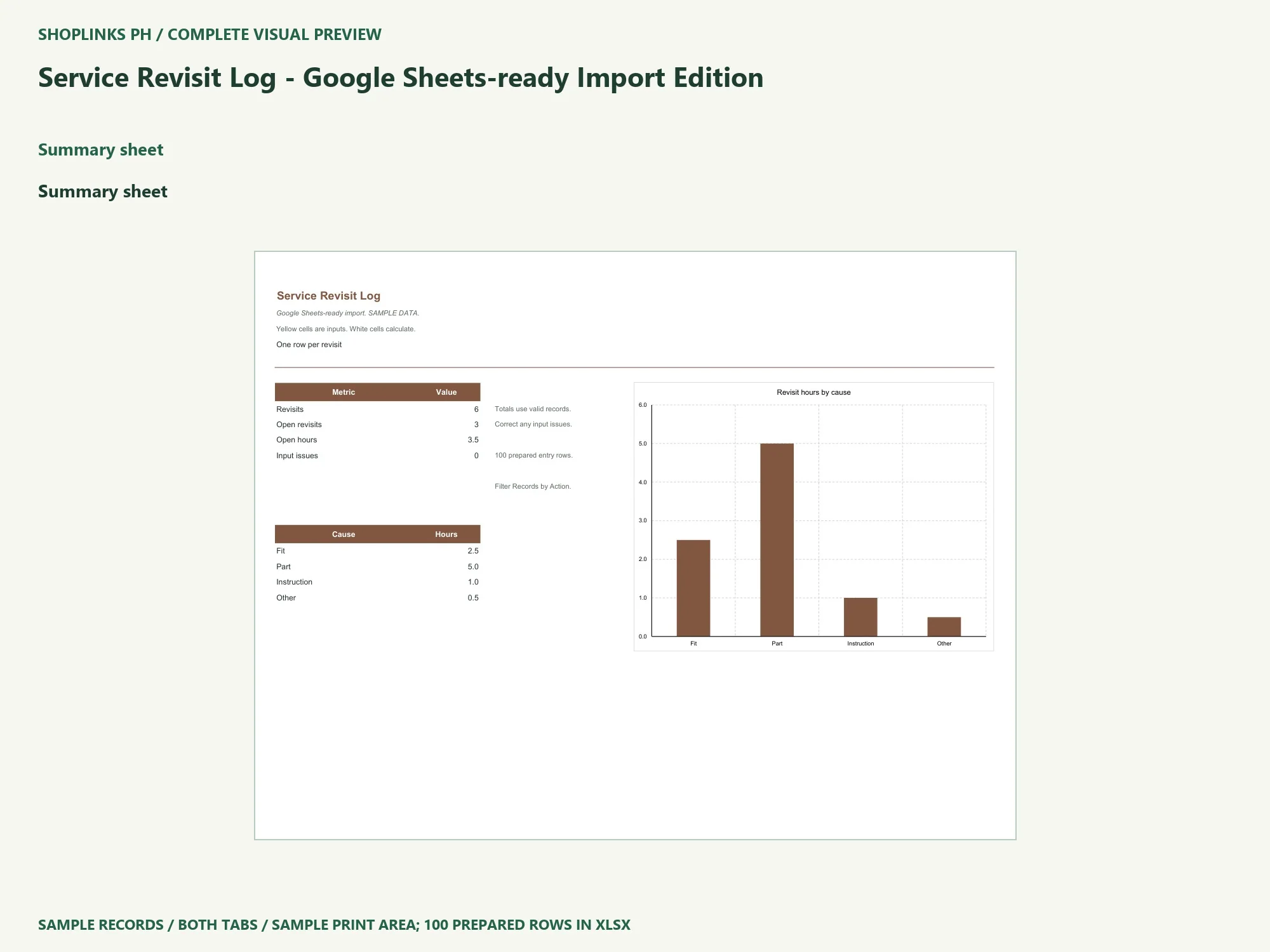
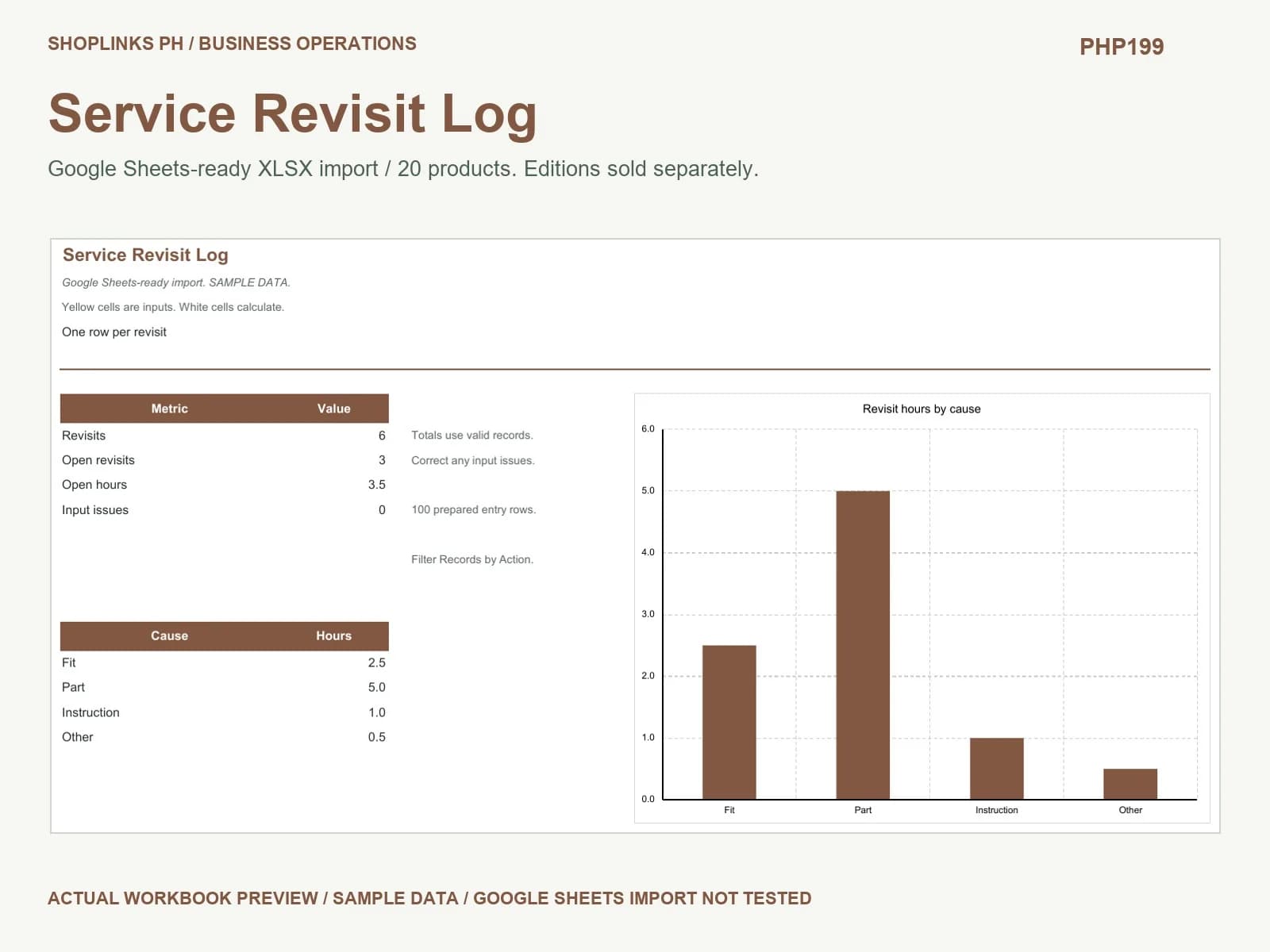
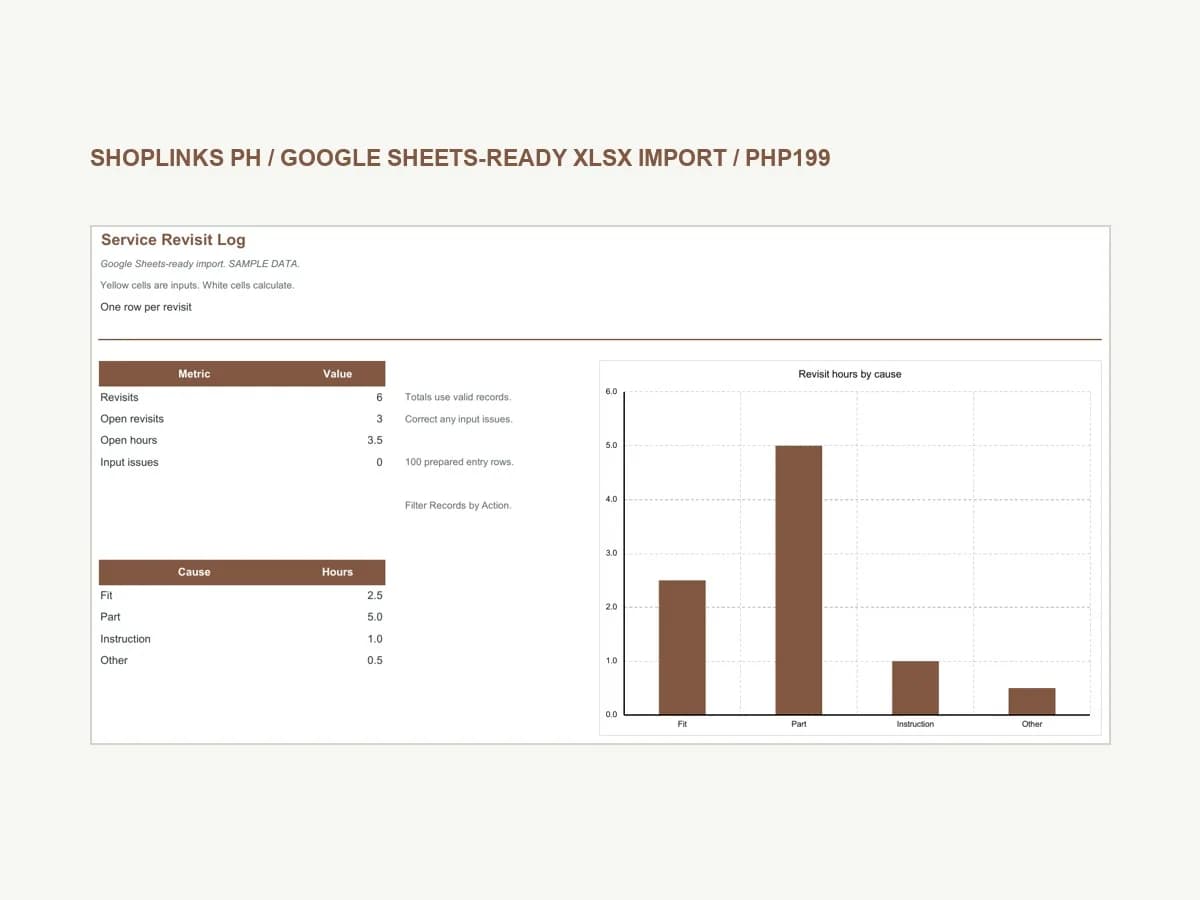
Import Workbook.xlsx into Google Sheets, then verify dates, formulas, validation, filters and chart updates. This edition is an import-ready file; native Google Sheets conversion has not been tested. The workbook includes Summary and Records. Six fictional sample rows show the expected level of detail. Replace these examples with your own records before relying on the totals. Store your working file in a location your team controls and keep a dated backup.
Keep inputs separate from calculations
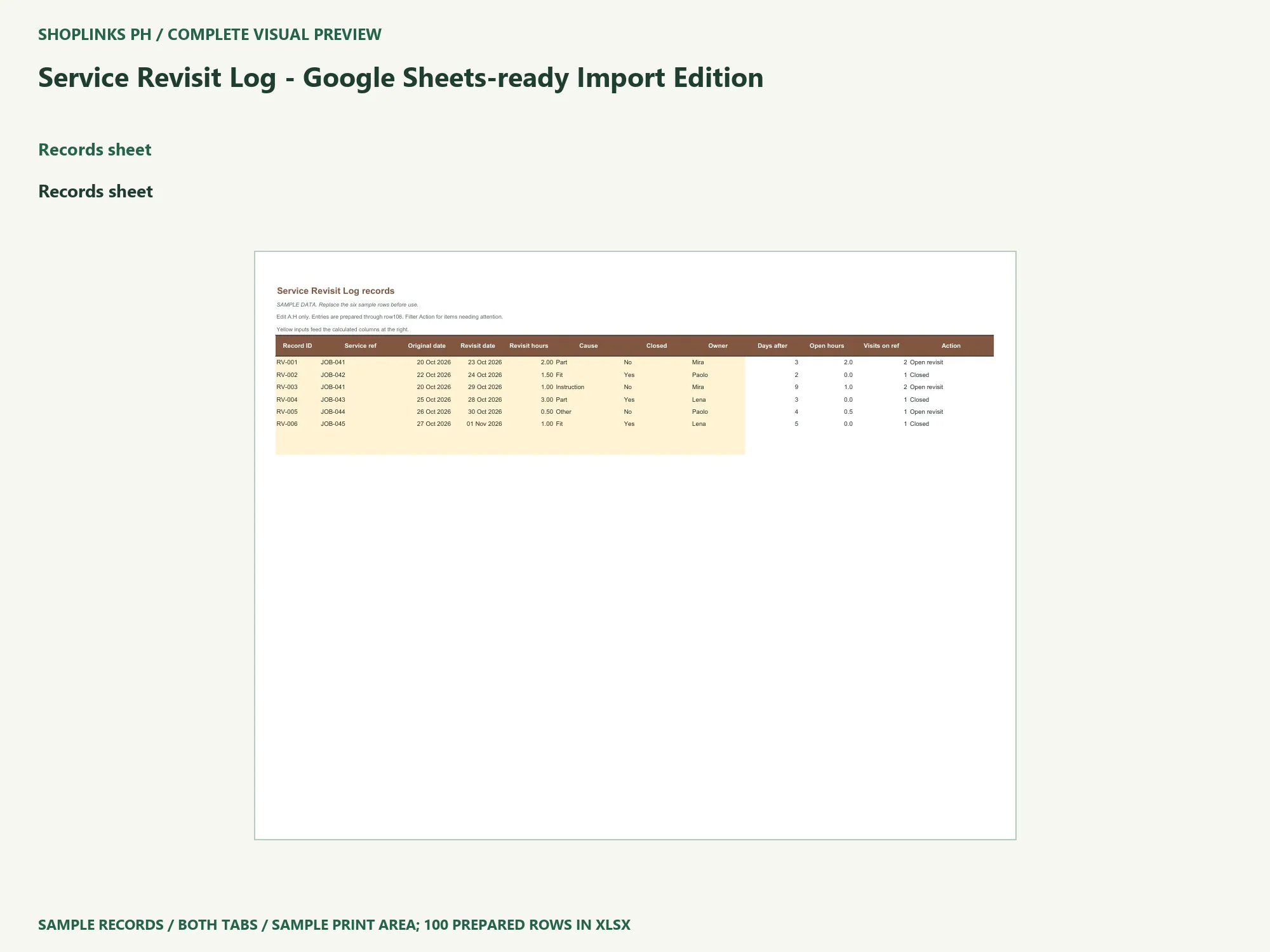
The yellow cells in A:H on Records accept your inputs: Record ID, Service ref, Original date, Revisit date, Revisit hours, Cause, Closed, Owner. Use a unique record ID, and keep a complete record on one row. White columns calculate Days after, Open hours, Visits on ref, Action. Do not paste a source table across the formulas when replacing sample data.
Read a complete worked example
JOB-041 has two sample revisits. Closing the two-hour visit leaves the separate one-hour visit open. Try the example in a disposable copy. Change one input, review the calculated values and inspect Summary. Restore the earlier value before making another change. This makes it easier to see which input caused a different result, rather than comparing two unrelated records.
Correct incomplete or inconsistent records
Missing input, Invalid number, Invalid input and Duplicate record identify entries needing correction. Numeric totals exclude these records and the summary shows an input-issue count. A real zero remains a zero. A blank optional date means that the event is still open, not that it happened on the reporting date. Use the same unit throughout each row, particularly when several people contribute data.
Review actions and retain a useful record
Filter the complete Records table by Action to find the next records to work on. The summary and chart include all valid records, including filtered-out rows. Assign follow-up to a named owner outside the formula fields. There are 100 prepared rows, from 7 through 106; start a new copy when full. Save the editable file, reopen it and check an edited value. Adjust the print area before exporting all actual records to PDF.
Choose the edition that matches your workflow
An operational follow-up log. Scheduling, diagnosis, warranties and service safety checks are separate. The local XLSX was recalculated in desktop Excel. Google Sheets engine behavior and converted formatting remain unverified; test the imported copy before entering actual business information. The PHP199 price covers this one edition. Other editions are sold separately. The download includes the workbook, illustrated PDF guide, static preview and narrated walkthrough.
View Service Revisit Log - Google Sheets-ready Import Edition
Application reference: Google Docs Editors Help: work with Excel files.
Complete page preview
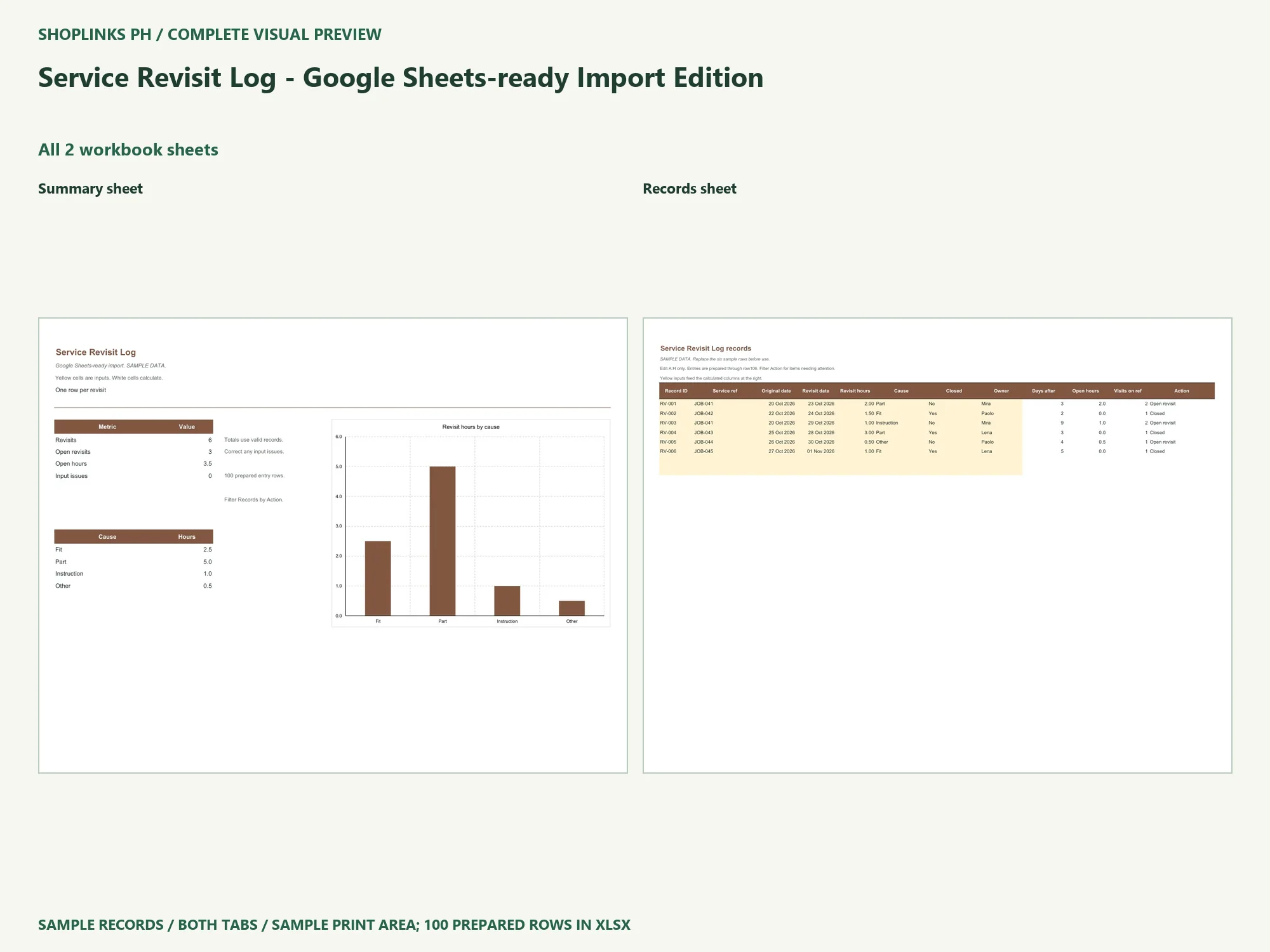
See all 2 workbook sheets below. These are static visual previews of the included source, with fictional sample content. Select an image to open it at full size and use browser zoom.
Both tabs are shown using the sample print area. The editable workbook has 100 prepared rows; the preview does not display every blank input row. Google Sheets conversion remains untested.