Key takeaways
- 10 print-ready A4 pages.
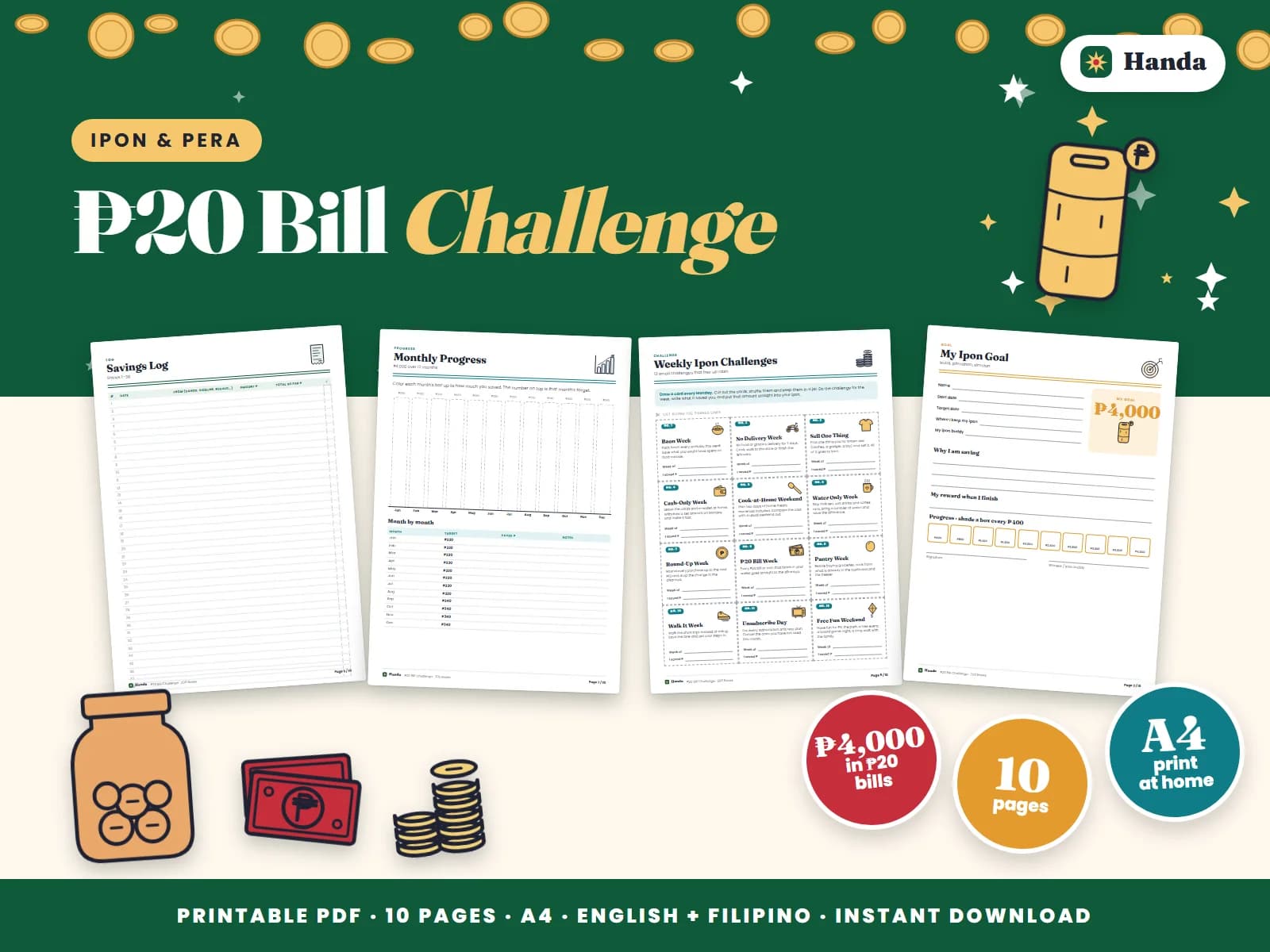
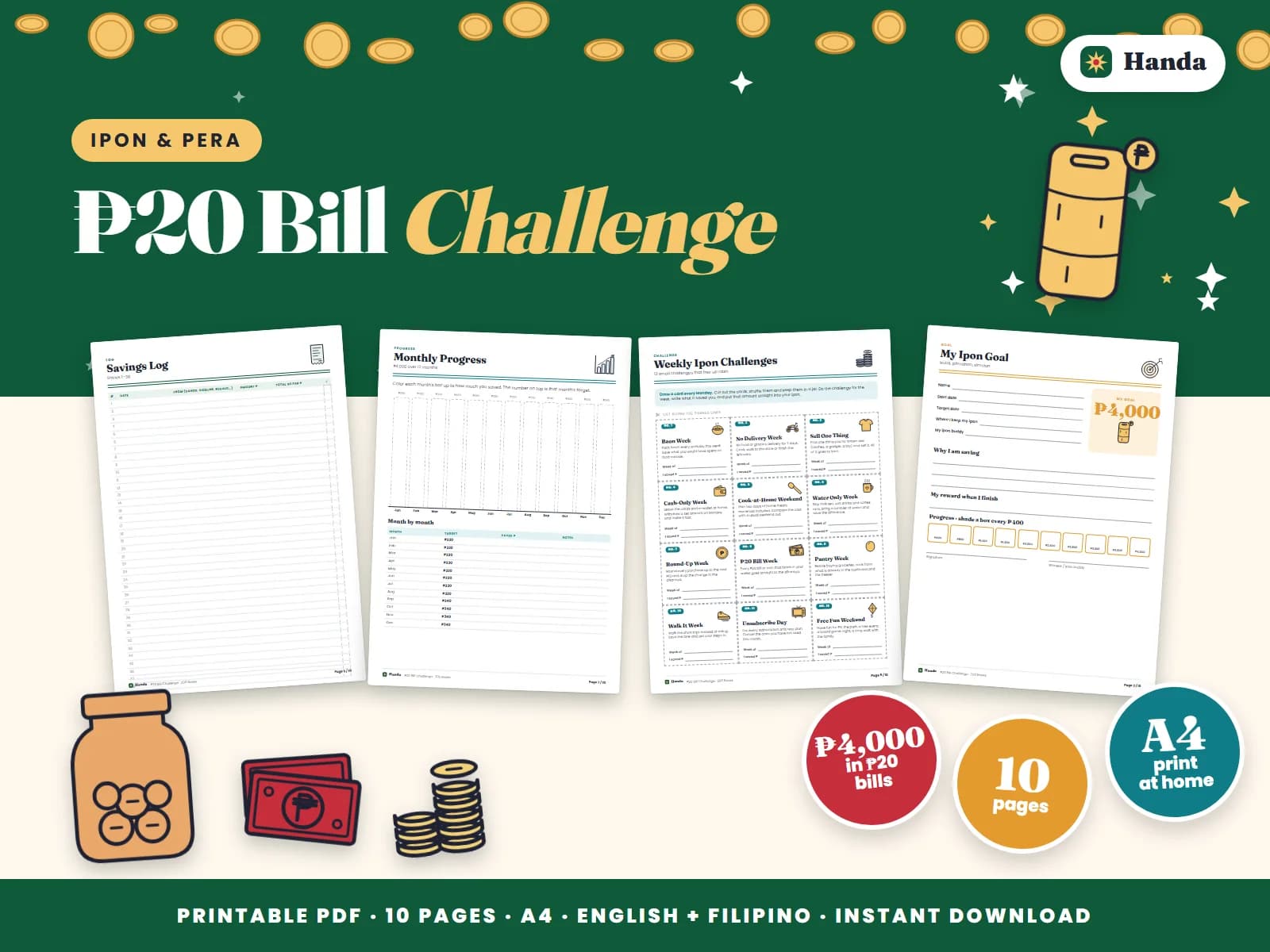
- Inside: how this kit works, a goal page, a ₱20 bill challenge, mini challenge cards, a savings log, a monthly progress, ipon tips and a certificate.
A year-long savings challenge you can actually finish. Choose the tracker that fits how you earn, shade a box every time you save, and watch your ipon grow peso by peso. ₱20 Bill Challenge is a 10-page printable ipon challenge kit that makes it easy to stay on track. Save every ₱20 bill or coin and shade a box: 200 boxes make ₱4,000.
What is inside
The pack has how this kit works, a goal page, a ₱20 bill challenge, mini challenge cards, a savings log, a monthly progress, ipon tips and a certificate. Everything is in English with Filipino where it feels natural, and every printed peso amount adds up exactly.
How to use it
Every page is ready to use: fill in your numbers in pen, shade or tick as you go, and keep the pages in one folder so you can see your progress at a glance. Each page has a short note on how to use it. Print a fresh copy whenever you start a new month or goal.
Tips for sticking with it
- Keep the pages in a folder with a pen clipped to it, near where you pay bills.
- Update the trackers once a week; five minutes is enough.
- Fill in the first page on payday, while the numbers are fresh.
Who it is for
It is made for anyone who wants to see their money clearly: students on allowance, young professionals, parents running the household and OFW families managing the padala. No apps, no sign-ups, just paper and a pen.
Make the habit stick
Small, regular check-ins beat big monthly clean-ups. Shade a box or write an entry every time money comes in or goes out, celebrate the milestones with something small, and if a month goes badly, start the next page fresh instead of giving up. These are tracking tools with general tips, not financial advice.
Printing
The file is an A4 PDF of 10 pages, a quick, focused set. Print at home or bring it to a computer shop on your phone. Plain bond paper works for every page; use cardstock for the goal page and certificate if the kit has them. You can print it as many times as you need for your own use.
Get ₱20 Bill Challenge for ₱69. The PDF download link is emailed right after payment.