Key takeaways
- Use stable IDs across registers.
- Keep inputs separate from formulas.
- Review exceptions before decisions.
- Retain official documents in their proper systems.
Small operations become difficult to manage when master records, transactions, payments, and follow-up items live in unrelated files. A controlled workflow starts with stable IDs and ends with an exception review.
Start with master records
Create the core customer, item, asset, unit, service, or event record before entering transactions. Reusing one exact ID allows summaries to remain traceable.
Separate source inputs from calculated results
Enter facts only in prepared input columns. Let formulas calculate totals, balances, status, and dashboard metrics. Keep supporting documents in their proper system.
Review exceptions every week
Resolve duplicate IDs, missing links, overdue balances, negative amounts, and open operational items before using the dashboard for decisions.
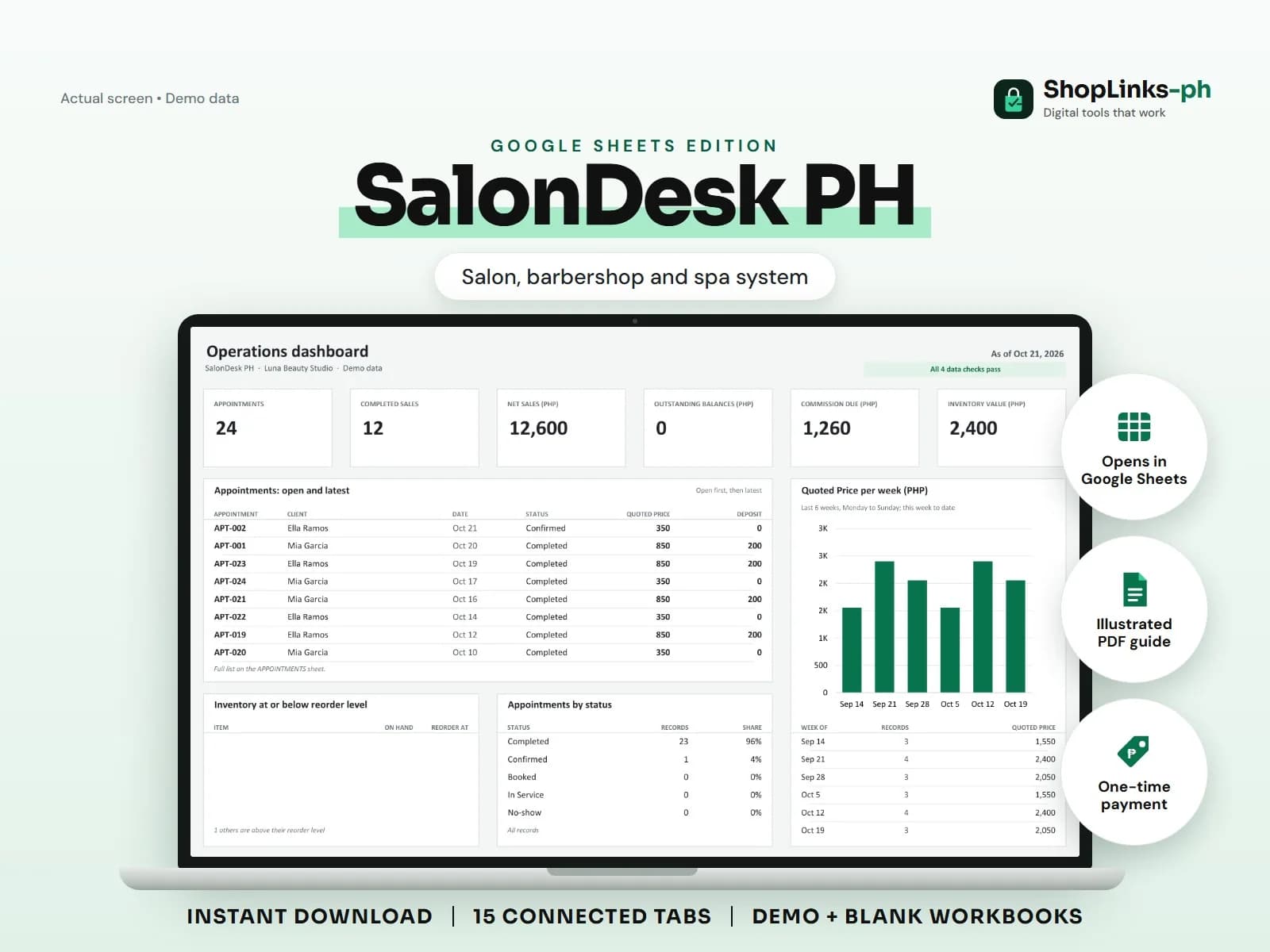
SalonDesk PH Google Sheets Edition is designed for use with a Google account and current desktop Google Sheets.
No medical records, diagnosis, treatment claims, payroll, tax filing, automatic calendar synchronization, messaging, or official receipts.
Frequently asked questions
Why use unique IDs?
They connect every transaction to the correct master record and make exceptions easier to trace.
Should calculated totals be typed manually?
No. Derived values should remain formula-driven from source rows.
Does this replace official records?
No. No medical records, diagnosis, treatment claims, payroll, tax filing, automatic calendar synchronization, messaging, or official receipts.