A simple markup can hide an expensive mistake. If a product costs PHP 200 and you add 30%, a PHP 260 price may look profitable. But the product cost is only one part of the sale. Packaging, labor, seller-funded delivery, vouchers, payment charges, platform fees, affiliate commissions, and advertising can all reduce the amount left after an order.
A more reliable pricing review separates the cost stack into four parts: fixed peso costs, percentage costs, target margin, and the promotion scenario. The method is useful whether you sell through a marketplace, a social page, a website, or direct chat.
1. Map every fixed peso cost
Start with costs that can be stated as a peso amount for one completed sale. This can include acquisition or production cost, packaging, labels, labor or handling, a shipping subsidy, and any fixed seller-funded voucher.
Use the same unit basis. If you buy tape in rolls or print labels in batches, divide the total by the realistic number of orders it supports. Do not use a best-case number simply to make the price look better.
2. Add percentage costs separately
Some costs grow with the selling price. Examples can include a marketplace commission, transaction or payment charge, affiliate rate, advertising allocation, or another percentage-based deduction.
Copy each rate from the current document or dashboard that applies to your seller account, product category, campaign, and payment method. Do not assume that a rate seen in an old video, group post, or previous campaign is still correct. Date the review so you know when to check again.
3. Calculate the break-even price
Add the fixed peso costs first. Then total the percentage-cost rate. A practical break-even formula is:
Break-even price = fixed peso costs / (1 - total percentage-cost rate)
If fixed costs are PHP 250 and percentage costs total 19.5%, the break-even price is about PHP 310.56. Selling below that level creates a loss before tax under those assumptions.
4. Add a target net margin
Markup and margin are not the same. Markup compares profit with cost. Net margin compares profit with selling price. If your decision is based on how much of each sales peso should remain, use a target net margin.
Target price = fixed peso costs / (1 - percentage-cost rate - target margin rate)
Using the same PHP 250 fixed costs, 19.5% percentage costs, and a 25% target margin produces a target price of about PHP 450.45. A tested selling price of PHP 499 would leave about PHP 151.70 per sale, or a 30.4% margin, before tax and any omitted costs.
5. Stress-test a discount
A discount lowers profit per sale. Higher volume can offset that reduction, but only if the additional orders happen and the cost assumptions remain valid. Compare regular and promo scenarios using separate unit estimates.
For example, 20 sales at PHP 499 under the assumptions above produce about PHP 3,033.90 in estimated total profit. A 10% promo price of PHP 449.10 produces about PHP 111.53 per sale. At 28 promo units, estimated total profit becomes PHP 3,122.71 - only PHP 88.81 more despite eight additional orders.
That comparison is not a forecast. Before approving a promotion, also check inventory, cash flow, cancellation or return risk, fulfillment capacity, and campaign requirements.
6. Keep a dated pricing record
Export or print the inputs and results. Attach the seller or payment documents used for the rates. Review the price whenever product cost, packaging, shipping contribution, commission, payment method, affiliate arrangement, ads plan, or discount changes.
Philippine online merchants also operate within consumer and business obligations. DTI's e-commerce resources emphasize merchant registration, transaction records, truthful information, and applicable online-business rules. A calculator can support the arithmetic, but it cannot decide which legal or tax requirement applies to a specific business.
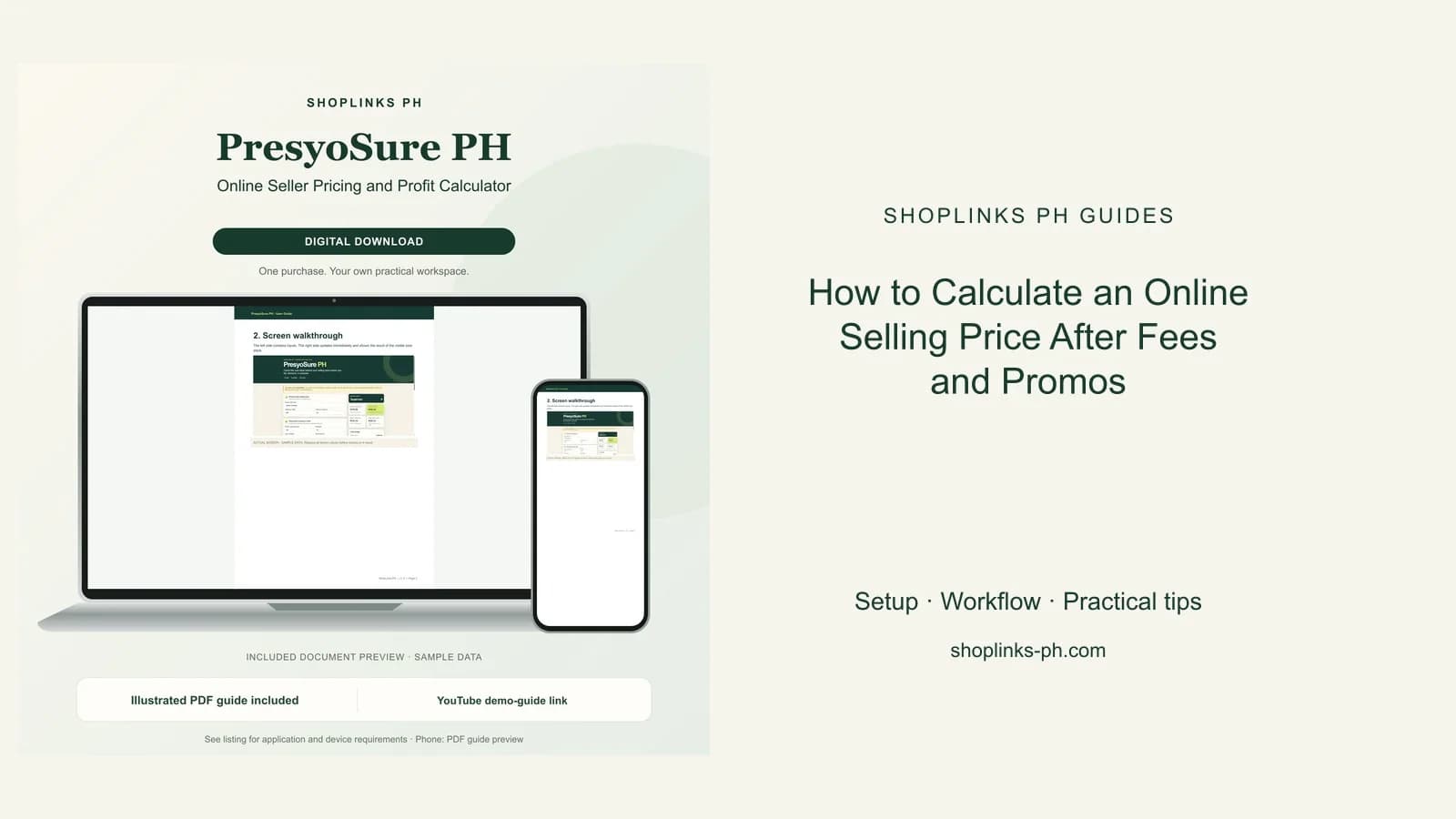
PresyoSure PH turns this six-step review into a private offline calculator with break-even, target-price, actual-profit, and promo-comparison outputs. All rate fields stay editable, and no pricing data is uploaded.
This guide is educational and does not provide tax, legal, accounting, or marketplace advice or guarantee sales or profit.