Key takeaways
- Compare the final package with the agreed deliverables.
- Test the package as a new recipient would.
- Keep limitations and follow-up visible.
- Leave a clear record after delivery.
Start with the next decision
Package deliverables, document open items and confirm a usable handoff. For freelancers and small service teams delivering project files, the useful starting point is a concrete task with an owner and a finished result. A document helps only when it makes the next action easier to understand. Start with one real case and keep the amount of paperwork proportionate to the work.
Use a small practice case
Fictional designer Alex delivers a menu-layout project to Isla Cafe. The agreed package contains print PDFs and editable design files; all project details are invented. Before using real records, walk through a fictional case like this. It makes missing inputs easier to notice without exposing private customer or business details. The sample quantities, dates and amounts illustrate the process; they are not recommendations for your own operation.
Delivery scope check
Compare the final package with the agreed deliverables. Use the latest approved scope as the reference. Flag missing or changed items before sending the package.
For example: Menu project: two print PDFs and one editable source folder are included. Social graphics were outside the approved scope. Do not quietly substitute a preview image for an editable file that was promised.
Pre-delivery quality check
Test the package as a new recipient would. Extract the delivery ZIP into a clean folder. Open every promised format and inspect the actual exported files.
For example: Clean extraction passes. One linked image is missing from the editable source; add the permitted image and repeat the check. Checking your working folder alone does not prove the ZIP is complete.
Known issues and open items
Keep limitations and follow-up visible. Describe the practical impact rather than vague warnings. Separate unfinished promised work from optional future requests.
For example: Client has not supplied the final QR destination. Print PDF remains on hold until the approved link is received and tested. An open item affecting the agreed output should not disappear from the handoff summary.
Archive and closeout
Leave a clear record after delivery. Keep the exact delivered version distinct from later working files. Apply the agreed retention and access plan.
For example: Archive menu-delivery-v1.zip with the client receipt. Record pending source-access removal after the support window ends. Do not delete client data or revoke access without the agreed authorization.
Test the exception before sharing the record
Try the same task with one missing input: an unanswered question, a changed quantity, an absent owner or an unconfirmed date. Keep the affected decision visibly open, assign a person to confirm the fact and set a next update. A blank response should never silently turn into an approval. Write N/A with a reason when a field does not apply, and preserve the evidence needed to understand your decision later.
Keep one current working copy
After using the record, note the step that caused confusion and revise that part. Add a revision date so the next person can identify the current copy. Archive the completed record according to your business needs, and share only the information the recipient needs. Keep examples clearly labeled and check names, dates, amounts, links and permissions before sending a customer-facing message.
A ready-made starting point
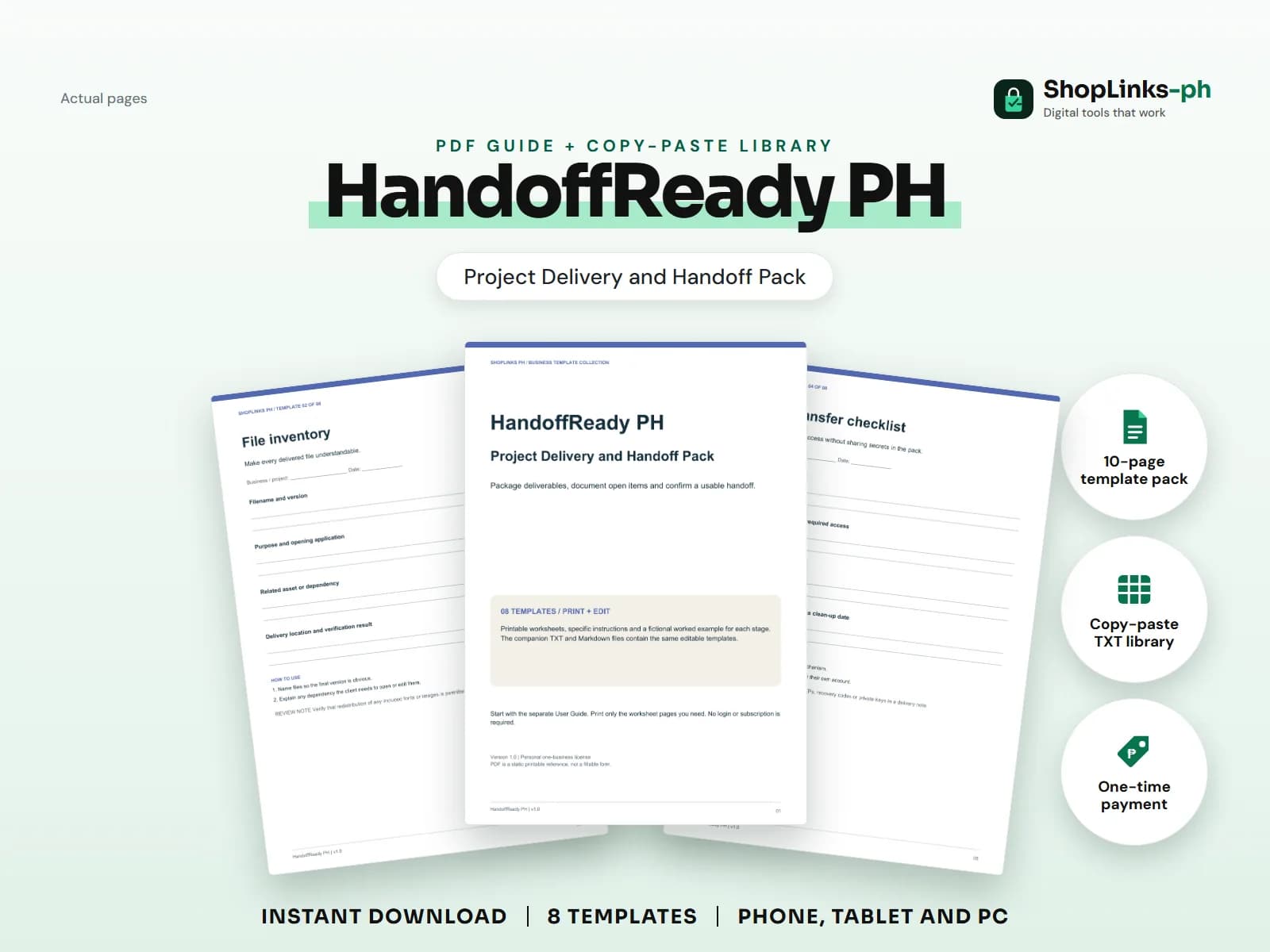
HandoffReady PH includes eight practical templates, a printable PDF, editable TXT and Markdown versions, fictional worked examples and an illustrated user guide. Delivery planning only; no contract, legal acceptance form, hosting, password vault or project-management integration. You can print the relevant page or copy the text into your preferred editor, then adapt it to the actual task.