Key takeaways
- Approval and handover are recorded separately.
- Tranches need no second entry.
- Each program keeps its own fund balance.
- Over budget is flagged before the next release.
Watch the supporting video
Watch the YouTube guide here while following this article.
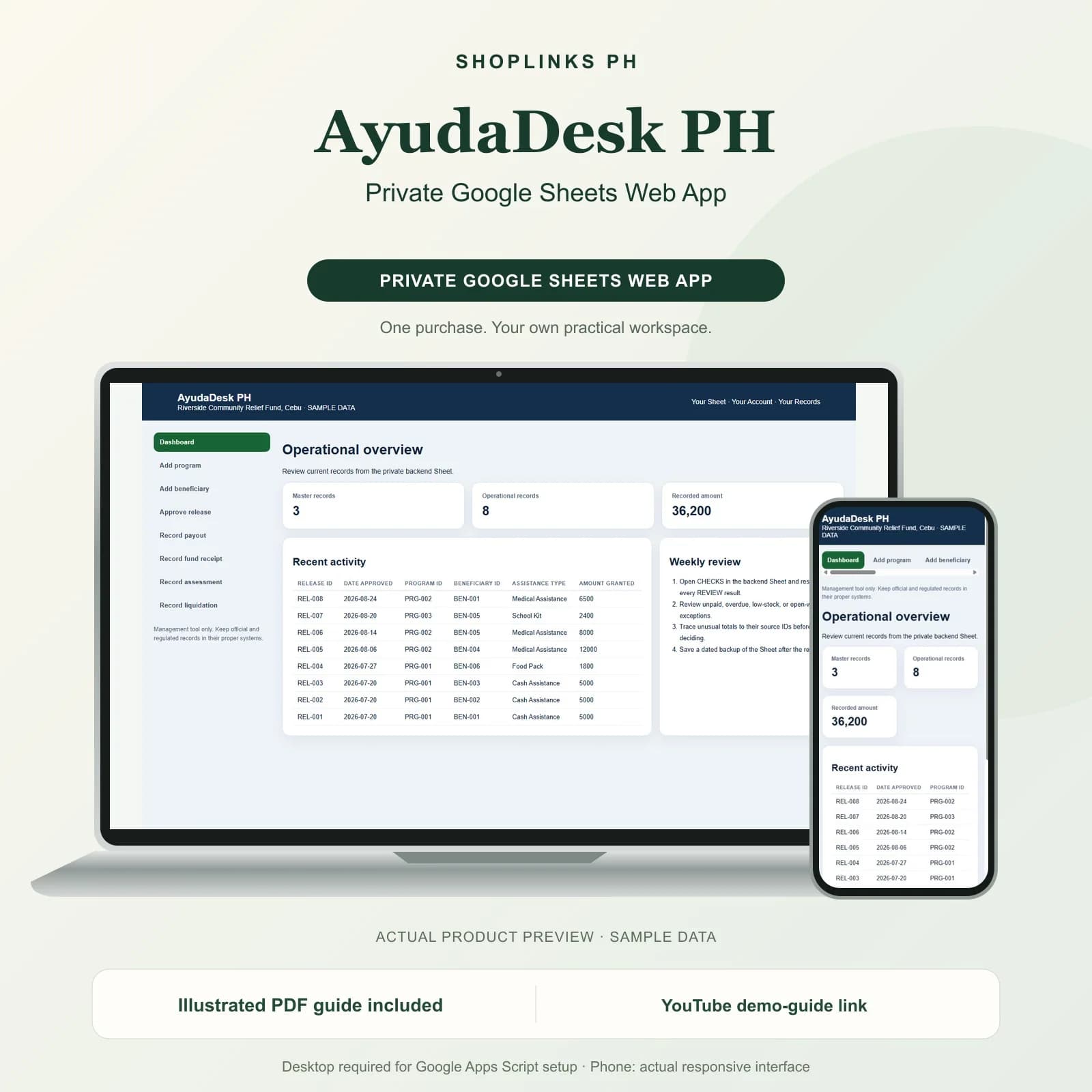
Assistance work is judged on trust, and trust is lost on the details: a beneficiary who says they never received their share, a donor asking where the money went, a fund that appears smaller than it should. AyudaDesk PH keeps programs, beneficiaries, approved releases, actual payouts, incoming funds and liquidations as connected rows, so that every peso can be traced from the donor who gave it to the person who signed for it.
Approval and handover are different events
A release is the approval: this program will give this beneficiary this amount. A payout is the handover, with the date, the method and who actually received it.
Keeping them apart is what makes tranches possible and what lets a payment made direct to a hospital be recorded honestly against the beneficiary it helped.
Balance and status without bookkeeping
Amount released is the sum of the payouts against that release. Balance is what is granted less what has gone out, and the status reads Pending, Partial or Released.
A field team can therefore see at a glance which approved grants are still unclaimed, which is the list that actually needs following up.
Each program keeps its own fund
Fund receipts and liquidations both name a program. The program ledger totals receipts, releases and liquidations, so each program's fund balance stands on its own.
That is what stops a well-funded program from quietly subsidising an underfunded one, which is the single most common finding in a community fund review.
A budget check before the next approval
Released plus liquidated is compared against the program's budget, and the row reads Over budget or Within budget.
The checks add duplicate release identifiers, releases naming a beneficiary who is not listed, payouts naming a release that does not exist, and any grant paid beyond the amount approved.
Review exceptions every week
Resolve duplicate IDs, missing links, overdue balances, negative amounts, and open operational items in CHECKS before using the dashboard for decisions.
AyudaDesk PH Private Google Sheets Web App is designed for use with a Google account, Google Sheets, and Apps Script, using owner-only deployment by default.
No government reporting format for DSWD, COA or any funding agency, no eligibility scoring or means testing, no beneficiary identity verification against a national list, no disbursement through any bank or e-wallet, and no audit certification.